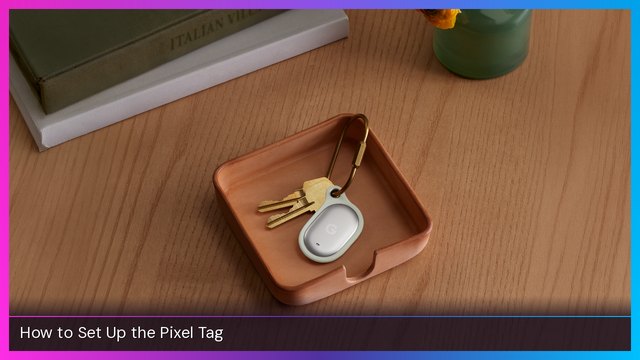
Pixel Tag
How to Set Up the Google Pixel Tag
Step-by-step Pixel Tag setup in Google's Find Hub app: Fast Pair, left-behind alerts, Ring this phone, precision finding, sharing and battery tips.
Step-by-step guides, first things to do, and setup walkthroughs for phones, computers and other tech.
Step-by-step Pixel Tag setup in Google's Find Hub app: Fast Pair, left-behind alerts, Ring this phone, precision finding, sharing and battery tips.
A step-by-step look at swapping the stock lenses on Meta Burbank audio-only glasses for VR Wave prescription and transition lenses, plus how the photochromic lenses perform…
How to pair Samsung Galaxy Buds On with an iPhone over Bluetooth and with non-Samsung Android via Galaxy Wearable, plus what's missing.
How to swap the lenses on Ray-Ban Meta Gen 3 glasses for VR Wave prescription or transition lenses, a cheaper alternative to ordering lenses through Meta.
Set up Samsung's open-air Galaxy Buds On: pairing, connecting to a Galaxy phone, touch controls, voice commands, head gestures, UHQ audio and more.
Step-by-step Galaxy SmartTag 3 setup in the SmartThings app: pairing, left-behind alerts, smart button actions, ringtones and power saving mode.
The two products I actually use to clean my iPhone Duo's screens and body: individually wrapped Zeiss lens wipes for travel and Screen Mom spray at home.
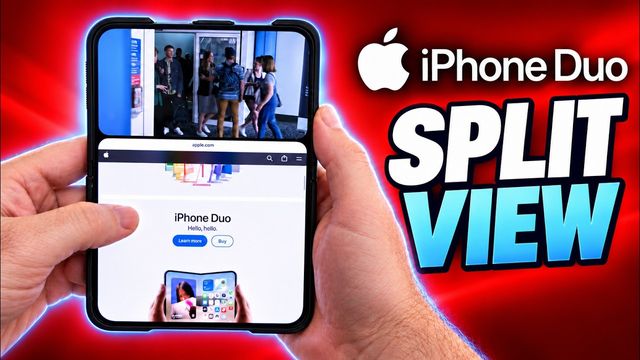
How to use Split View on the iPhone Duo: the swipe-up gesture, swapping windows, opening Split View from the home screen, and the vertical trick for video.

Set up Ray-Ban Meta Burbank audio glasses: pairing in the Meta AI app, firmware, nose pads, music, messaging, voices, controls and Find Device.
Get ready for iPhone Duo pre-orders: pick your config and backups, use Apple's Get Ready, check logins, payment, upgrade eligibility and set an alarm.
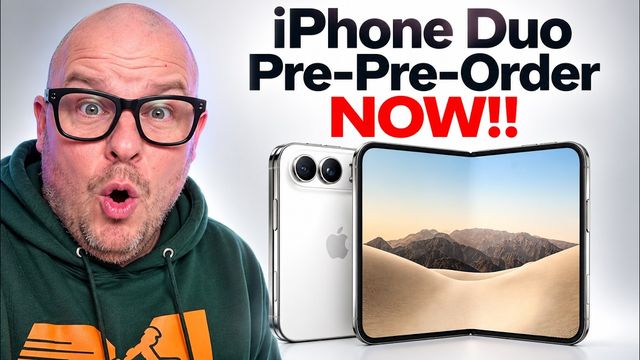
I walk through Apple's Get Ready for the iPhone Duo: picking color and storage, trade-ins, AppleCare One, Apple Card cash back, and my hedge plan.
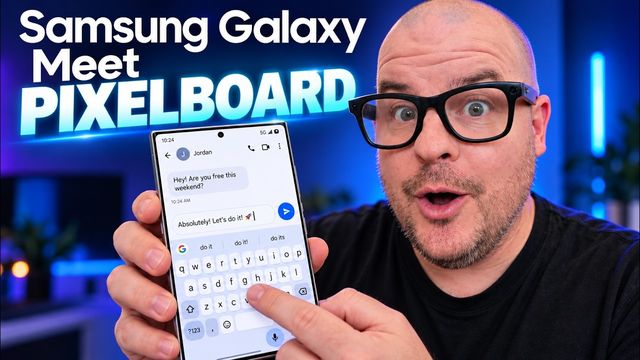
How I install PixelBoard on my Samsung Galaxy to get Google's Rambler AI voice typing: download, set it as default, turn on Rambler and keep it updated.
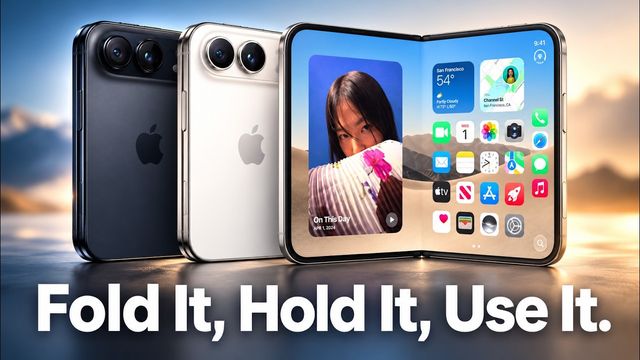
Apple's developer video shows seven iPhone Duo poses, from closed compact to tent and tabletop. Which ones I think you'll actually use.
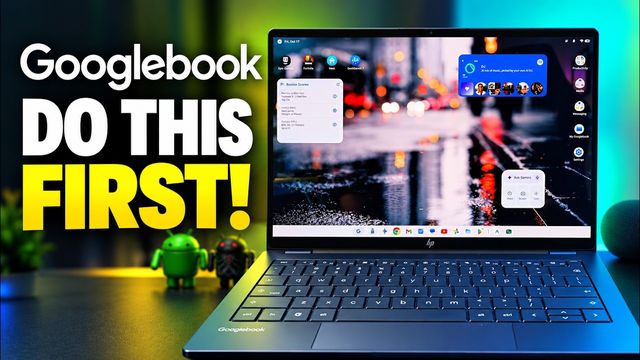
Setting up the HP Googlebook: updates, AI-made widgets, multitasking, quick toggles, touchpad, display, Magic Pointer, shortcuts and biometrics.
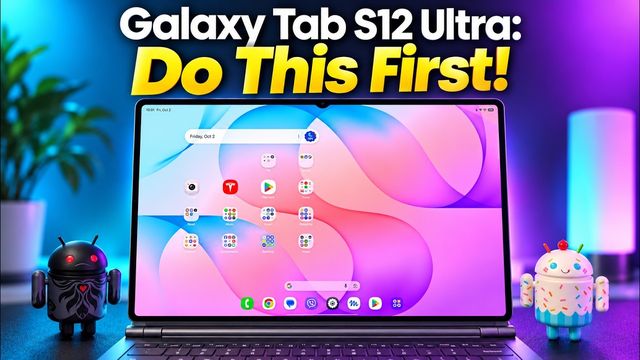
Galaxy Tab S12 Ultra and S12+ setup tips: 4K camera settings, home screen, quick panel, Wi-Fi, Quick Share, Galaxy AI, Dolby Atmos, taskbar and Good Lock.
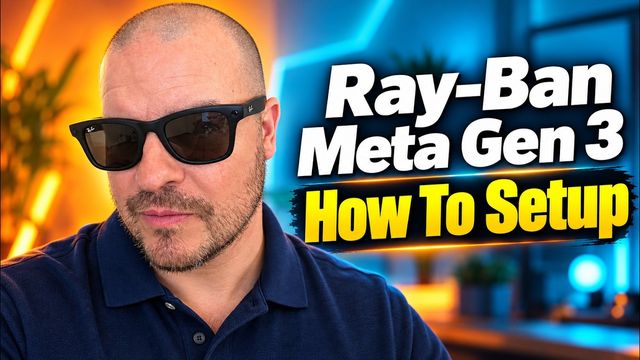
Step-by-step Ray-Ban Meta Gen 3 setup: pairing in the Meta AI app, connecting music and messaging apps, Wi-Fi, voice settings and the controls.
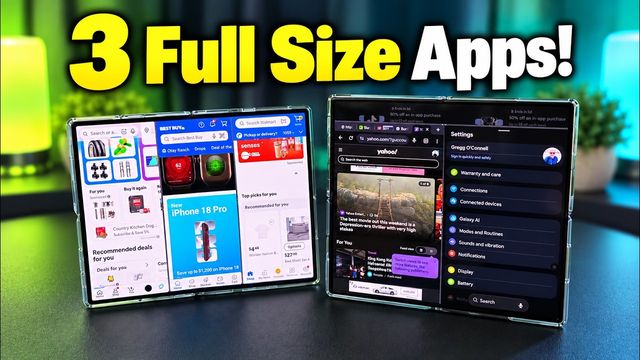
The Fold 8 runs three full-height windows. This 90/10 split trick gets the Galaxy Z Fold 8 Ultra close, and you can save it to your home screen.
How to set a moving wallpaper on a Galaxy lock screen and home screen with the Gallery app, Wallpaper Engine or TikTok, plus Tapet.
The first 20 things I change on the Pixel 11 Pro Fold: spam filtering, voice translate, camera, notification history, display contrast and power button.
The first 20 things I change on the Galaxy Z Flip 8: cover screen apps, 4K60 video, 24MP photos, call screening, face unlock and faster animations.

Unboxing and step-by-step setup of the Meta Adventurer AI glasses, plus the settings I change: voice, video, action button, find my glasses and more.
The first settings to change on the Galaxy Z Fold 8 Ultra: call screening, scam detection, 24MP and UHD 60 camera, Dolby Atmos, animations and Gboard.
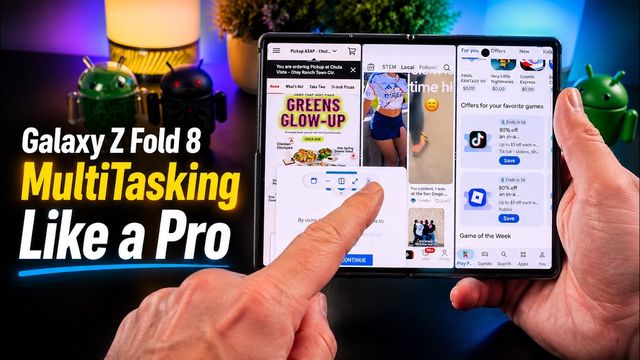
How to multitask on the Galaxy Z Fold 8: settings to turn on, cover screen split view, app pairs, edge panels, three vertical windows and pop-ups.
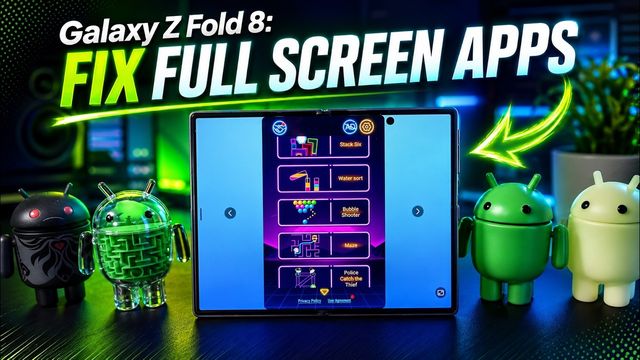
Apps cut off or stuck in portrait on the Galaxy Z Fold 8's wide inner screen? Fix them with the aspect ratio setting and Landscape view for portrait apps.
The first 20 settings to change on a new Galaxy Z Fold 8 or 8 Ultra, from camera and quick panel tweaks to display, unlock, Gboard and call settings.
The first 20 settings I change on the Lenovo Legion Tab Gen 5: themes, home screen, Wi-Fi, refresh rate, Dolby Atmos, face unlock, gestures and more.
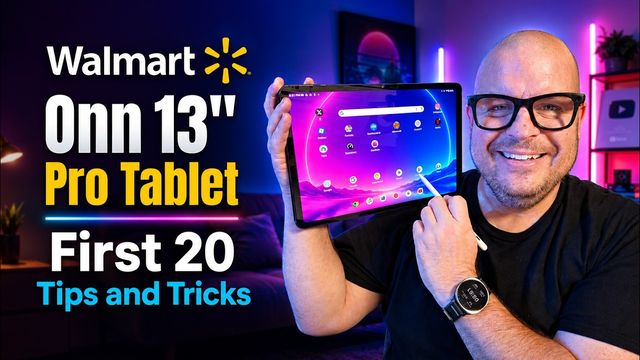
The first 20 things I set up on the Walmart Onn Tablet 13 Pro: wallpaper, quick toggles, Wi-Fi, default apps, 120Hz, battery and face unlock.
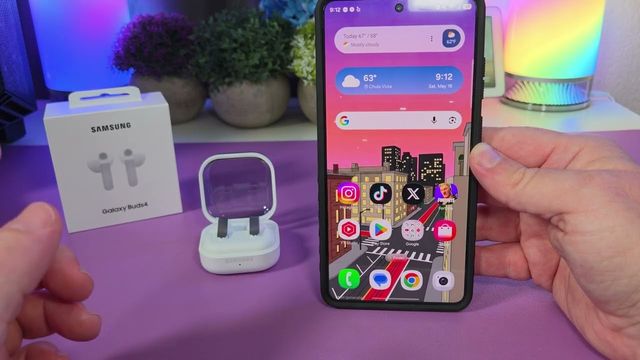
Step by step: how to pair the Samsung Galaxy Buds4 with an iPhone, a Samsung Galaxy phone, any Android phone or tablet, and a Windows PC.
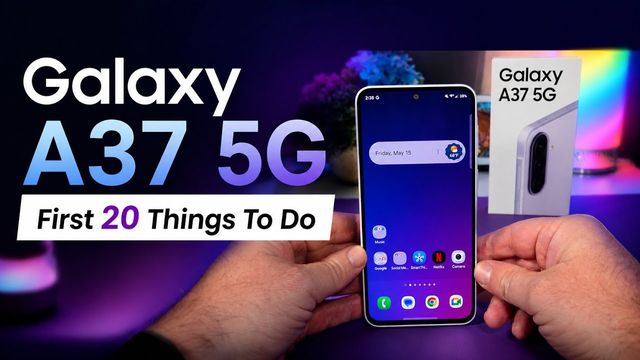
The first 20 settings I change on the Galaxy A37 5G: 4K camera, quick panel, Dolby Atmos, vivid display, battery, face unlock and updates.
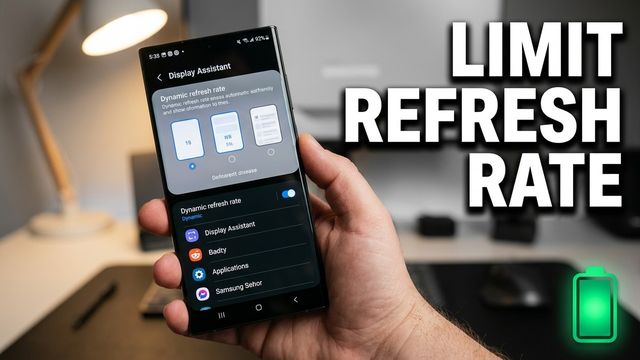
Cap any app at 60Hz on your Samsung Galaxy to save battery, using Good Lock's Display Assistant module. Here's how to set it up app by app.