Samsung Galaxy
Samsung Galaxy: How to Scan QR Codes, Documents and Photos
How to scan documents, photos and QR codes on a Samsung Galaxy phone with the camera app and Samsung Notes, then save them as a PDF or image.
How to scan documents, photos and QR codes on a Samsung Galaxy phone with the camera app and Samsung Notes, then save them as a PDF or image.
The simplest free way I've found to turn any song or sound into a ringtone on a Samsung Galaxy phone: screen record, extract the audio, set it.
If your phone plan limits video quality, 4K YouTube can stutter even on fast 5G. Here's how a VPN got me smooth 4K playback on Metro by T-Mobile.
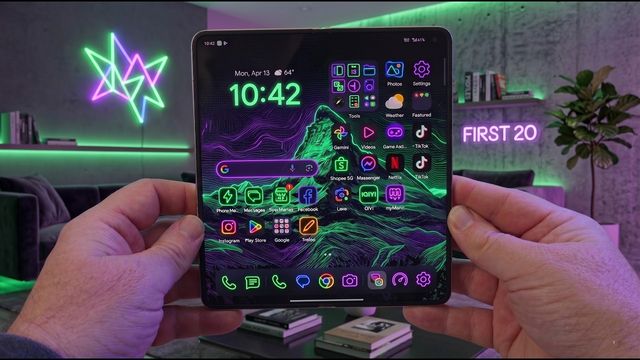
The first things I change on the Oppo Find N6 foldable: 4K60 video, home screen swipe, quick settings, taskbar, vivid display, Snap Key and more.
The Galaxy S26 can AirDrop. Here's how to turn on Share with Apple devices in Quick Share and send or receive photos and files with a Mac or iPhone.
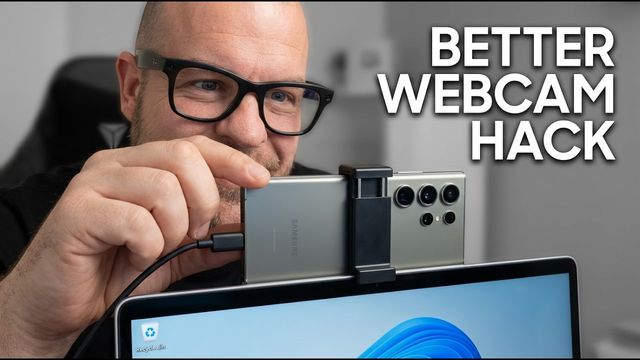
Your Galaxy S26, S26+ or S26 Ultra can be a USB webcam for a Windows PC. Here's how to turn it on, use high quality mode and pick it in your video app.
The first settings I change on the base Galaxy S26: call screening, scam detection, 4K video, 24MP photos, quick panel, Galaxy AI, vivid display and more.
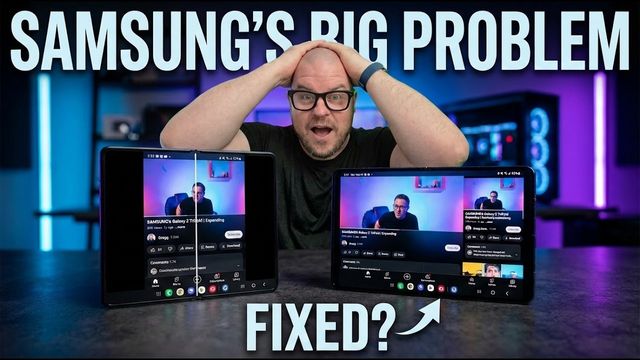
Some apps, like Yelp, won't fill the Galaxy Z TriFold's big screen. Two settings fix most of them: landscape view for portrait apps and aspect ratio.
How to pair the Samsung Galaxy Buds 4 Pro with an iPhone in a few steps, what still works (controls, modes) and what you can't do without the app.
How to pair the Galaxy Buds 4 Pro with a non-Samsung Android phone or tablet using the Galaxy Wearable app, so you still get updates and most features.
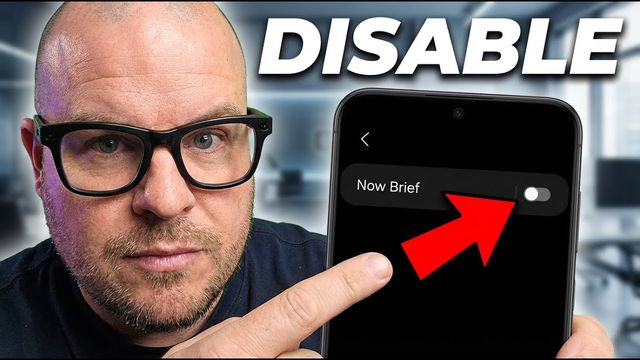
Don't want Now Brief showing on your Samsung Galaxy lock screen and Always On Display? Here's the one switch that hides it.
The first 20 things I change on the Galaxy S26 Ultra: 4K60 video, camera, quick panel, data warning, Galaxy AI, privacy display, vivid colors and more.
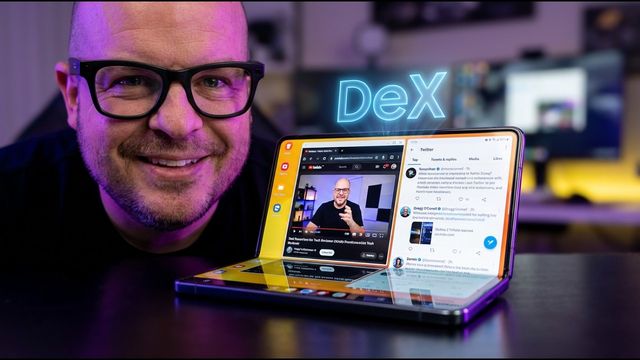
Set your Galaxy Z TriFold to jump into DeX whenever you fully open it, using a custom mode in Modes and Routines. Step by step.
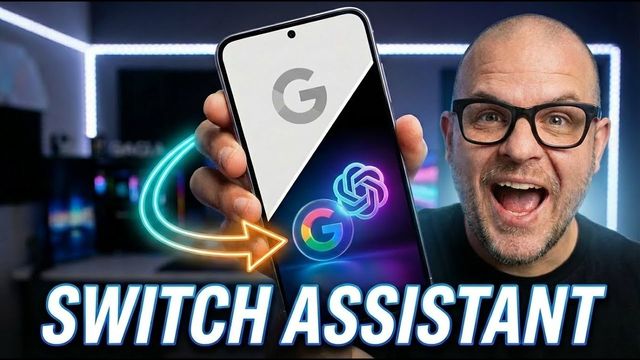
Switch your Samsung Galaxy's digital assistant to ChatGPT, Gemini, Alexa or Meta AI, and set the side button to open it. Here's where the settings are.
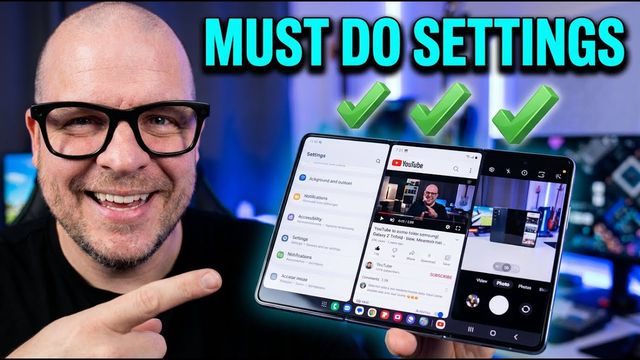
The first 20 things I change on the Galaxy Z TriFold: 4K60 video, a 10x6 home grid, quick panel, Galaxy AI, vivid display, unlock settings and DeX.
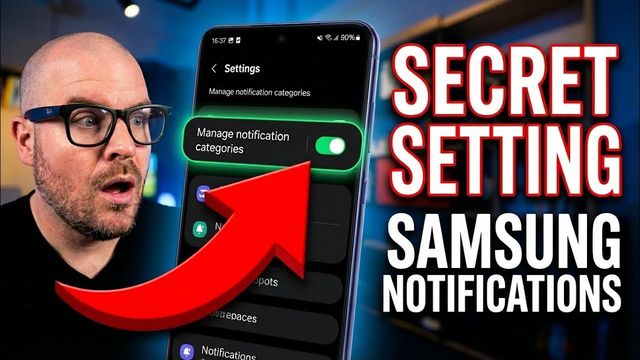
Give each app its own notification sound on your Samsung Galaxy. Turn on notification categories, then pick a sound for any app or category.
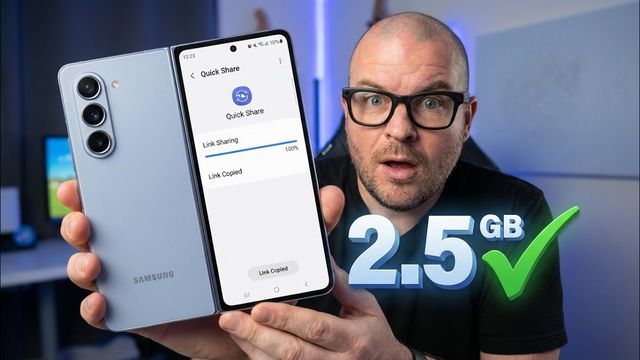
Video too big to text? Five ways to send long videos from a Samsung Galaxy phone: a Quick Share link, lower resolution, Google Photos links and more.
A simple step-by-step setup for anyone who finds their Samsung Galaxy confusing: Easy mode, bigger text, buttons, PIN and face unlock, spam calls and more.
Turn on Device lock in the Meta AI app so nobody can make calls, read your messages or share your photos from your Ray-Ban Meta glasses without your phone.
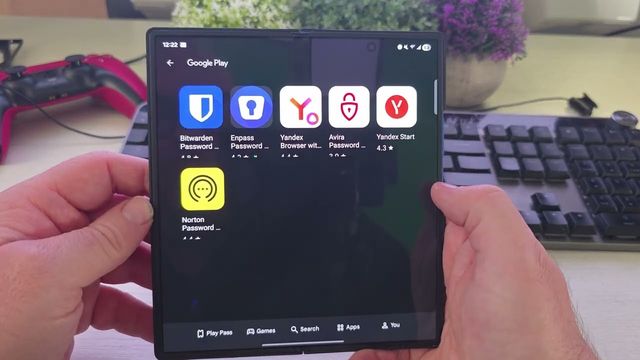
Pick your preferred password manager on a Samsung Galaxy phone and turn Samsung Pass or other autofill services on or off, step by step.
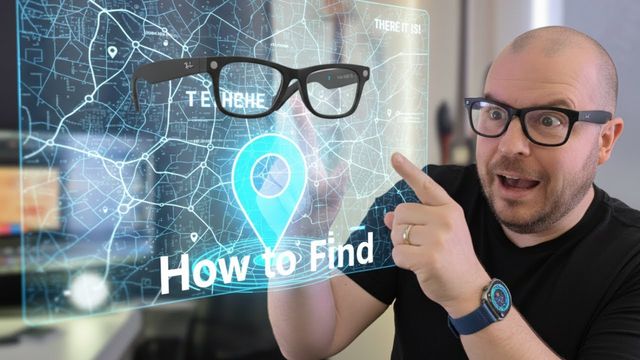
How to turn on Find device for Ray-Ban Meta glasses in the Meta AI app, see their last location on a map, and what the feature can't do.
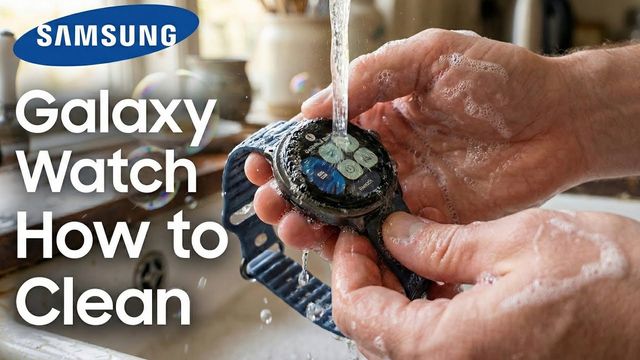
My Galaxy Watch 8 fabric strap got disgustingly dirty. Here's the cheap, simple dish soap method I used to clean it in about five minutes.
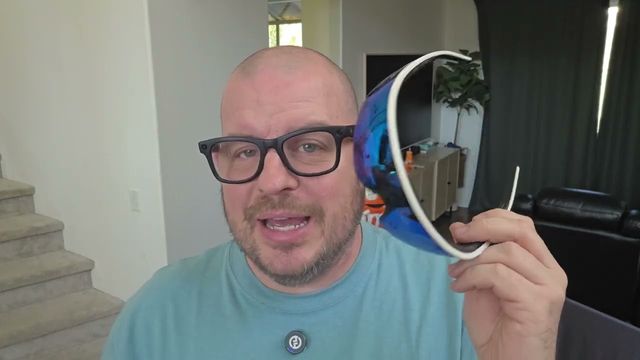
How to force restart Oakley Meta Vanguard glasses when they freeze, and how to factory reset and unpair them before selling or setting them up again.
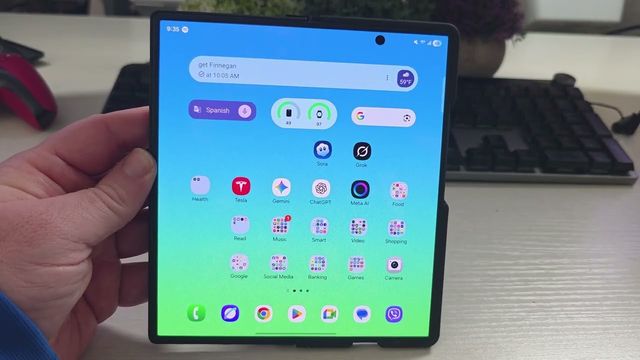
Tired of calls ringing in your Bluetooth earbuds or speaker? Turn off Ringtone sync on your Samsung Galaxy so the ringtone stays on the phone.
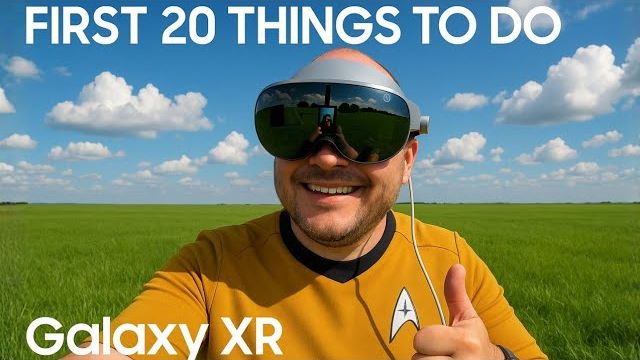
The first 20 things I set up on the Samsung Galaxy XR headset: apps, quick toggles, home environment, eye aiming, display alignment, calls, Labs and tips.
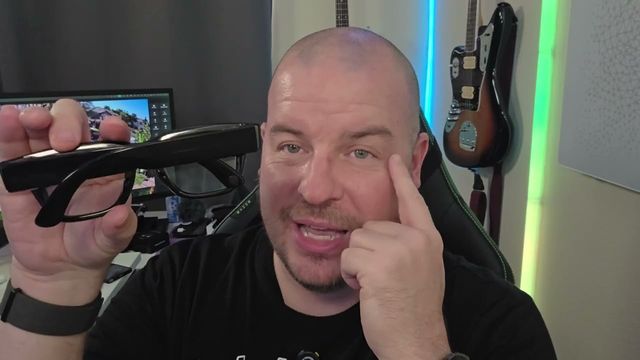
How to factory reset Meta Ray-Ban Display glasses and unpair the Meta Neural Band before you sell, return or give them away.
Music not playing, calls with no audio or glasses not connecting? The first fix to try on Ray-Ban Meta glasses, plus the "no contacts found" fix.

How to pair Oakley Meta Vanguard glasses with the Meta AI app step by step, plus my first impressions on fit, the louder speakers, buttons and camera.
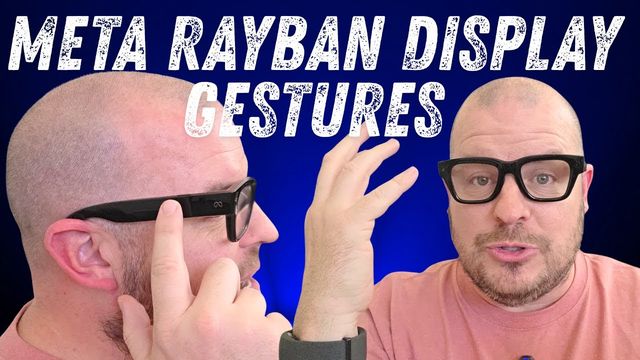
You don't need the Neural Band. Every touchpad gesture on the Meta Ray-Ban Display glasses: wake the display, volume, home, navigate, select and Meta AI.
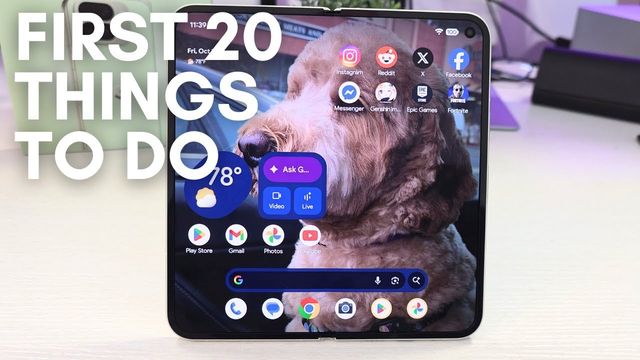
The first 20 things I change on the Pixel 10 Pro Fold: live wallpaper effects, 4K video, notifications, Now Playing, display, battery and Magic Cue.