Meta Ray-Ban Display
Meta Ray-Ban Display Glasses: How to Set Up, Step by Step
How to pair Meta Ray-Ban Display glasses and the Meta Neural Band in the Meta AI app, fit the band correctly, and learn the basic gestures.
How to pair Meta Ray-Ban Display glasses and the Meta Neural Band in the Meta AI app, fit the band correctly, and learn the basic gestures.
The first things I set up on Ray-Ban Meta Gen 2 glasses: the wake word, 3K video, voices, message announcements, privacy, phone lock and controls.
Step by step: pair Ray-Ban Meta Gen 2 glasses with the Meta AI app, install the first update, connect apps, pick a voice and turn on 3K video.
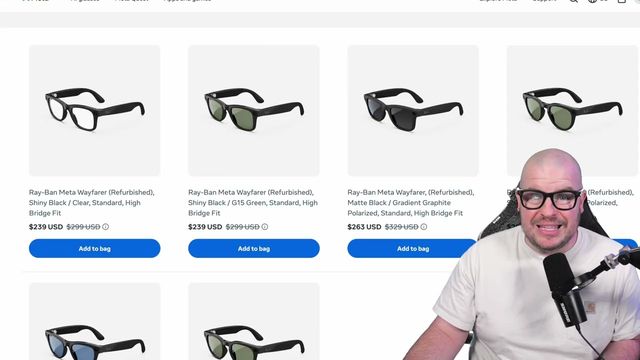
How to get Ray-Ban Meta AI glasses for less by buying refurbished straight from Meta, with a 30-day return policy and a one-year warranty.
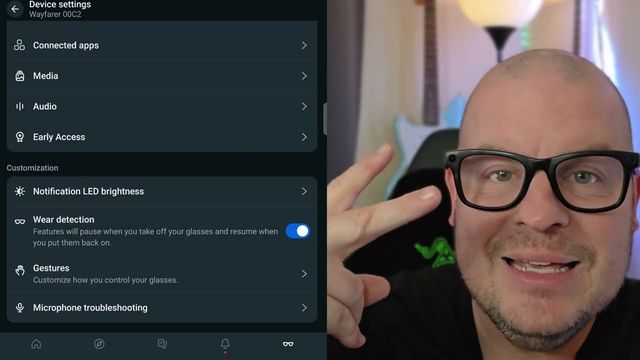
How to sign up for Meta's early access program for Ray-Ban Meta and Oakley Meta glasses, where to find your serial number and the setting you need.
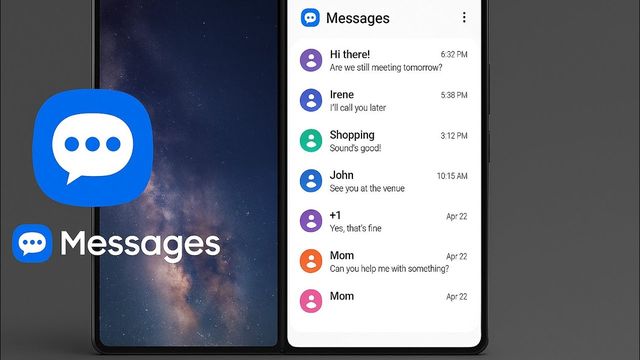
New Galaxy phones default to Google Messages. Here's how to install Samsung Messages, make it your default texting app, turn on RCS and add it to home.
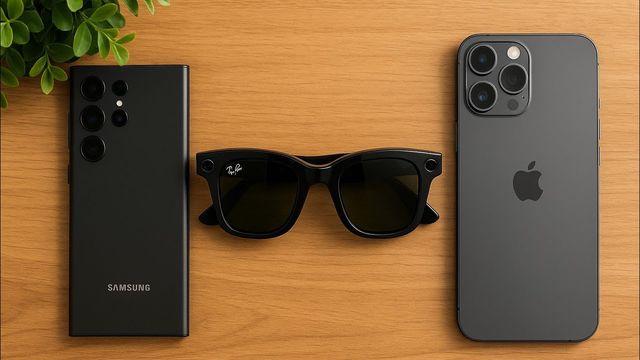
Two ways to move Ray-Ban Meta glasses to a new phone: the quick reset-to-pairing method, or unpairing in the Meta AI app and Bluetooth first.
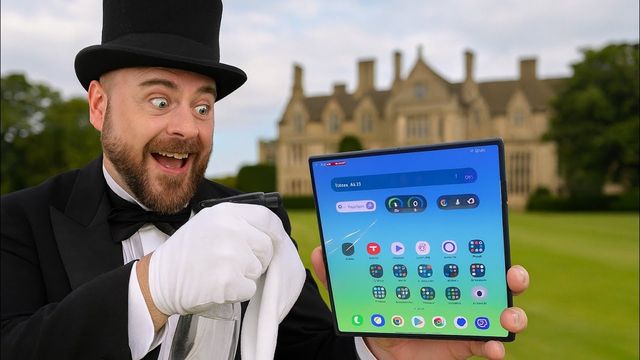
How I clean my Galaxy Z Fold 7's screens and body without scratching it, using Screen Mom spray and Zeiss lens wipes, plus when to use each.
The first settings I change on Oakley Meta AI glasses: updates, Wi-Fi, Meta AI voice, message announcements, 3K video, audio, gestures and privacy.
The first 20 things I change on the Galaxy Z Fold 7: quick panel, 200MP and 4K camera, Dolby Atmos, vivid display, fingerprint, faster animations and more.
Smart glasses have electronics and speakers built in. Here's how I safely clean my Ray-Ban Meta lenses and frames with Zeiss pre-moistened lens wipes.
Six ways to make Ray-Ban Meta glasses last longer, starting with the setting that saves the most battery: turning off the Hey Meta wake word.
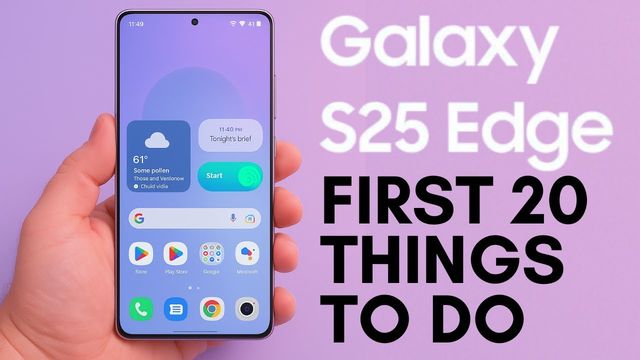
The first 20 things I change on the Galaxy S25 Edge: app updates, quick panel, Galaxy AI, Dolby Atmos, QHD+ display, game performance and 200MP photos.
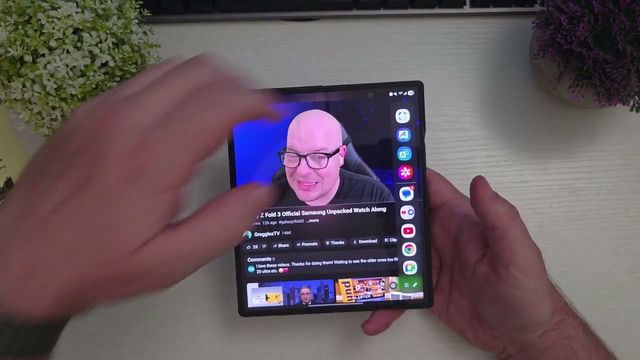
Two ways to make a GIF on a Samsung Galaxy phone: from your own videos in the Gallery app, or from any video playing on screen with Smart Select.
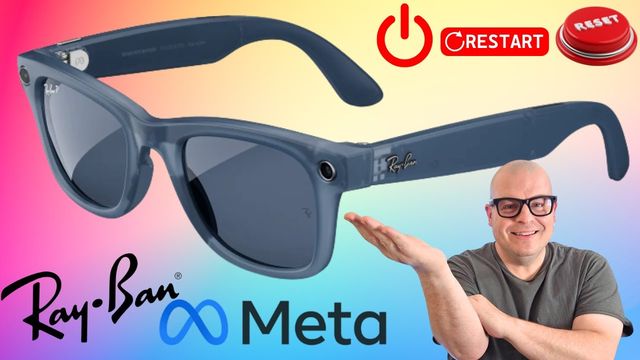
How to fully power off Ray-Ban Meta glasses with the hidden switch, force restart them when they freeze, and factory reset them before you sell them.

Ray-Ban Meta glasses only record vertical video. Here's the one trick that gets you horizontal 16:9 widescreen video, and its catch.

How to start, pause, resume and stop Live AI on Ray-Ban Meta glasses, plus what it's good for: a hands-free conversation about what you're seeing.
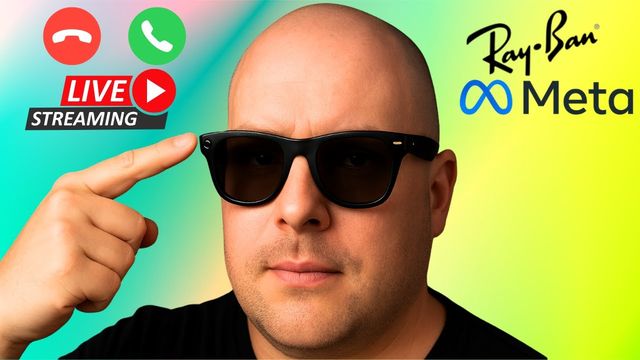
How to show your Ray-Ban Meta glasses' point of view on WhatsApp and Messenger video calls, and how to go live on Instagram and Facebook from them.
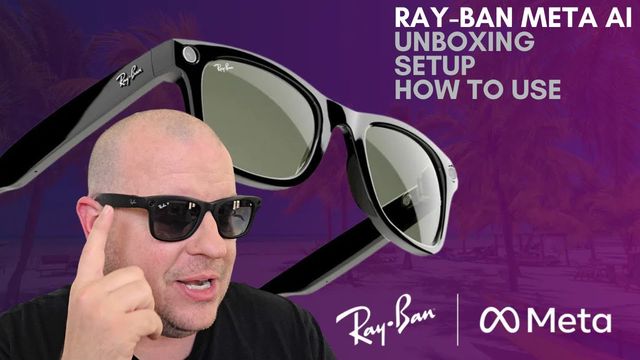
What's in the Ray-Ban Meta box, how to pair the glasses with the Meta AI app step by step, and the touch controls for calls, music, photos and video.
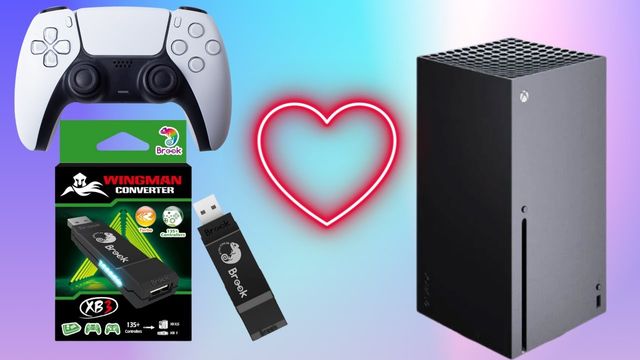
How to use a PlayStation 5 controller on an Xbox with the Wingman XB3 adapter: what's in the box, how to connect it, and what doesn't work.
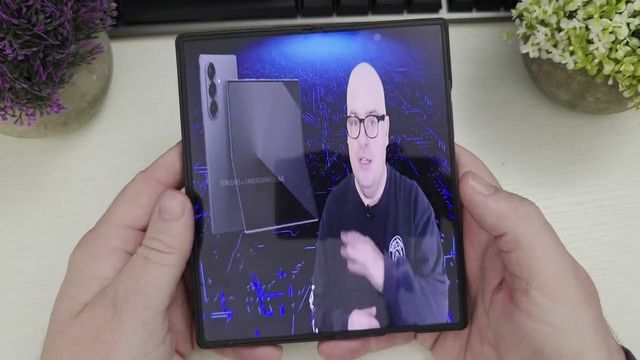
YouTube videos on the Galaxy Z Fold 6's big screen get black bars. Here's the Samsung Internet trick that fills the whole screen, and why it looks weird.
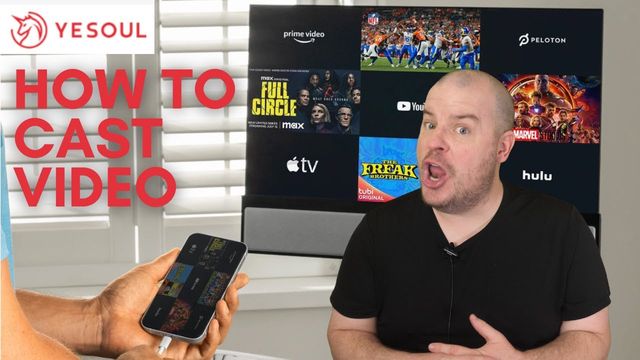
How to mirror your iPhone or Android phone to the Yesoul T1M Plus treadmill's built-in display to watch YouTube or Netflix and run guided workouts.
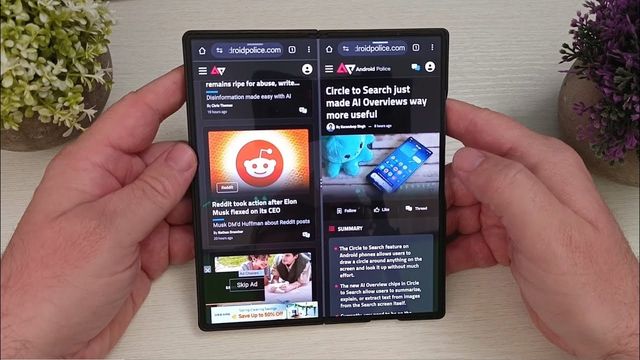
Three ways to run two windows of the same browser side by side on a Samsung Galaxy phone, for Chrome and Samsung Internet (Firefox won't do it).
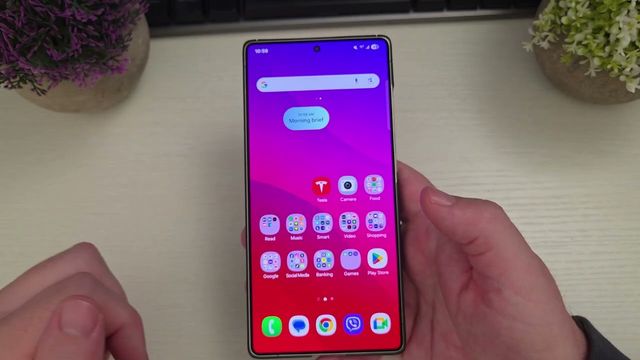
Now Brief is a little hidden on Samsung Galaxy phones. Here's how to turn it on, choose what it shows, and add it to your home screen and Edge panel.
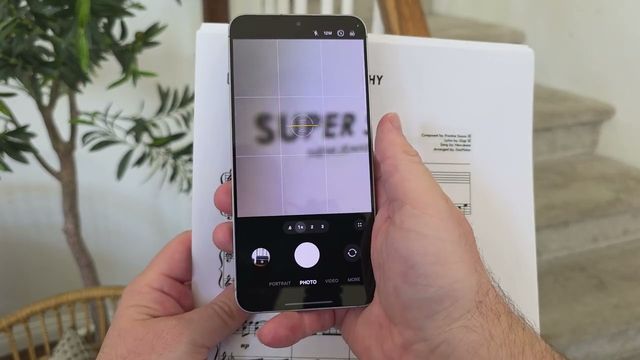
Close-up photos on a Galaxy phone often come out with parts blurry. The fix is simple: step back and zoom in instead of getting close.
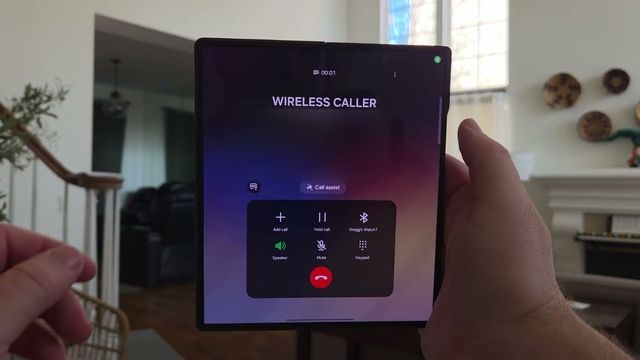
How to record calls on a Samsung Galaxy phone with One UI 7, turn on auto transcripts, find your recordings and get an AI summary of the call.
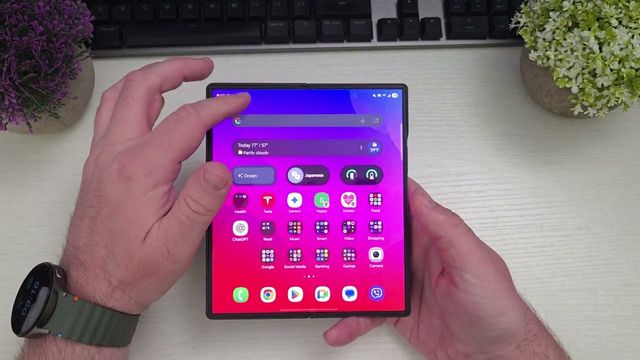
How to share your Galaxy phone's Wi-Fi connection, not just mobile data, as a hotspot. Great for hotels, planes or cruises that allow one device.
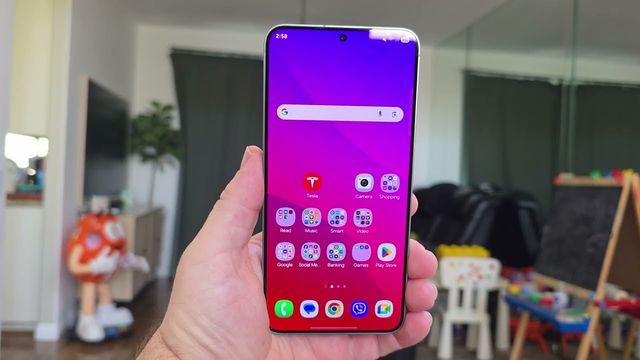
The setting that brings back key sounds (and typing vibration) on the Samsung Keyboard is surprisingly hidden. Here's exactly where to find it.
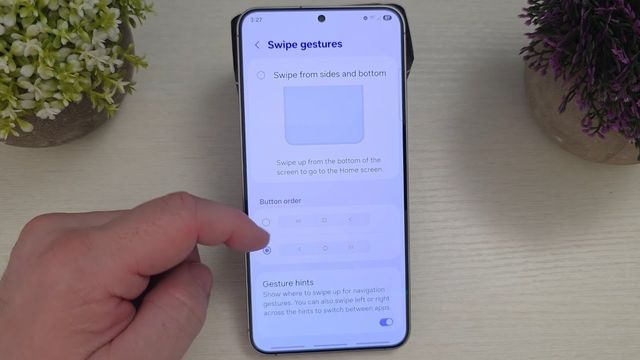
Miss swiping up from three spots for back, home and recent apps? Here's how to bring back the old Samsung gestures with Good Lock's NavStar.
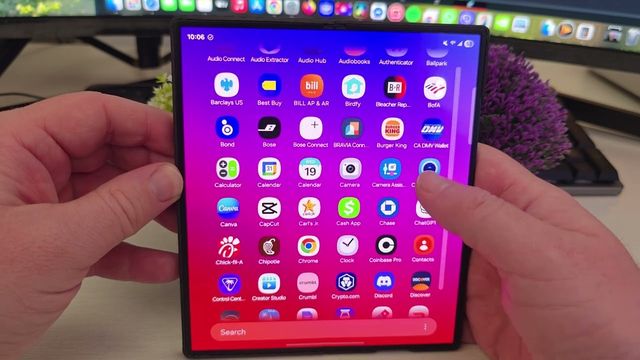
Dual Messenger installs a second copy of apps like Facebook and Messenger on a Galaxy phone, so you can use two accounts. Here's how to set it up.