Ray-Ban Meta: How to Video Chat and Live Stream
How to show your Ray-Ban Meta glasses' point of view on WhatsApp and Messenger video calls, and how to go live on Instagram and Facebook from them.
Quick summary: With Ray-Ban Meta glasses on, people on a video call or watching your live stream can see exactly what you see. When I made this video, video calls worked in WhatsApp and Facebook Messenger, and live streaming worked on Instagram and Facebook.
Video chat in Messenger or WhatsApp
- Open the chat you want in Messenger or WhatsApp.
- Tap the video call button in the top right.
- Tap the glasses icon that shows up.
- Double press the capture button on top of the glasses. Now the other person sees your glasses’ view, hands and all.
- To switch back to your phone camera, swipe the glasses view down to close it.
The image isn’t as sharp as your phone’s camera, but it works really well.
Go live on Instagram
- Tap the plus sign and swipe over to Live.
- Tap “Live stream from your glasses,” then Continue, Allow and Continue.
- Double press the capture button on the glasses. When you go live, viewers see what you see.
- To stop using the glasses, tap the X to go back to the normal view.
Go live on Facebook
It works the same way. Tap the plus sign, choose Go live, tap the glasses icon, tap Allow, then double press the capture button.
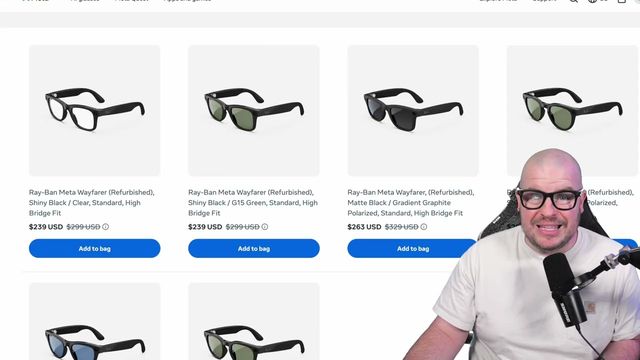
Get them
Watch the full video on YouTube, and subscribe to GregglesTV for daily tech news, reviews and walkthroughs.
See today’s GregglesTV Best Tech Deals or browse all deals posts.

Comments
Comments are moderated. Hate, slurs, spam and scam posts are blocked. Don’t include personal info you wouldn’t want public. See the privacy policy.
Loading comments…