Samsung Galaxy
Samsung Galaxy: How to Reset Auto Brightness
If adaptive brightness on your Galaxy phone keeps making the screen too bright or too dark, here's how to reset it so it relearns your preferences.
If adaptive brightness on your Galaxy phone keeps making the screen too bright or too dark, here's how to reset it so it relearns your preferences.
How to shoot photos and videos that fill the Galaxy Z Fold 6's whole inner screen, which cameras support it, and where it doesn't work.
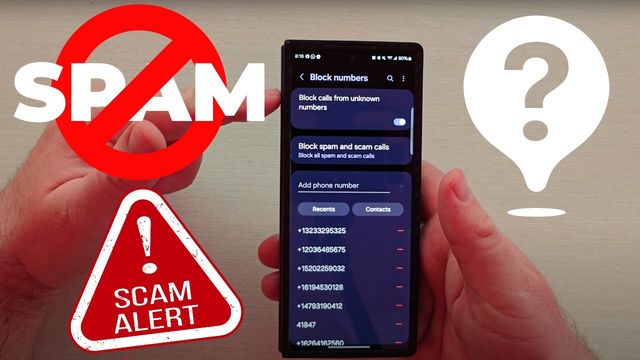
How to block unknown callers, spam and scam calls and specific numbers on a Samsung Galaxy phone, plus how to report spam numbers to help others.
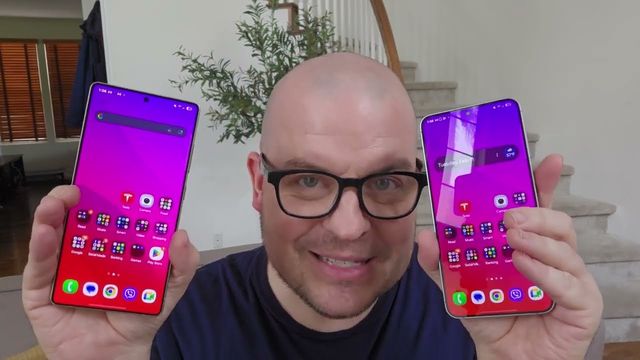
My Galaxy S25+ looked duller than my S25 Ultra until I changed these display settings: QHD+, Eye Comfort Shield, Vivid mode, white balance and RGB.
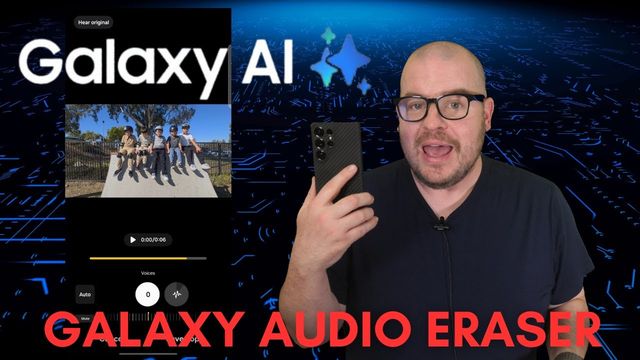
How to use Galaxy AI's Audio Eraser on the Galaxy S25 to turn down or mute voices, wind, nature and background noise in your videos.
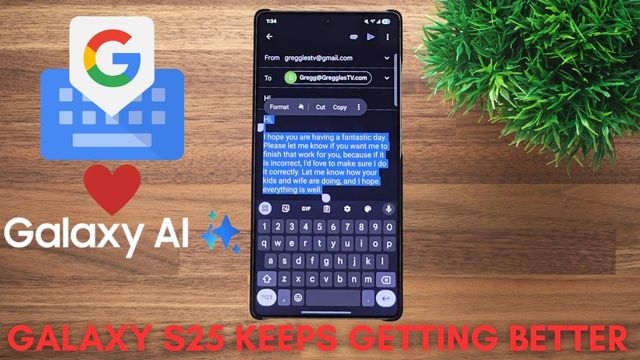
With One UI 7 you no longer need Samsung Keyboard for Galaxy AI writing tools. Here's how to set up Gboard and use Writing Assist and Summarize.
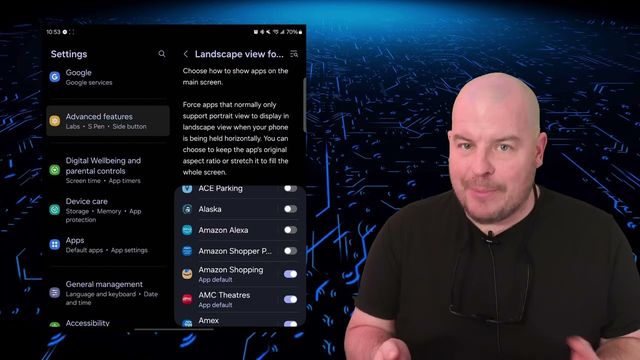
One Labs setting on Samsung Galaxy phones and tablets makes portrait-only apps rotate to landscape, and lets you choose whether they fill the screen.
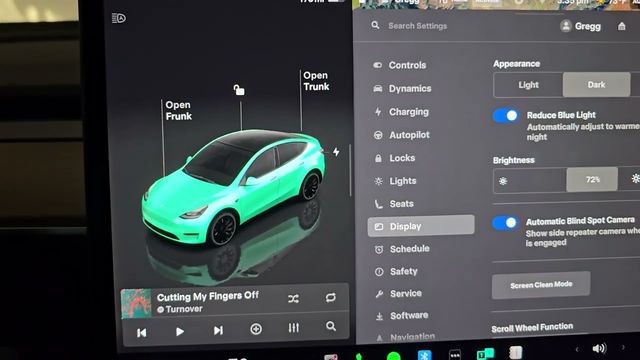
The first settings I change on a new Tesla Model Y: driving dynamics, walk-away lock, lights, display, charging schedule, Sentry Mode, dashcam and more.
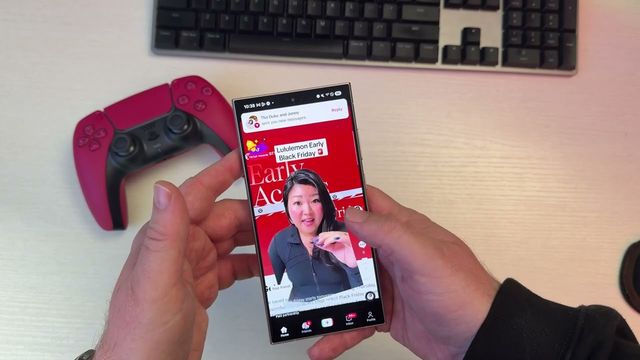
Archiving an app on a Galaxy phone deletes the app but keeps its data and sign-in, so it's ready when you tap to restore it. Here's how.
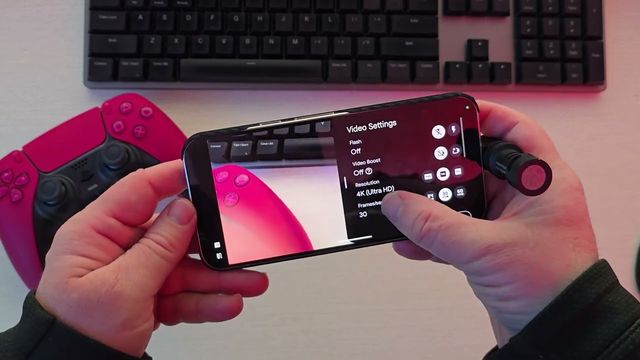
How to record video with an external USB-C microphone on a Google Pixel phone: the camera setting to change and how to tell the mic is working.

How to turn on cloud streaming on the PlayStation Portal and play games from Sony's catalog over the internet, without your PS5 being on.
Step by step: buy a Mint Mobile plan with eSIM delivery, activate your service from the email, and scan the QR code to set up the eSIM on your iPhone.
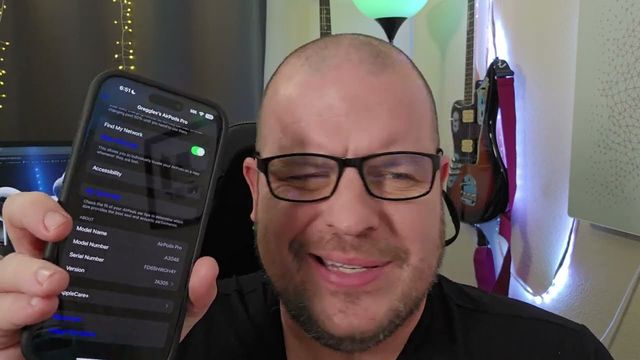
AirPods Pro stuck on old firmware? This case-and-charger routine forced mine from 6B34 to the latest version in about 10 minutes.
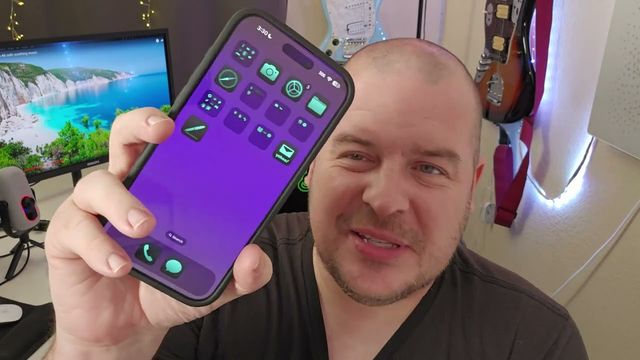
Switched from iPhone? Built-in Samsung settings for home-screen-only layout, tinted icons and iPhone-style split swipe-down panels, plus two apps to try.
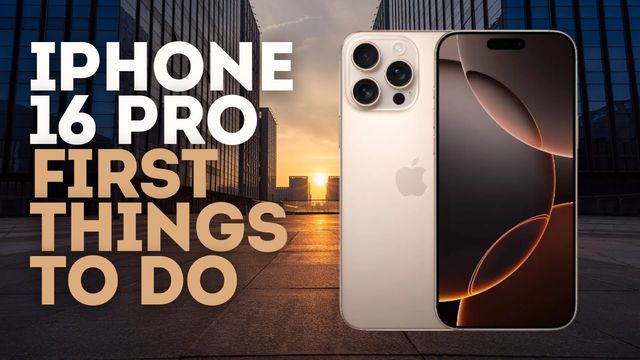
The first things I set up on the iPhone 16 Pro Max: Control Center, widgets and tinted icons, 4K video, Wi-Fi prompts, charging, the Action button and RCS.
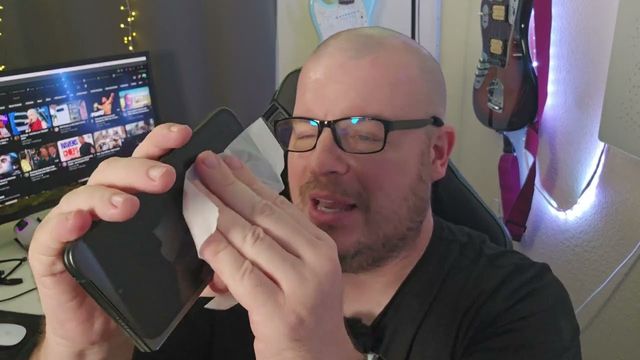
The Pixel 9 Pro Fold is a fingerprint magnet. Here's how I safely clean its screens, body and camera lenses with Zeiss pre-moistened lens wipes.
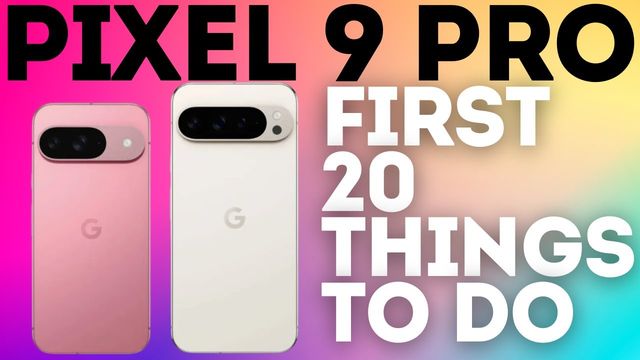
The first 20 things I change on the Pixel 9 Pro: camera, Wi-Fi alerts, notification history, charging, Now Playing, full resolution and more.
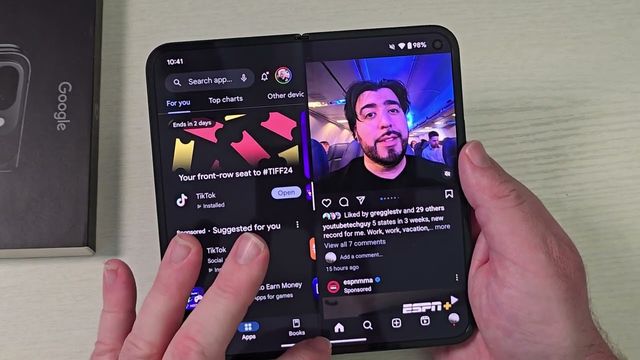
Three ways to run two apps side by side on the Pixel 9 Pro Fold, how to swap apps, save app pairs to your home screen, and customize the taskbar.
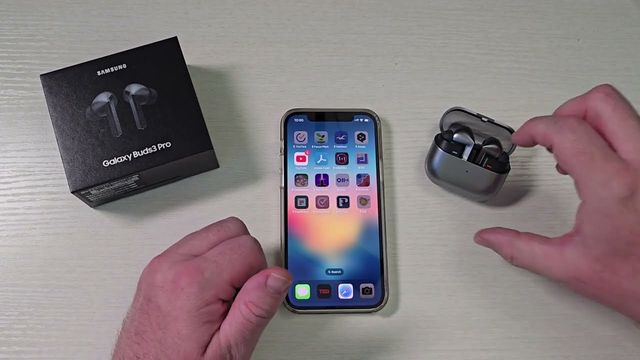
How to pair Samsung Galaxy Buds 3 Pro with an iPhone over Bluetooth, and what you lose without the Galaxy Wearable app, like firmware updates.
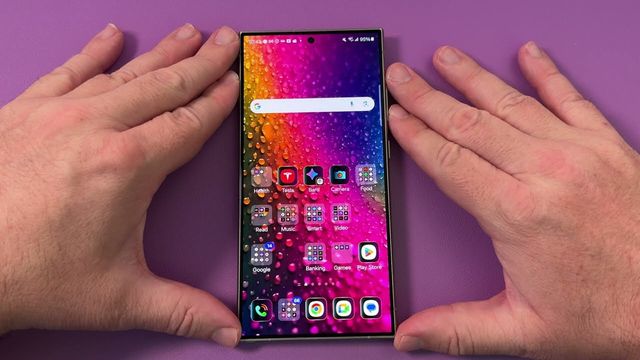
Downloaded a theme or icon pack on your Galaxy and want the original back? The default option is hidden under My stuff. Here's where to find it.
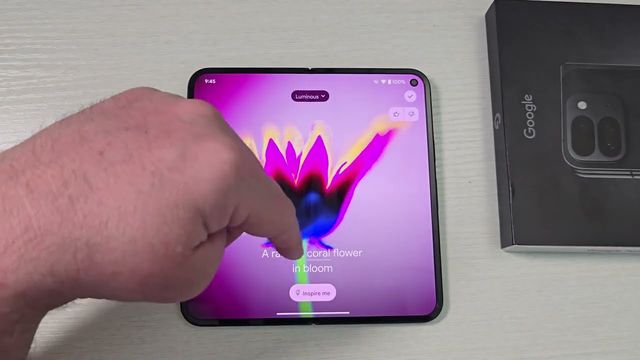
The first 20 things I change on the Pixel 9 Pro Fold: AI wallpaper, notifications, charging, Now Playing, cover screen apps and 4K video.