Galaxy Z Fold 6: How to Take Full Screen Photos and Videos
How to shoot photos and videos that fill the Galaxy Z Fold 6's whole inner screen, which cameras support it, and where it doesn't work.
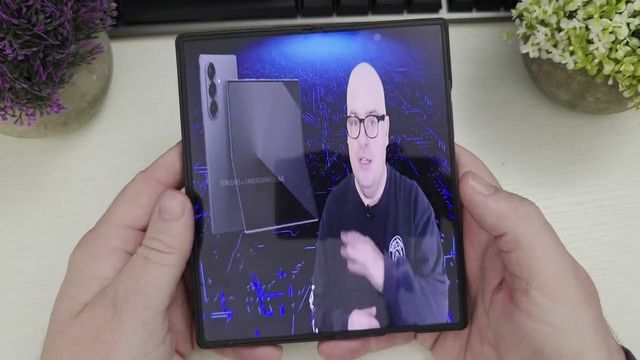
Quick summary: On the Galaxy Z Fold 6 (and other Z Folds), you can shoot photos and videos in an aspect ratio that fills the whole inner screen. When you look at them later, they take up the full display.
Step by step
- Unfold the phone and open the Camera app.
- Tap the aspect ratio button in the camera controls.
- Choose the full screen ratio. It showed as 6:7 on my Fold 6’s inner screen.
- Take your photo or video. It works in both photo and video modes, on the back cameras and the front camera (switch from 9:16 to 6:7 there too).
Where it doesn’t work
- With the phone closed (using the cover screen), there’s no 6:7 option on the front or back cameras, for photos or videos.
- Portrait video doesn’t support it either.
Related
Watch the full video on YouTube, and subscribe to GregglesTV for daily tech news, reviews and walkthroughs.
See today’s GregglesTV Best Tech Deals or browse all deals posts.
Comments
Comments are moderated. Hate, slurs, spam and scam posts are blocked. Don’t include personal info you wouldn’t want public. See the privacy policy.
Loading comments…