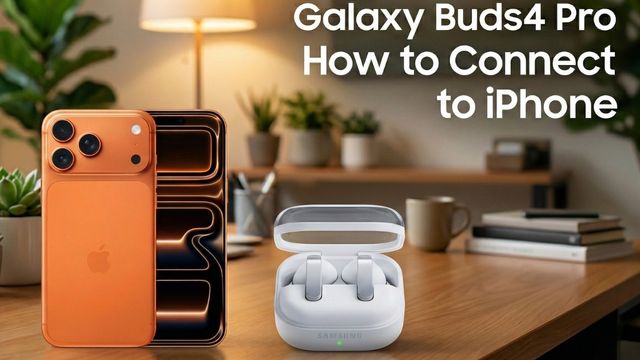
Galaxy Buds 3 Pro: How to Connect to an iPhone
How to pair Samsung Galaxy Buds 3 Pro with an iPhone over Bluetooth, and what you lose without the Galaxy Wearable app, like firmware updates.
Quick summary: Galaxy Buds 3 Pro pair with an iPhone like any Bluetooth earbuds. They sound really good, but there’s no Galaxy Buds app on iPhone, so you can’t update their firmware.
Step by step
- Open Settings on your iPhone and tap Bluetooth.
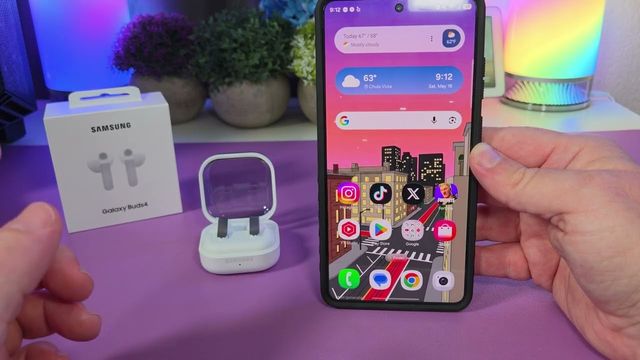
- Open the Galaxy Buds 3 Pro case.
- Press and hold the button on the bottom of the case for a few seconds, until the light blinks. Then let go.
- On your iPhone, tap Galaxy Buds 3 Pro under the device list. They pair in a second.
What works and what doesn’t
- Works: listening to music, phone calls and the touch controls on the buds.
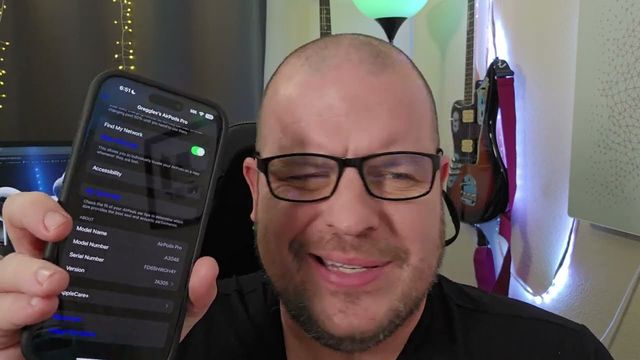
- Doesn’t work: firmware updates and the extra settings in Samsung’s app. To update them, you’ll most likely need an Android device.
Get them
Watch the full video on YouTube, and subscribe to GregglesTV for daily tech news, reviews and walkthroughs.
See today’s GregglesTV Best Tech Deals or browse all deals posts.
Comments
Comments are moderated. Hate, slurs, spam and scam posts are blocked. Don’t include personal info you wouldn’t want public. See the privacy policy.
Loading comments…