Galaxy Buds 4 Pro: How to Connect to an iPhone
How to pair the Samsung Galaxy Buds 4 Pro with an iPhone in a few steps, what still works (controls, modes) and what you can't do without the app.
Quick summary: The Galaxy Buds 4 Pro work great with an iPhone. You pair them like any Bluetooth earbuds, and the on-bud controls still work. You just can’t update them or change their settings from the iPhone.
Step by step
- Charge the buds so they have some battery.
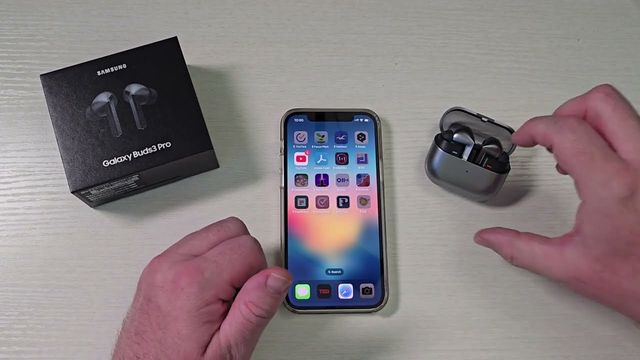
- Open the case and press and hold the button on the back until the light starts blinking (it cycles through blue, red and green).
- On your iPhone, open Settings > Bluetooth.
- Tap Galaxy Buds 4 Pro. After a moment, they show as Connected.
What you can do on the iPhone
Tap the info button next to the buds to rename them, disconnect, forget them, or change the device type (headphones, car stereo, hearing aid and so on).
On the buds themselves:
- Press once to pause or play.
- Press again to skip through music.
- Press and hold to switch between listening modes.
- Volume control works from the iPhone too.
What you can’t do
There’s no way to update the firmware or change settings on an iPhone. If you just want great-sounding earbuds, better than AirPods Pro in my opinion, that’s fine.
Get them
Watch the full video on YouTube, and subscribe to GregglesTV for daily tech news, reviews and walkthroughs.
See today’s GregglesTV Best Tech Deals or browse all deals posts.
Comments
Comments are moderated. Hate, slurs, spam and scam posts are blocked. Don’t include personal info you wouldn’t want public. See the privacy policy.
Loading comments…