Galaxy Buds 4 Pro: How to Connect to Any Android Device
How to pair the Galaxy Buds 4 Pro with a non-Samsung Android phone or tablet using the Galaxy Wearable app, so you still get updates and most features.
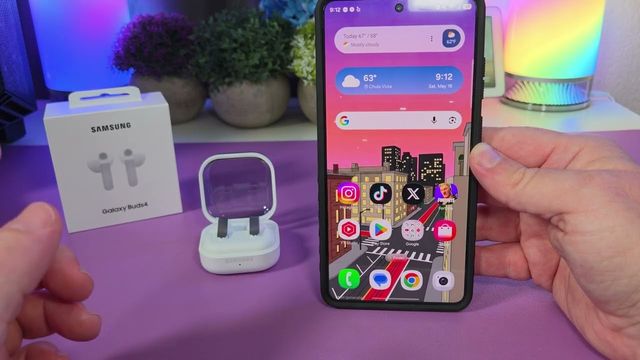
Quick summary: On a regular Android phone or tablet (I used a Motorola Signature), the Galaxy Buds 4 Pro connect through the Galaxy Wearable app. Unlike an iPhone, you can update them and control nearly all of their features.
Step by step
- Install Galaxy Wearable: open the Google Play Store, search for Galaxy Wearable, install it, open it and tap Start.
- Put the buds in pairing mode: open the case and press and hold the button on the back until the light blinks red, green and blue.
- Connect: the app finds Buds4 Pro. Tap Connect, allow access to contacts, then tap Pair.
- Install the plugin: the app asks to install the Galaxy Buds software that controls the earbuds. Tap OK, then Install. The buds are already connected at this point.
- Sign in: sign in to your Samsung account (or create one from here).
- Agree and allow: accept the user agreement and privacy notice (I’m fine with automatic updates), then allow all the permissions. There are a lot of them.
- Gestures: it shows you the gesture controls, then says you’re all set.
What you get on Android
- Software updates for the buds
- Control of most features from the app
- Auto switch to ambient sound based on voice detection or sirens
- Advanced features, like reading notifications
- In-ear detection and Find my earbuds
They’re great earbuds. They sound really good, have tons of features and look great.
Get them
Watch the full video on YouTube, and subscribe to GregglesTV for daily tech news, reviews and walkthroughs.
See today’s GregglesTV Best Tech Deals or browse all deals posts.
Comments
Comments are moderated. Hate, slurs, spam and scam posts are blocked. Don’t include personal info you wouldn’t want public. See the privacy policy.
Loading comments…