Meta Ray-Ban Display: How to Use the Touchpad Gestures
You don't need the Neural Band. Every touchpad gesture on the Meta Ray-Ban Display glasses: wake the display, volume, home, navigate, select and Meta AI.
Quick summary: Everyone talks about the Meta Neural Band for controlling the Meta Ray-Ban Display glasses, but you can do basically everything without it. The arm has a tactile touchpad strip, and here are its gestures.
Two-finger gestures
- Wake or sleep the display: double tap with two fingers. Double tap again to turn it off.
- Volume: swipe forward with two fingers to raise it and swipe back to lower it. This works with the display on or off.
- Go home: tap once with two fingers. Home is where your notifications and the Ask Meta page are.
One-finger gestures (display on)
- Navigate: swipe left, right, up or down with one finger to move through menus and apps, just like the thumb gestures on the Neural Band.
- Select: tap once on the item you want.
- Meta AI: press and hold with one finger, then ask your question (“What time is it?”). You can also just ask with your voice.
- Dismiss a notification: while you’re reading it, swipe it away.
With the Neural Band
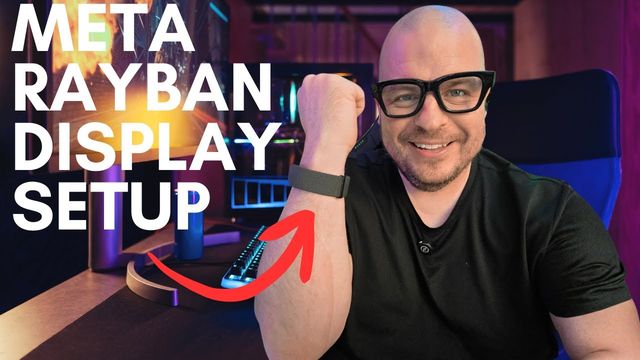
If you’re wearing the band, you can pinch to bring up the home screen, pinch to turn the display off, pinch to select and twist for other controls. But the touchpad does it all too.
Get them
Watch the full video on YouTube, and subscribe to GregglesTV for daily tech news, reviews and walkthroughs.
See today’s GregglesTV Best Tech Deals or browse all deals posts.

Comments
Comments are moderated. Hate, slurs, spam and scam posts are blocked. Don’t include personal info you wouldn’t want public. See the privacy policy.
Loading comments…