Samsung Galaxy: Stop Your Ringtone Playing on Bluetooth
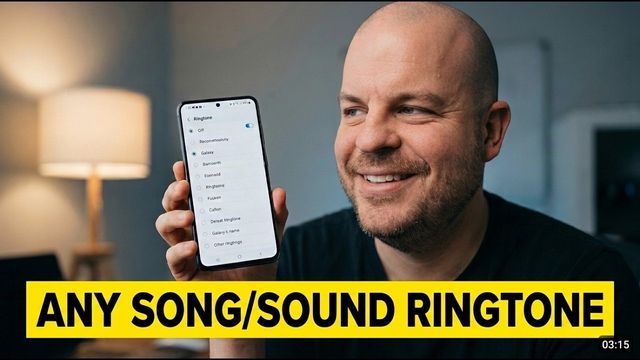
Tired of calls ringing in your Bluetooth earbuds or speaker? Turn off Ringtone sync on your Samsung Galaxy so the ringtone stays on the phone.
Quick summary: Someone on Reddit asked how to stop scam calls ringing through their Bluetooth device right as they fall asleep. On a Samsung Galaxy, the fix is a setting called Ringtone sync.
Step by step
- Swipe down and open Settings.
- Go to Connections > Bluetooth.
- Tap the three dots at the top right and choose Advanced settings.
- Find Ringtone sync (“Use your phone’s ringtone when you get calls on connected Bluetooth devices”) and turn it off.
- Tap OK. Bluetooth turns off and back on, and your devices reconnect.
Now calls still ring on the phone (unless your ringer is off), but the ringtone won’t play in your earbuds, headphones or speaker. Turn Ringtone sync back on whenever you want calls ringing on Bluetooth again. You could probably automate it with Modes and Routines, too.
Even easier: Do not disturb
If you just want quiet while you sleep, turn on Do not disturb at bedtime and turn it off when you wake up.
My picks
Watch the full video on YouTube, and subscribe to GregglesTV for daily tech news, reviews and walkthroughs.
See today’s GregglesTV Best Tech Deals or browse all deals posts.
Comments
Comments are moderated. Hate, slurs, spam and scam posts are blocked. Don’t include personal info you wouldn’t want public. See the privacy policy.
Loading comments…