Ray-Ban Meta Glasses: How to Fix Almost Every Problem
Music not playing, calls with no audio or glasses not connecting? The first fix to try on Ray-Ban Meta glasses, plus the "no contacts found" fix.
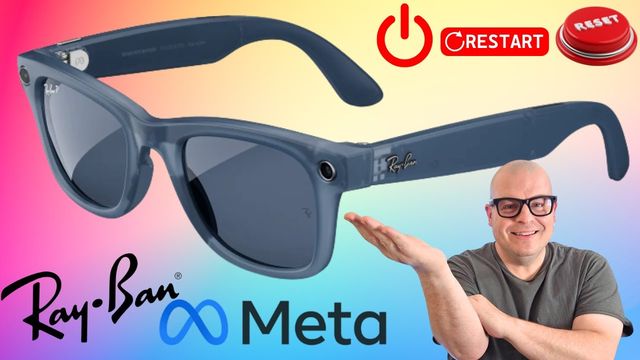
Quick summary: Ray-Ban Meta glasses aren’t perfect, and sometimes they just bug out. Before you try a force restart or a reset, try this much easier fix first. It won’t fix everything, but it fixes a lot of the weird, annoying bugs.
Problems this helps with
- Music not connecting or not playing through the glasses
- Phone calls where you can’t hear the other person
- Glasses not connecting to your phone, or vice versa
Fix 1: Flip the power switch
- Take the glasses off (or keep them on).
- Find the small power slider on the inside of the arm. Red means off, green means on.
- Slide it to off (red) and wait a few seconds.
- Slide it back to on (green).
That cuts the power completely and turns them right back on, which clears a lot of the little buggy stuff.
Fix 2: “No contacts found”
- Open the Meta AI app and tap your glasses at the bottom right.
- Tap the gear at the top right.
- Under Communication, tap one of your calling, messaging or sharing apps (WhatsApp, Messenger, Phone, Instagram or Facebook).
- Scroll down, tap Disconnect, then reconnect it.
If you have a problem these don’t fix, let me know in the YouTube comments. I may already have a video on it.
Get them
Watch the full video on YouTube, and subscribe to GregglesTV for daily tech news, reviews and walkthroughs.
See today’s GregglesTV Best Tech Deals or browse all deals posts.
Comments
Comments are moderated. Hate, slurs, spam and scam posts are blocked. Don’t include personal info you wouldn’t want public. See the privacy policy.
Loading comments…