Samsung Galaxy: How to Turn Off Now Brief on the Lock Screen
Don't want Now Brief showing on your Samsung Galaxy lock screen and Always On Display? Here's the one switch that hides it.
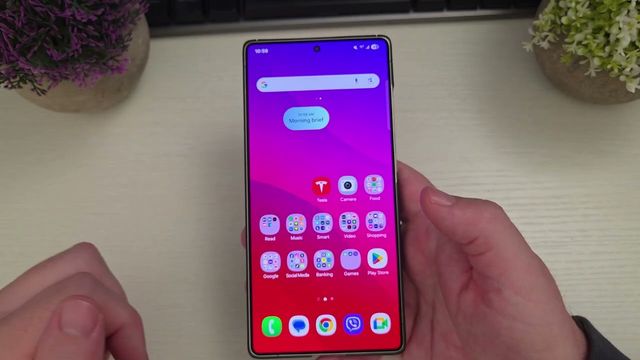
Quick summary: Now Brief is Samsung’s personalized briefing: info about your day, videos to watch and suggested actions that change throughout the day. It shows up in the Now Bar at the bottom of your lock screen. If it bugs you, you can hide it in a few taps.
Step by step
- Open Settings.
- Tap Lock screen and AOD (Lock screen and Always On Display).
- Tap Now Bar.
- Find Now Brief and turn it off.
That’s it. Samsung’s description explains that Now Brief stays on the Now Bar until you open it, then comes back the next time there’s new content. Once it’s off, it won’t appear on your lock screen or Always On Display anymore.
Can I still use it?
Yes. Turning it off just hides it from the lock screen and Always On Display. You can still open Now Brief yourself whenever you want.
My picks
Watch the full video on YouTube, and subscribe to GregglesTV for daily tech news, reviews and walkthroughs.
See today’s GregglesTV Best Tech Deals or browse all deals posts.
Comments
Comments are moderated. Hate, slurs, spam and scam posts are blocked. Don’t include personal info you wouldn’t want public. See the privacy policy.
Loading comments…