OhSnap
Galaxy Z Fold 8 Best Grip: SnapGrip Stand Upside Down
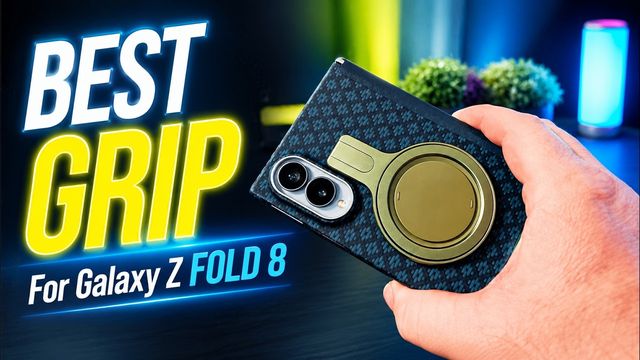
The OhSnap SnapGrip Stand hangs off the bottom of the Galaxy Z Fold 8. Mount it upside down, a tip from the Galaxy Fold community, and it works great.
The OhSnap SnapGrip Stand hangs off the bottom of the Galaxy Z Fold 8. Mount it upside down, a tip from the Galaxy Fold community, and it works great.
Samsung.com Galaxy Z Fold 8 pre-orders are getting UPS tracking numbers. How to check yours and when I expect early pre-orders to arrive before August 7.
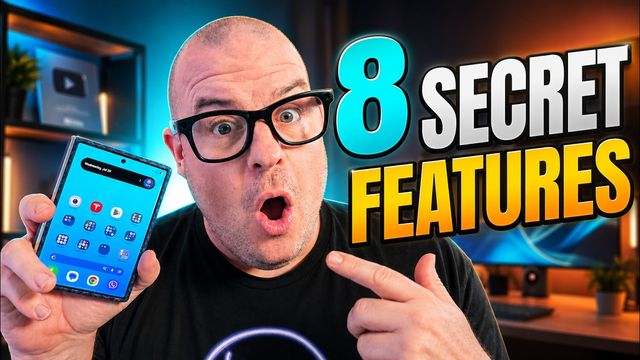
Eight lesser-known Galaxy Z Fold 8 features: tent mode, separate rotation locks, three vertical apps, per-app zoom, webcam mode, My Fan Cam and more.
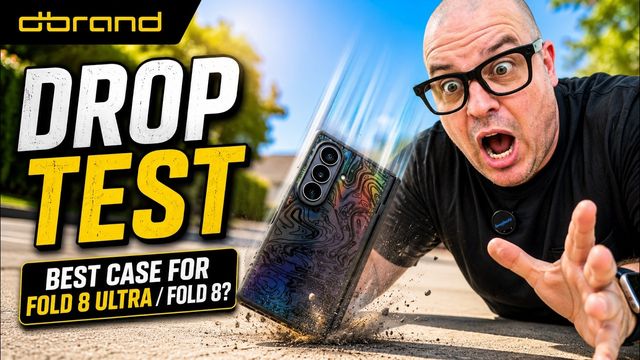
dbrand's Grip case for the Galaxy Z Fold 8 and 8 Ultra: hinge protection, magnets, two glass protectors, drop tests and skins. It's my favorite case.
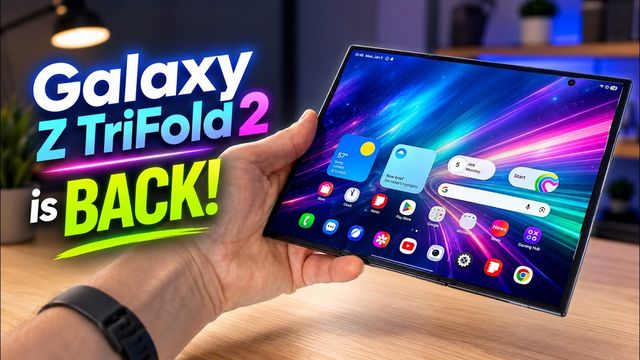
A report says the Galaxy Z TriFold 2 launches in 2027 with the Flip 9, Fold 9 and Fold 9 Ultra. Plus Galaxy S27 battery rumors and Fold 8 sales.
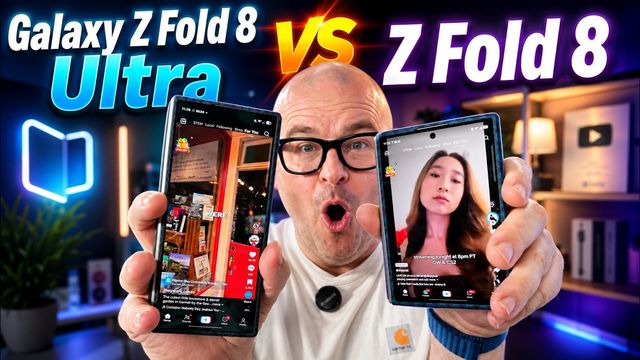
A deeper Galaxy Z Fold 8 vs Fold 8 Ultra battle: cameras, speakers, comfort, brightness, crease, YouTube, social apps, Chrome and Fortnite on both screens.
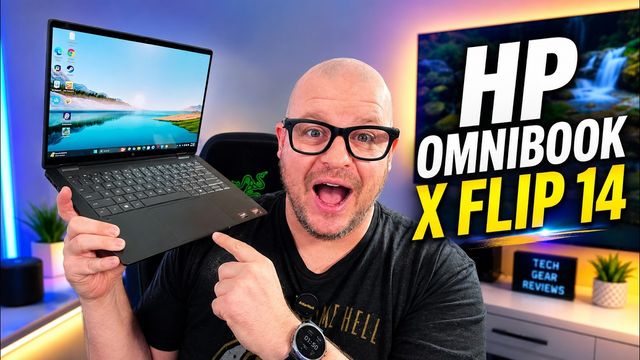
HP OmniBook X Flip 14 review: a 14-inch OLED 2-in-1 with a Ryzen AI 9 465, 32GB RAM and a 2TB SSD, plus editing, gaming, speakers and battery life.
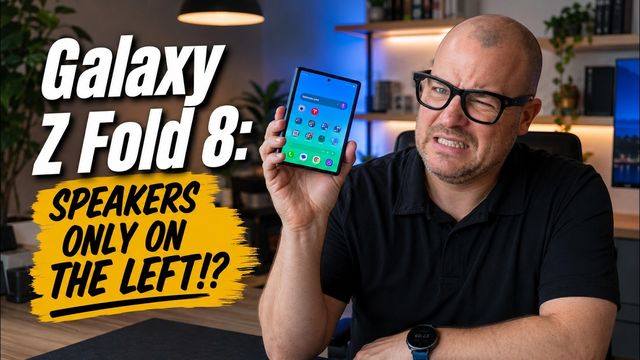
When the Galaxy Z Fold 8 is open, both speakers end up on the left. I tested talking videos and music open and closed. Here's how much difference it makes.
Day two with the Galaxy Z Fold 8: 12 to 13 hours of battery, finicky super fast wireless charging, no Tesla charging, plus crease and cases.
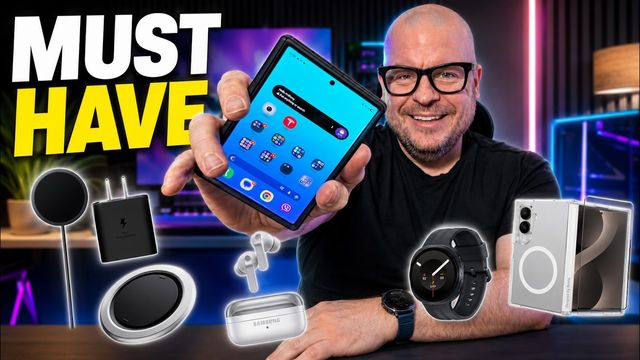
Five accessories I would buy for the Galaxy Z Fold 8: a case (Benks is my pick), an OhSnap grip, a 45W charging combo, Galaxy Watch 9 and Buds 4 Pro.
The first 20 settings to change on a new Galaxy Z Fold 8 or 8 Ultra, from camera and quick panel tweaks to display, unlock, Gboard and call settings.
My first 24 hours with the Galaxy Z Fold 8: battery life, living on the cover screen, multitasking, pocketability, app bugs, cameras and my wife's opinion.
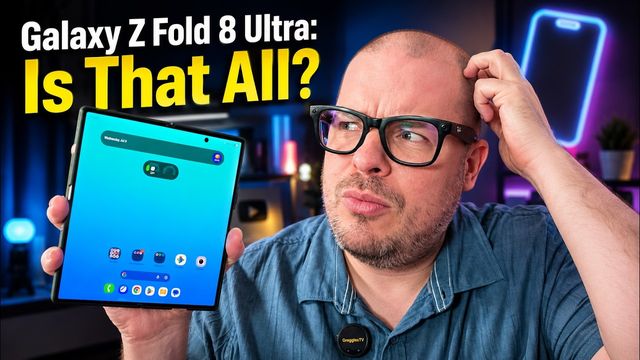
Coming from a Fold 7 or older? The Fold 8 Ultra's real upgrades are a near-invisible crease, 3,000-nit displays, a bigger battery and faster charging.
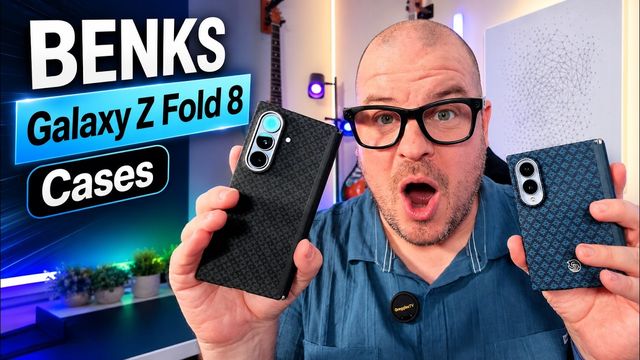
Benks Armor Grid Pro and Air Kevlar cases for the Galaxy Z Fold 8 and 8 Ultra: hinge protection, magnets and a glass screen protector included.
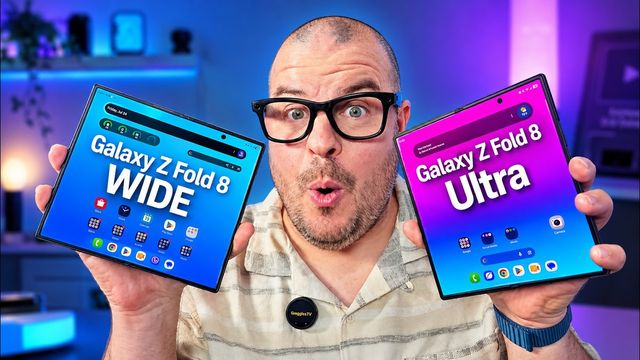
The Galaxy Z Fold 8 Ultra and wide Fold 8 side by side: keyboards, websites, Messages, Instagram, TikTok, YouTube, video, Kindle and games.
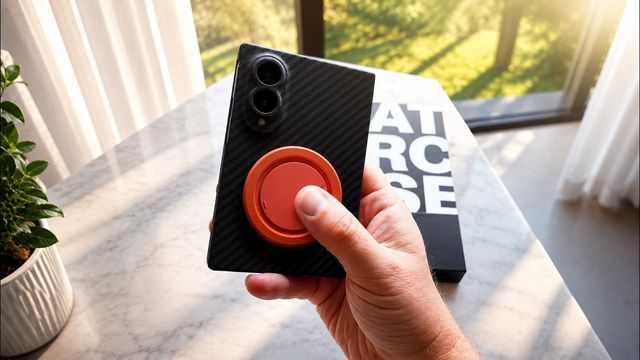
Latercase's ultra-slim Galaxy Z Fold 8 and Fold 8 Ultra cases now have built-in magnets for chargers and grips. Unboxing, install and protection.
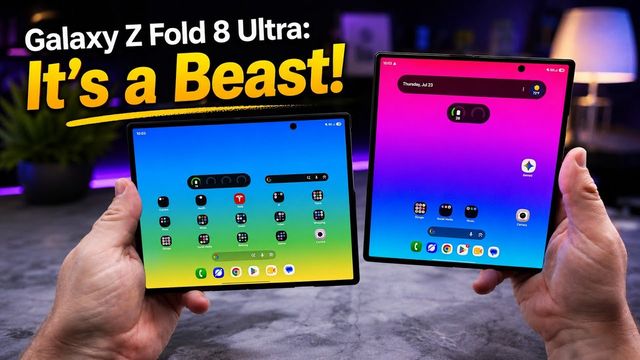
Jumping between the Galaxy Z Fold 8 and Fold 8 Ultra, five things stand out: size, thinness, a premium feel, 30x zoom and familiarity.
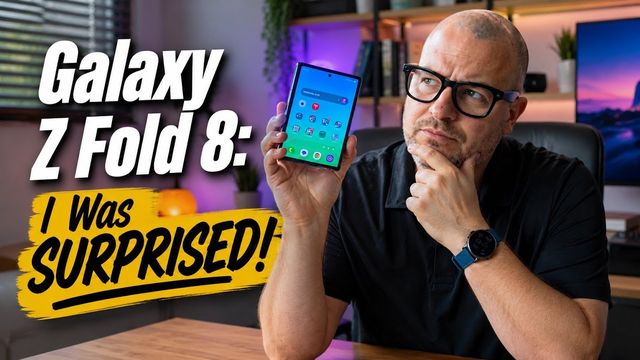
Ten things that surprised me about the Galaxy Z Fold 8, good and bad: three-app multitasking, speakers, the cover screen, the hinge and the crease.
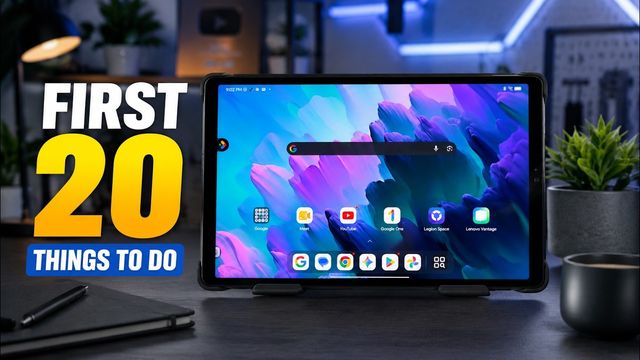
The first 20 settings I change on the Lenovo Legion Tab Gen 5: themes, home screen, Wi-Fi, refresh rate, Dolby Atmos, face unlock, gestures and more.
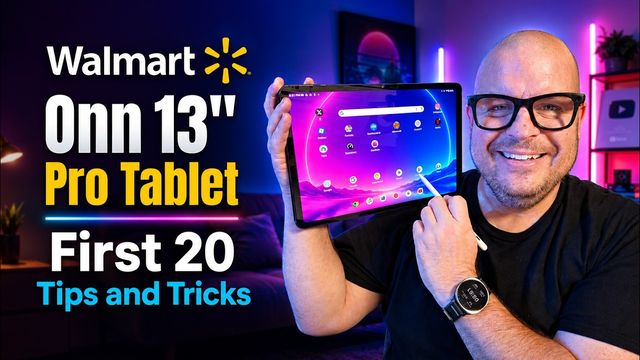
The first 20 things I set up on the Walmart Onn Tablet 13 Pro: wallpaper, quick toggles, Wi-Fi, default apps, 120Hz, battery and face unlock.
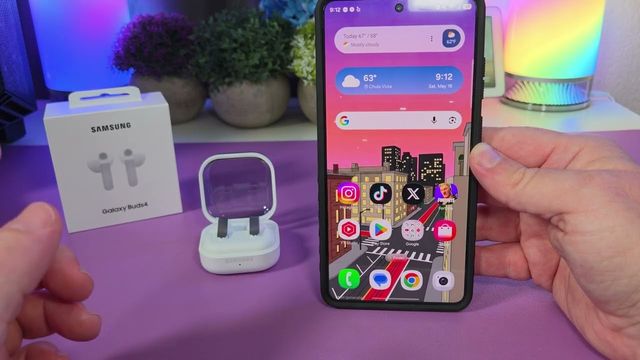
Step by step: how to pair the Samsung Galaxy Buds4 with an iPhone, a Samsung Galaxy phone, any Android phone or tablet, and a Windows PC.
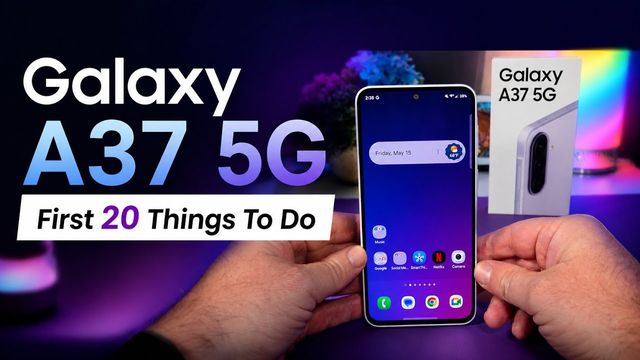
The first 20 settings I change on the Galaxy A37 5G: 4K camera, quick panel, Dolby Atmos, vivid display, battery, face unlock and updates.
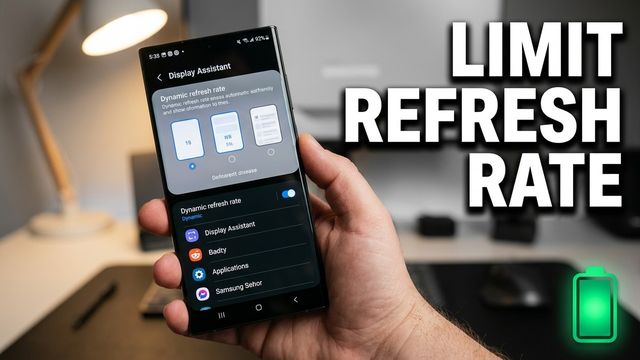
Cap any app at 60Hz on your Samsung Galaxy to save battery, using Good Lock's Display Assistant module. Here's how to set it up app by app.
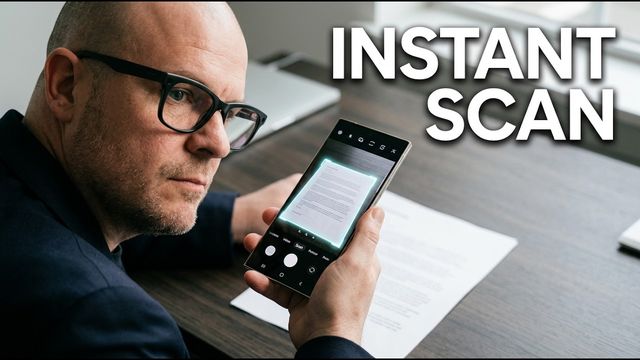
How to scan documents, photos and QR codes on a Samsung Galaxy phone with the camera app and Samsung Notes, then save them as a PDF or image.
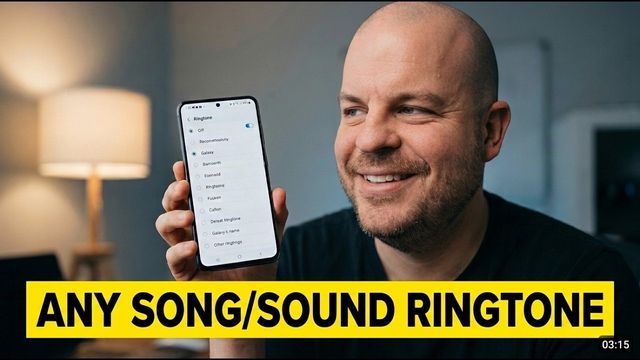
The simplest free way I've found to turn any song or sound into a ringtone on a Samsung Galaxy phone: screen record, extract the audio, set it.
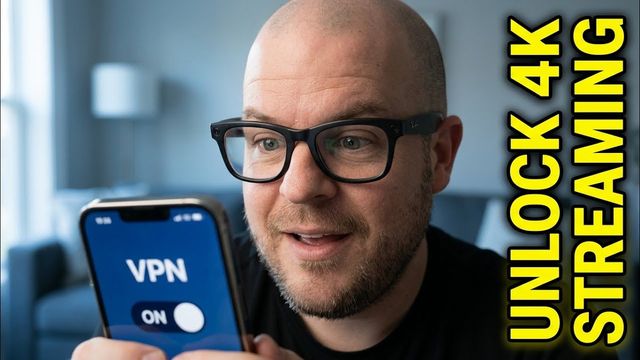
If your phone plan limits video quality, 4K YouTube can stutter even on fast 5G. Here's how a VPN got me smooth 4K playback on Metro by T-Mobile.
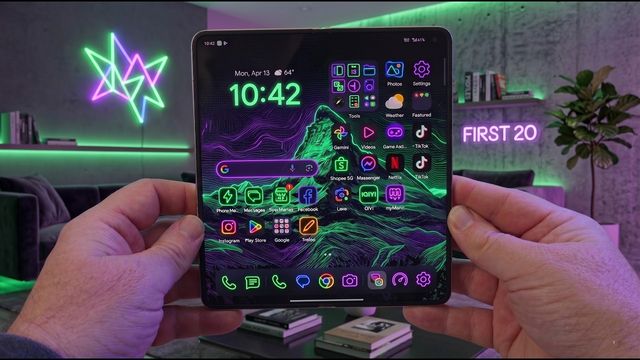
The first things I change on the Oppo Find N6 foldable: 4K60 video, home screen swipe, quick settings, taskbar, vivid display, Snap Key and more.
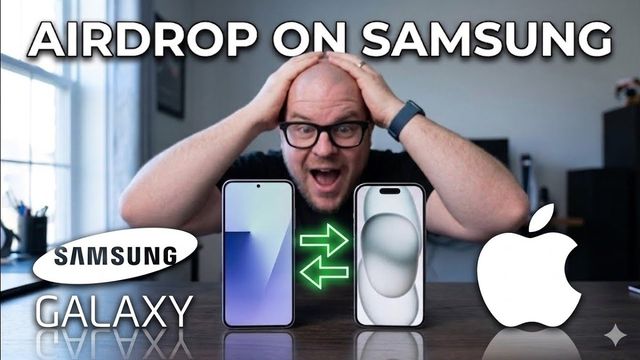
The Galaxy S26 can AirDrop. Here's how to turn on Share with Apple devices in Quick Share and send or receive photos and files with a Mac or iPhone.
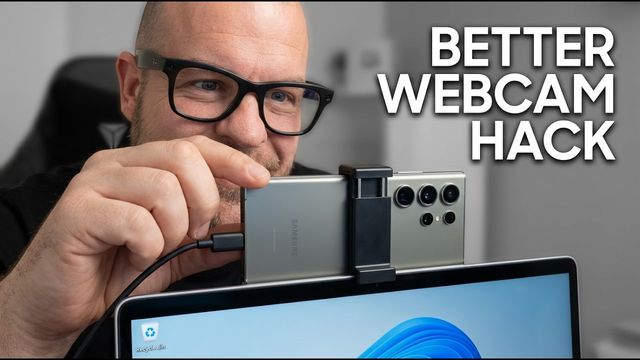
Your Galaxy S26, S26+ or S26 Ultra can be a USB webcam for a Windows PC. Here's how to turn it on, use high quality mode and pick it in your video app.
The first settings I change on the base Galaxy S26: call screening, scam detection, 4K video, 24MP photos, quick panel, Galaxy AI, vivid display and more.