Galaxy Z Fold 8 Ultra vs Fold 8: Displays and Apps Compared
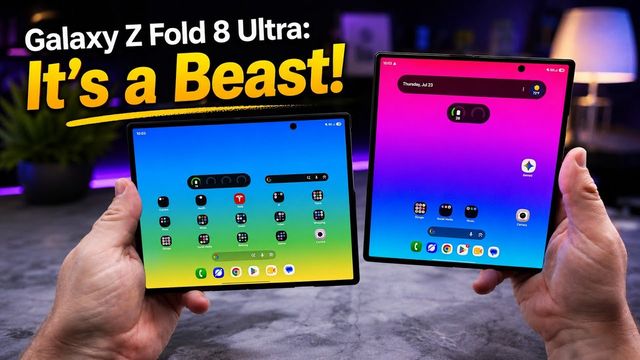
The Galaxy Z Fold 8 Ultra and wide Fold 8 side by side: keyboards, websites, Messages, Instagram, TikTok, YouTube, video, Kindle and games.
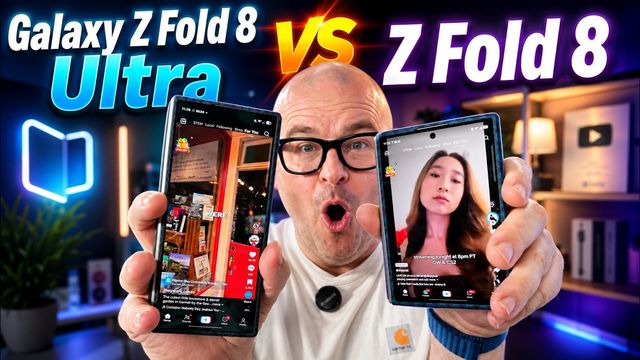
Quick summary: A lot of you asked what apps actually look like on the tall Galaxy Z Fold 8 Ultra versus the wider Galaxy Z Fold 8, so I put them side by side across the cover and main displays. Neither is drastically better. The wide Fold 8 shines for typing and video, and the tall Ultra shows more of a feed at once.
Keyboard on the cover display
The keyboard is much wider on the Fold 8’s cover screen, and I love typing on it with two thumbs. My wife, who swipe-types with one hand, found the narrower Ultra easier to reach. Keep that in mind if you type one-handed.
Sponsor: SUPCASE UB Grip case
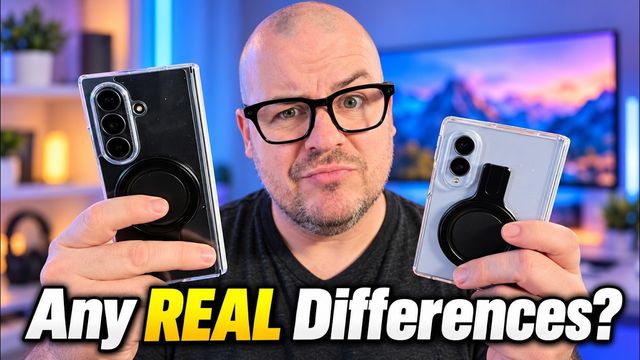
This video was sponsored by SUPCASE. Their UB Grip case covers the hinge and back and works with magnets. It has a stand that props the phone up in any direction, open or closed. It supports wireless charging and magnetic grips. It comes with two front screen protectors, one clear and one privacy, and it’s available in red, blue and black. Use code SUPGREGGLS10 for 10% off.
Websites and Messages
On the Fold 8, websites show more stories side by side, but smaller. On the Ultra they stack. Articles look fine on both, but I find the wider screen more attractive to read on. In Google Messages, conversations don’t stretch all the way across the wider display, even when I enlarge the text, so hopefully Google updates the app. The dialer is basically the same size on both.
Instagram, TikTok and Facebook
- Instagram: images and videos look bigger on the Fold 8. The taller Ultra shows the like, message and share buttons without scrolling, and you see more of the next post.
- TikTok: both are well optimized. The Fold 8 has slightly bigger black bars on the sides.
- Facebook: the Ultra shows the next image coming up. The Fold 8 keeps you focused on the post you’re looking at.
YouTube and video
YouTube looks bigger on the Fold 8, and I’d rather watch on it. In landscape, videos have far smaller black bars thanks to the roughly 16:10 inner screen, and pinch-to-zoom crops very little. Horizontal websites feel almost too long on the Ultra.
Kindle and games
Kindle works well on both. The Ultra looks more like a traditional book page, and the Fold 8 shows more lines across. Word games look fine on either one.
Verdict
It comes down to what you do most. If I could pick a bigger wide model, I’d love it, because everything just gets bigger.
Watch the full video on YouTube, and subscribe to GregglesTV for daily tech news, reviews and walkthroughs.
See today’s GregglesTV Best Tech Deals or browse all deals posts.
Comments
Comments are moderated. Hate, slurs, spam and scam posts are blocked. Don’t include personal info you wouldn’t want public. See the privacy policy.
Loading comments…