How to Research a Topic and Cite Sources With Grok Bot (Step by Step)
A beginner's step-by-step guide to researching any topic with Grok Bot: ask one clear question, set source rules, get a rated source list with links, check the facts yourself, and turn it into a short article or handout with every claim cited.
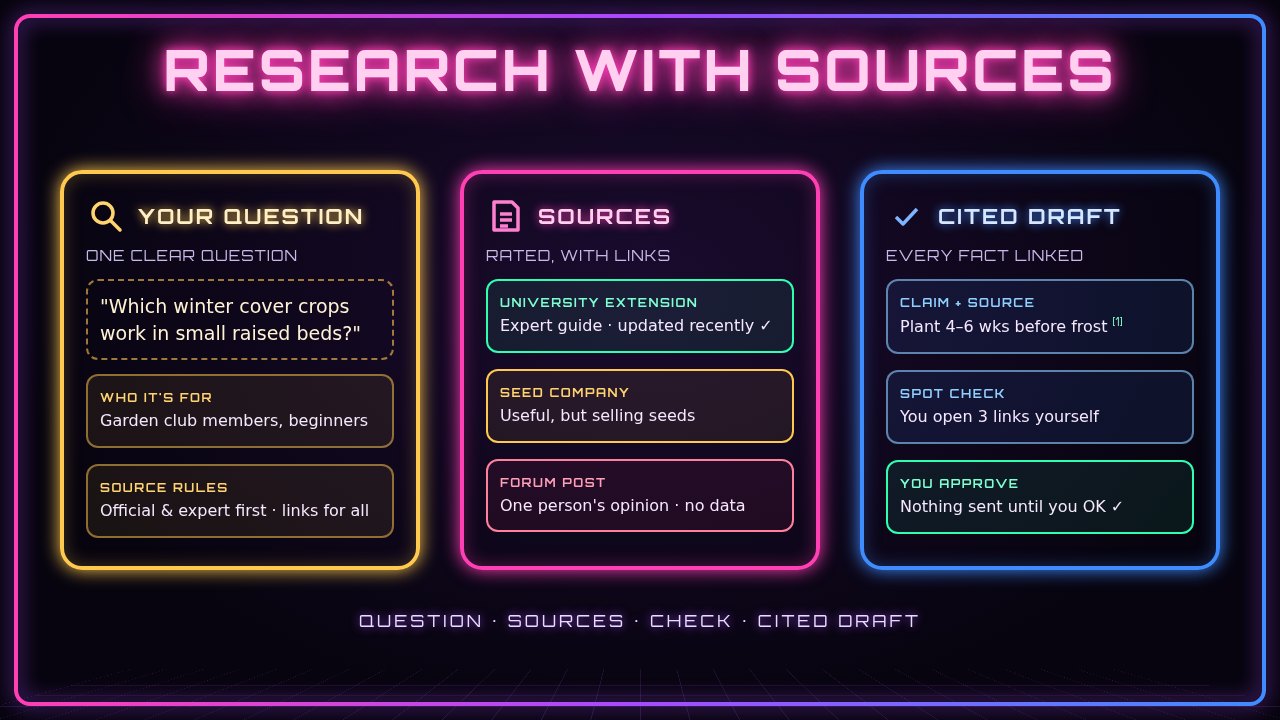
A quick answer is easy to get. An answer you can trust, with links that prove it, takes a little more care. In this guide you’ll use Grok Bot to research a topic properly: ask one clear question, tell it which sources count, get a rated list of sources with links, check the important facts yourself, and turn it all into a short write-up where every claim points back to where it came from.
You’ll follow one running example: Ben, who volunteers at the Elm Street Community Garden and writes a one-page monthly guide for members. This month his members keep asking the same thing: “What should I plant in my raised bed over winter so the soil doesn’t just sit there?” Ben wants a clear answer he can stand behind, with sources members can read for themselves.
What you need
- Grok Bot
- One topic you want to understand (a question you’d normally spend an evening googling)
- A rough idea of who the answer is for (yourself, customers, members, a class)
- Optional: Google Docs connected if you want the finished write-up saved there (the connect your apps guide shows how)
- About 30–45 minutes
1. Turn your topic into one clear question
“Tell me about cover crops” gets you a wall of general info. A specific question gets you a useful answer. Include where you are, what you’re working with, and who the answer is for.
I want to research a topic for my community garden's monthly members' guide.
My question: Which winter cover crops work well in small home raised beds
(about 4x8 feet), and when and how should beginners plant and remove them?
We're in USDA zone 7. Readers are mostly beginner gardeners.
Don't research yet. First, tell me if my question is clear, and suggest
2-3 smaller sub-questions I should answer to cover it properly.
What you should see: a short reply that either confirms the question or tightens it, plus sub-questions like “Which crops are easiest for beginners?”, “When should they be planted?”, and “How do you remove them in spring without a tiller?” Ben keeps all three.
2. Set your source rules
This is the step most people skip, and it matters most. Tell Grok Bot which kinds of sources you trust, which you don’t, and that every fact needs a link.
Rules for this research:
- Prefer official and expert sources first: university extension services,
  government agencies, and well-known nonprofits.
- Seed companies and garden stores are OK as extra sources, but label them
  as "selling something."
- Don't rely on forums, social posts, or AI-written content farms.
- Every fact you give me must have a link to the page it came from.
- If sources disagree, tell me instead of picking one quietly.
- If you can't find a good source for something, say so.
What you should see: Grok Bot repeats the rules back in a few lines. If it doesn’t, ask it to, so you know it understood before it starts searching.
3. Ask Grok Bot to search and list sources first
Ask for the sources before the answer. That way you can see what the answer will be built on, and drop anything weak before it sneaks into your write-up.
Now search the web for my question and sub-questions. Don't write the
answer yet. Give me a numbered list of the 6-8 best sources you found.
For each one: title, who published it, link, date if shown, what kind of
source it is (expert, official, store, other), and one line on what it
covers.
What you should see: a numbered list with real links. Ben’s list has a few university extension pages, a state agriculture page, and two seed company guides marked “selling something.” Open two or three links yourself to make sure they load and are about what Grok Bot says they’re about.
4. Drop weak sources and ask for better ones
Now trim the list. Remove anything outdated, off topic, or too far from where you live, and ask Grok Bot to fill the gaps.
Remove source 6 (it's for a much colder climate) and source 8 (the page
is mostly ads). Find 1-2 more expert sources that specifically cover
removing cover crops in raised beds without a tiller. Then show me the
updated list.
What you should see: an updated numbered list. Keep these numbers: they become your citation numbers later, so [1] always means the same source.
5. Ask for the facts, each with its source number
With a solid list, ask for the actual findings. Ask for short facts, each one tied to a source number, rather than a polished essay. Facts are much easier to check.
Using only the sources on the updated list, answer my question and
sub-questions as a bullet list of short facts. Put the source number in
brackets after each fact, like [2]. If a fact comes from only one source,
mark it "(one source)." If sources disagree, show both sides with their
numbers.
What you should see: bullets like “Crimson clover and winter rye are common choices for beginners [1][3]” and “Planting times vary by region; check your local frost date [2].” Ben notices two sources give different planting windows, and Grok Bot shows both instead of averaging them.
6. Check the important facts yourself
Grok Bot can misread a page or mix up two sources, just like a person can. Pick the facts that matter most, like dates, amounts, and anything about safety or money, and check them against the source.
For these 3 facts, quote the exact sentence from the source that supports
each one, with the link: the planting window, the crop you call "easiest
for beginners," and the spring removal method. If you can't find a
sentence that clearly supports a fact, say so and remove it.
What you should see: a short quote and link for each fact. Click each link and find the sentence on the page. If a quote isn’t there or says something different, tell Grok Bot and ask it to correct or remove that fact.
7. Ask what’s missing or uncertain
Good research admits what it doesn’t know. Before you write, ask Grok Bot to point out gaps and anything readers should check locally.
What parts of my question are still unanswered or uncertain? List anything
that depends on local conditions (like frost dates or soil), anything only
one source says, and anything a beginner might get wrong. Keep it short.
What you should see: a few bullets, like “Exact planting dates depend on your local first frost” and “Some sources warn certain crops can be hard to remove if left too long.” Ben adds a “Check your local frost date” line to his guide because of this.
8. Turn the research into a short write-up with citations
Now it’s time to write. Tell Grok Bot who’s reading, how long it should be, and how you want sources shown. Numbered citations with a source list at the bottom work well for handouts, newsletters, and blog posts.
Write a one-page members' guide called "Winter Cover Crops for Raised Beds."
- For beginner gardeners, friendly and plain language
- About 400 words, with short sections and a quick "what to do this month" list
- Use only facts from our checked list
- Put the source number in brackets after each fact, like [1]
- End with a "Sources" section listing each number, title, publisher, and link
- Don't add any new facts that weren't on the list
Show me the draft only.
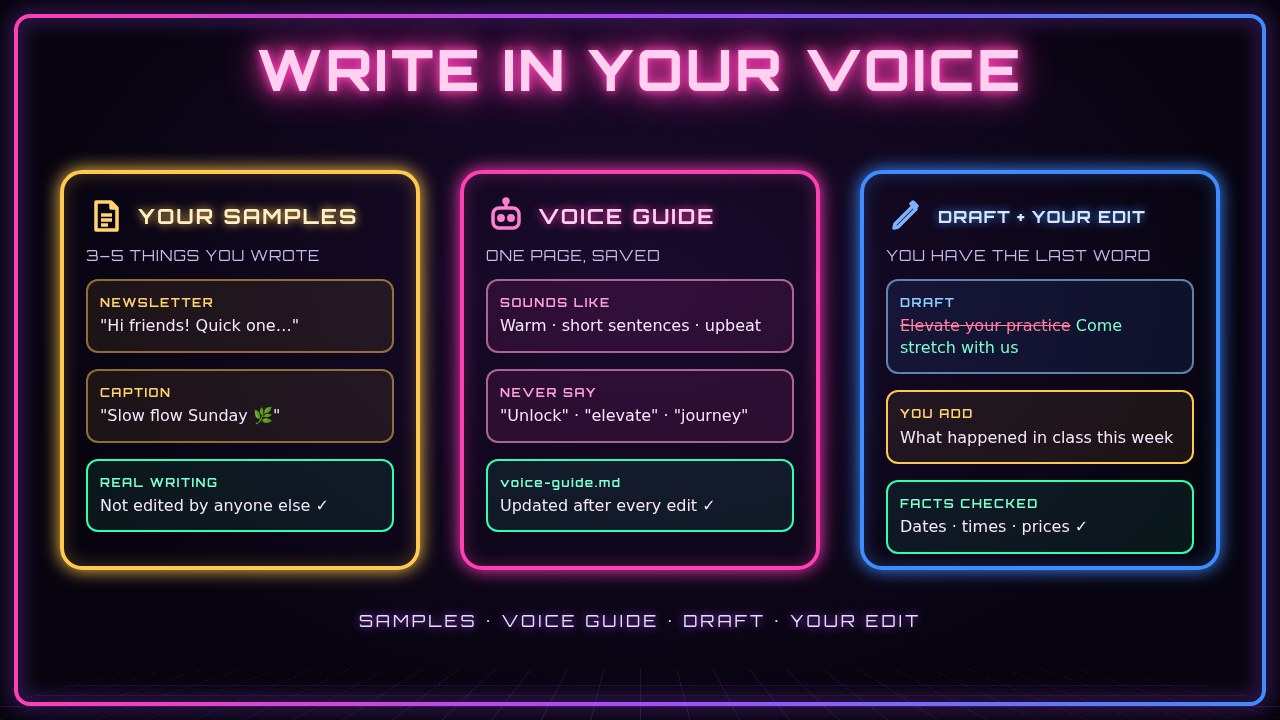
What you should see: a draft with numbered citations in the text and a source list at the bottom. If you write a lot, the write in your own voice guide helps the draft sound like you.
9. Run a final citation check
Before you share anything, have Grok Bot check its own draft against the sources one more time. It catches facts that drifted during writing.
Check the draft line by line. List any sentence that states a fact but has
no citation, any citation that points to the wrong source, and any fact
that isn't on our checked list. Don't fix anything yet, just list them.
What you should see: a short list, or “No problems found.” Ask Grok Bot to fix the ones you agree with, then read the final version yourself start to finish.
10. Save the research so you can reuse it
Keep the source list and notes with the finished piece. Next time a member asks a follow-up question, you’re starting from checked sources instead of from scratch.
Save the final guide and the full source list with notes (what each source
covers and which facts came from it) as a document called
"Cover Crops Research - Nov 2026." If Google Docs is connected, save it
there. If not, give me a file I can download. Send me the link or file.
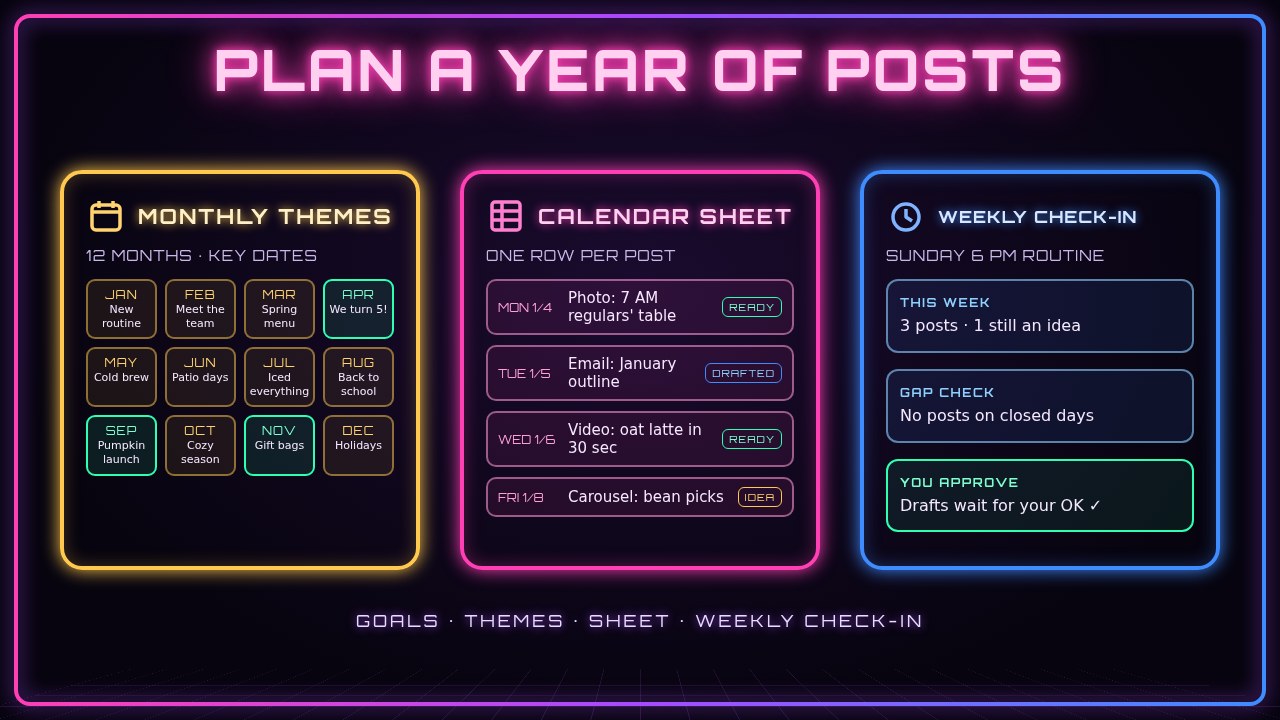
What you should see: a link to the saved document, or a file to download. Open it and make sure both the guide and the source list are there. Want to turn research like this into a regular post? A content calendar helps you plan a topic each month.
Tips and troubleshooting
- A link doesn’t work or goes to the wrong page. Tell Grok Bot which number is broken and ask it to find the page again or replace it with another good source. Never leave a broken link in the final version.
- The answer feels too general. Your question was probably too broad. Add more detail: where you are, what size, what budget, who it’s for.
- Sources disagree. That’s normal, especially for anything regional. Ask Grok Bot to show both sides with sources, then say so in your write-up (“Planting times vary; check your local guide”).
- Everything comes from one website. Ask for at least three different publishers, so one site’s mistake doesn’t become yours.
- Grok Bot states something without a source. Ask, “Where did that come from? Give me the link or remove it.” Keep your source rules at the top of the chat, and re-paste them if a long conversation drifts.
- Watch the dates. For anything that changes, like prices, laws, product features, or health advice, ask for the newest sources and check the date on each page.
- Big decisions need an expert. Research with Grok Bot is a great start, but for medical, legal, tax, or safety questions, use it to prepare questions for a real professional.
- Write in your own words. Don’t copy big chunks of a source. Short quotes in quotation marks with a citation are fine; the rest should be your own summary.
- Shopping research is different. If you’re researching what to buy, the compare products guide walks through specs and prices step by step.
- Other examples to try: a local bakery checking food labeling rules before adding allergen info to its menu, a fitness creator fact-checking a video script about stretching, an Etsy shop researching shipping rules for candles or batteries, a portfolio site’s “about my process” page, or a family researching campgrounds for a summer trip. Turning a video into a post? The YouTube to blog post guide pairs well with a quick fact check.
Recap checklist
- Turned my topic into one clear question with location, details, and audience
- Added 2–3 sub-questions
- Set source rules: expert sources first, label sellers, a link for every fact
- Got a numbered source list before any answer
- Opened a few links myself and dropped weak or off-topic sources
- Got short facts with a source number after each one
- Checked the most important facts against exact quotes
- Asked what’s missing, uncertain, or local
- Turned it into a write-up with numbered citations and a Sources section
- Ran a final citation check and read the whole thing myself
- Saved the guide and source list together for next time
Gear from this guide
Research means lots of tabs, so screen space helps. A 16-inch 2-in-1 like the Lenovo Yoga 7i 16” fits your sources and your chat with Grok Bot side by side. A tablet like the Samsung Galaxy Tab S10 FE with S Pen is great for reading sources on the couch and marking up a draft by hand. And noise canceling headphones like the Sony WH-1000XM5 help you focus when you’re checking facts line by line.
Subscribe to GregglesTV for daily tech news, reviews and walkthroughs.
See today’s GregglesTV Best Tech Deals or browse all deals posts.

Comments
Comments are moderated. Hate, slurs, spam and scam posts are blocked. Don’t include personal info you wouldn’t want public. See the privacy policy.
Loading comments…