How to Unlock iPhone Duo With Your Apple Watch (Skip Touch ID), Step by Step
iPhone Duo uses Touch ID in the side button, but if you wear an Apple Watch you can let it unlock your phone instead. Here's how to turn it on, which watches work, and what it can't do.
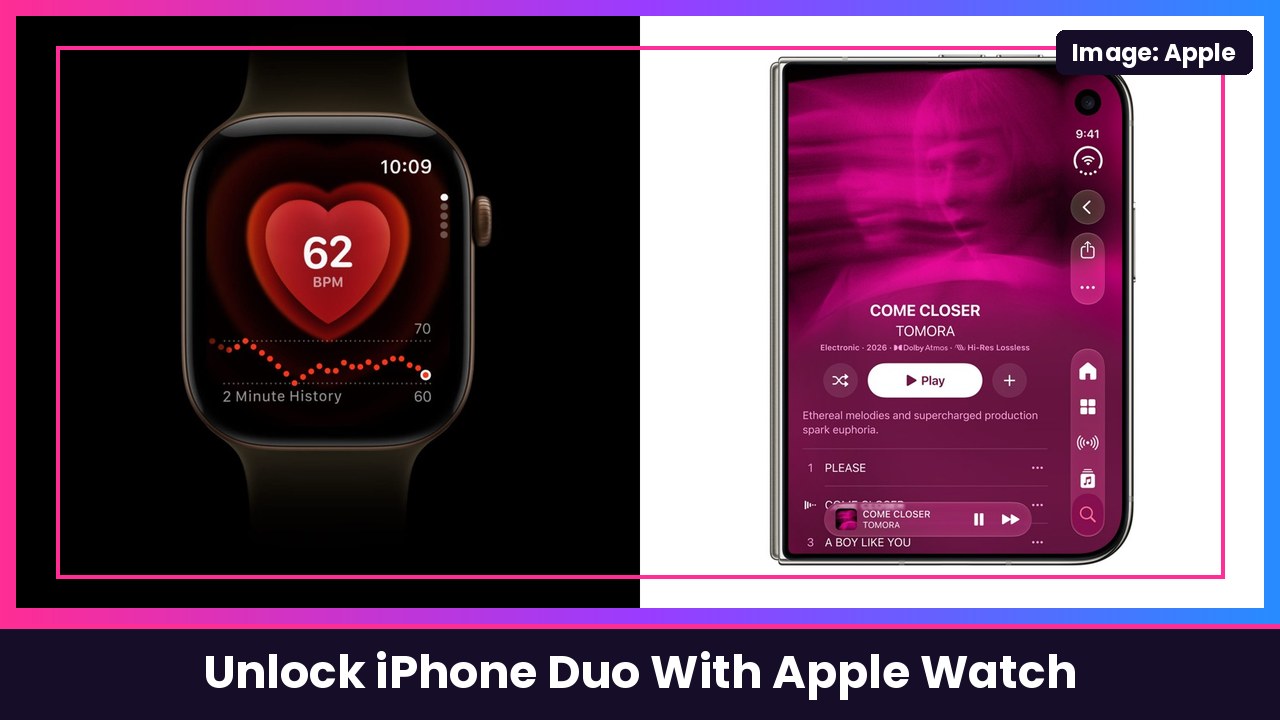
Quick summary: The iPhone Duo brought back Touch ID in the side button, and depending on how you’re holding the phone, that button isn’t always where your finger is. If you wear an Apple Watch, you can skip the fingerprint. Apple’s iPhone User Guide says Apple Watch Series 9 or later, Ultra 2 or later, and SE 3 can unlock an iPhone Duo. You turn it on in Settings > Touch ID & Passcode, under Unlock with Nearby Devices. Here’s the full setup.
Key takeaways
- Works with Apple Watch Series 9 or later, Ultra 2 or later, and SE 3, per Apple.
- Turn it on in Settings > Touch ID & Passcode > Unlock with Nearby Devices, then flip on your watch.
- Your watch needs a passcode, has to be unlocked and on your wrist, and needs to be close to your iPhone.
- To unlock: raise or tap the screen (or open the Duo), then swipe up.
- It only unlocks the phone. Apple Pay, passwords and secure apps still need Touch ID or your passcode.
Before you start
Check these first, because they’re the reasons this “doesn’t work” for most people:
- Your Apple Watch is paired with your iPhone Duo (open the Apple Watch app on your iPhone to pair it if you haven’t).
- Your watch is a Series 9 or later, Ultra 2 or later, or SE 3.
- Your watch has a passcode set.
- You’re wearing it, and it’s unlocked. A watch sitting on the nightstand won’t do it.
Step 1: Turn on Unlock with Apple Watch
- Open Settings on your iPhone Duo.
- Tap Touch ID & Passcode and enter your passcode.
- Scroll down to Unlock with Nearby Devices.
- Turn on the switch next to your Apple Watch.
- Have more than one watch? Apple says to turn it on for each one.
Step 2: Unlock your iPhone Duo with your watch
- Make sure your watch is on your wrist, unlocked, and near your phone.
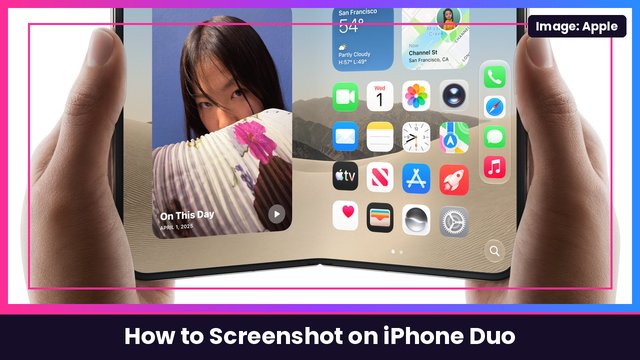
- Wake the iPhone Duo: raise it, tap the screen, or just open it. Apple specifically lists opening iPhone Duo as a way to wake it.
- Swipe up from the bottom edge of the screen. Your watch handles the authentication, so there’s no fingerprint needed.
MacRumors notes the swipe up is still part of the process, but you can turn on Rest Finger to Open for the times you do use Touch ID.
Didn’t mean to unlock it?
When your watch unlocks your iPhone, Apple says the watch gives you a haptic tap and an alert. If you didn’t mean to unlock it, tap Lock iPhone on your watch. The next time you unlock your iPhone, it’ll ask for your passcode. (That’s from Apple’s Unlock with Apple Watch support page, written for Face ID iPhones, but the watch alert is the same feature.)
What it won’t do
This is the big one to know. Per Apple, Unlock with Apple Watch only unlocks your iPhone. It does not verify you for Apple Pay, saved passwords, or password-protected apps. Those still need Touch ID or your passcode. MacRumors readers who own the Duo confirm the same thing in practice.
Tips to make it work better
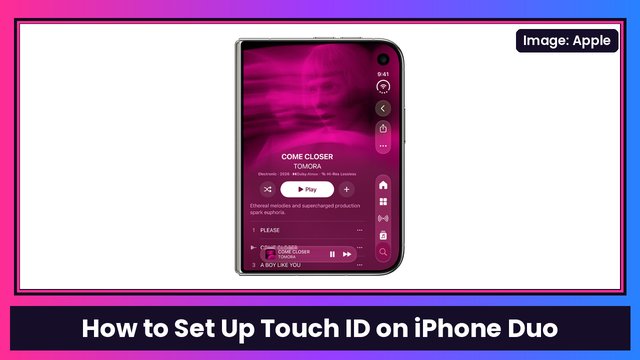
- Add more fingerprints too. TechCrunch recommends registering extra fingers on both hands in Settings > Touch ID & Passcode > Add a Fingerprint, since you hold the Duo so many different ways (TechCrunch).
- Want it to lock when you fold it? Here’s how to make iPhone Duo lock when you close it. Pair that with watch unlock and getting back in is quick.
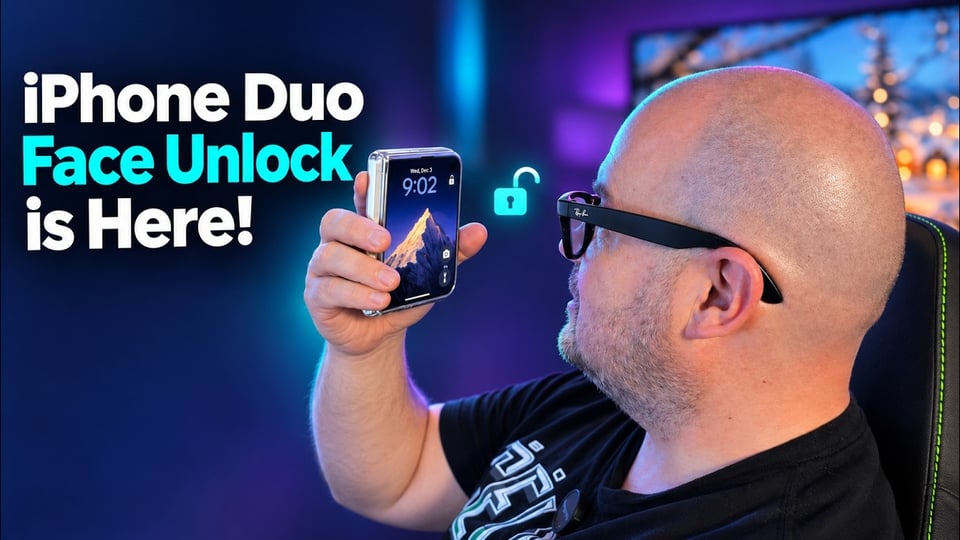
- Coming in iOS 27.3: Apple is adding a face unlock option for the outer display, currently in beta.
My take
If you’ve got an Apple Watch on your wrist anyway, turn this on. It’s the closest thing to Face ID on the Duo right now, and it saves you from hunting for the side button when the phone is open. Don’t have a compatible watch? The Apple Watch Series 12 works with it, and it’s been on sale for Black Friday. Protect that hinge with the MOBOSI MagSafe kickstand case, and keep an Anker 10000mAh MagSafe pack handy for long days.
Sources: Apple iPhone User Guide: Use Apple Watch with iPhone, Apple Support: Unlock your iPhone with Apple Watch, MacRumors: Unlock iPhone Duo With Apple Watch, TechCrunch: Got an iPhone Duo? These 9 settings make it easier to use, Mixed: Your Apple Watch can unlock iPhone Duo.
Subscribe to GregglesTV for daily tech news, reviews and walkthroughs.
See today’s GregglesTV Best Tech Deals or browse all deals posts.
Comments
Comments are moderated. Hate, slurs, spam and scam posts are blocked. Don’t include personal info you wouldn’t want public. See the privacy policy.
Loading comments…