Samsung's Now Bar Could Move to the Center of the Screen Like Apple's Dynamic Island With the Galaxy S27
Early Galaxy S27 software shows Samsung's live notification pill moving to the top center around the selfie camera, with left and right swipes to switch activities. Here's what's changing.
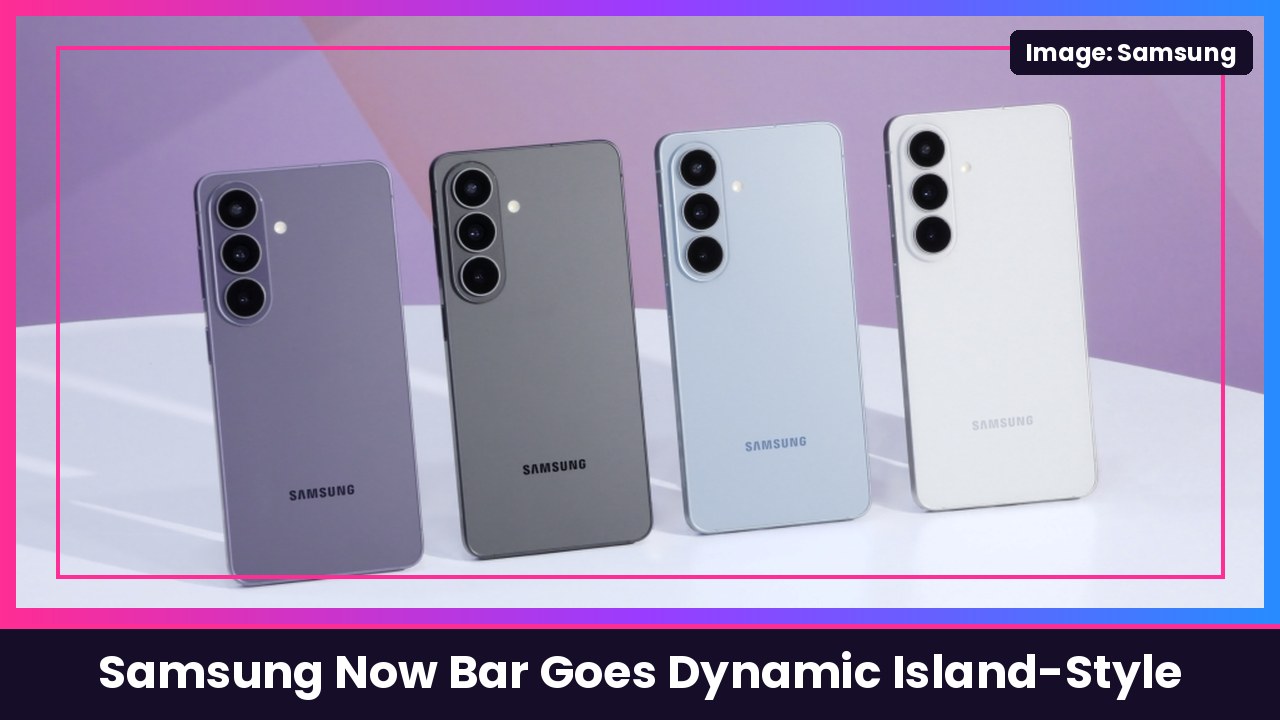
Quick summary: Samsung’s Now Bar live notifications might be about to look a lot more like Apple’s Dynamic Island. SamMobile says it found and tested a new layout in early Galaxy S27 series software that moves the live notification pill from next to the clock to the top center of the screen around the front camera, and lets you swipe left and right to switch between activities. Nothing is final yet, but SamMobile expects it to show up first on the Galaxy S27 before coming to current phones like the Galaxy S26 Ultra with One UI 9.5.
Key takeaways
- Where it moves: On current One UI, the live notification pill sits beside the clock on the left. In the new layout, it’s at the top center, around the selfie camera.
- New gesture: Right now you swipe up and down to move between ongoing activities. In the version SamMobile tested, you swipe left and right instead, without expanding the pill first.
- Same features, new spot: SamMobile says things like the timer countdown, Torch indicator and expandable activity controls are already in One UI. They’re just shown from the new center position.
- Moment effects: There’s also a new Moment effects page in Now Bar settings, with Sports as the only download for now, offering celebrations for your favorite teams’ scores and wins.
- Timing: SamMobile says it’s still in development and could change, but will likely debut with the Galaxy S27 series before reaching existing phones with One UI 9.5.
What the Now Bar does today
If you haven’t used it, the Now Bar is Samsung’s spot for live activity. Samsung’s support page says it shows live notifications about ongoing activities like sports, recording and Maps on your Lock screen, the status bar and the top of the Notification panel. You set it up in Settings > Lock screen and AOD (or Lock screen) > Now bar, then turn on the categories you want, plus Media player and Current mode if you like.
What’s changing
The big change is placement. SamMobile’s screenshots show the pill for things like a Torch indicator and a timer sitting dead center at the top of the screen, wrapped around the front camera. That’s the same basic idea as Apple’s Dynamic Island on iPhone, which lives around the iPhone’s front sensors.
The second change is how you flip between activities. If you’ve got a timer running and music playing, today you swipe up and down. In the new build, you swipe sideways right on the compact pill. SamMobile says that sideways gesture plus the camera-centered placement is what gives it that Dynamic Island feel.
The third piece is Moment effects. SamMobile says Samsung already introduced sports animations in the One UI 9.5 beta, and the broader “Moment effects” name could leave room for other effects later, though no other categories are confirmed.
My take
I’m honestly into this. A live notification pill makes the most sense right where your eyes already go, at the top center around the camera, and swiping sideways between a timer and your music is way more natural than swiping up and down on a tiny pill. Yes, Samsung fans are going to say it’s copying Apple. But the Galaxy S27 Ultra redesign is already getting heat, so this one feels like a small, smart change compared with that.
The big question is timing. If it really does come to current phones through One UI 9.5, owners of the Galaxy S26 Ultra and Galaxy Z Fold 8 won’t have to buy a new phone to get it. And if you love the Now Bar’s media controls, they pair perfectly with the Galaxy Buds4 Pro.
Want to tune your Now Bar today? Check out how to turn off Now Brief on Samsung Galaxy.
Sources: SamMobile: Samsung’s Now Bar could get a Dynamic Island-style redesign with the Galaxy S27, Samsung Support: Set up the Now brief and Now bar on your Samsung Galaxy device, 9to5Google: Samsung fans continue to hate on Galaxy S27 Ultra redesign.
Subscribe to GregglesTV for daily tech news, reviews and walkthroughs.
See today’s GregglesTV Best Tech Deals or browse all deals posts.
Comments
Comments are moderated. Hate, slurs, spam and scam posts are blocked. Don’t include personal info you wouldn’t want public. See the privacy policy.
Loading comments…