Samsung's Expert RAW Is Getting a Big Redesign for Galaxy S27: Burst RAW, f/1.4–f/22 and More
An early build of Expert RAW for One UI 9.5 shows a new mode grid, two custom shortcut buttons, a settings lock, an RGB histogram, a 30-shot DNG burst mode, a wider Virtual Aperture range and hints of video.
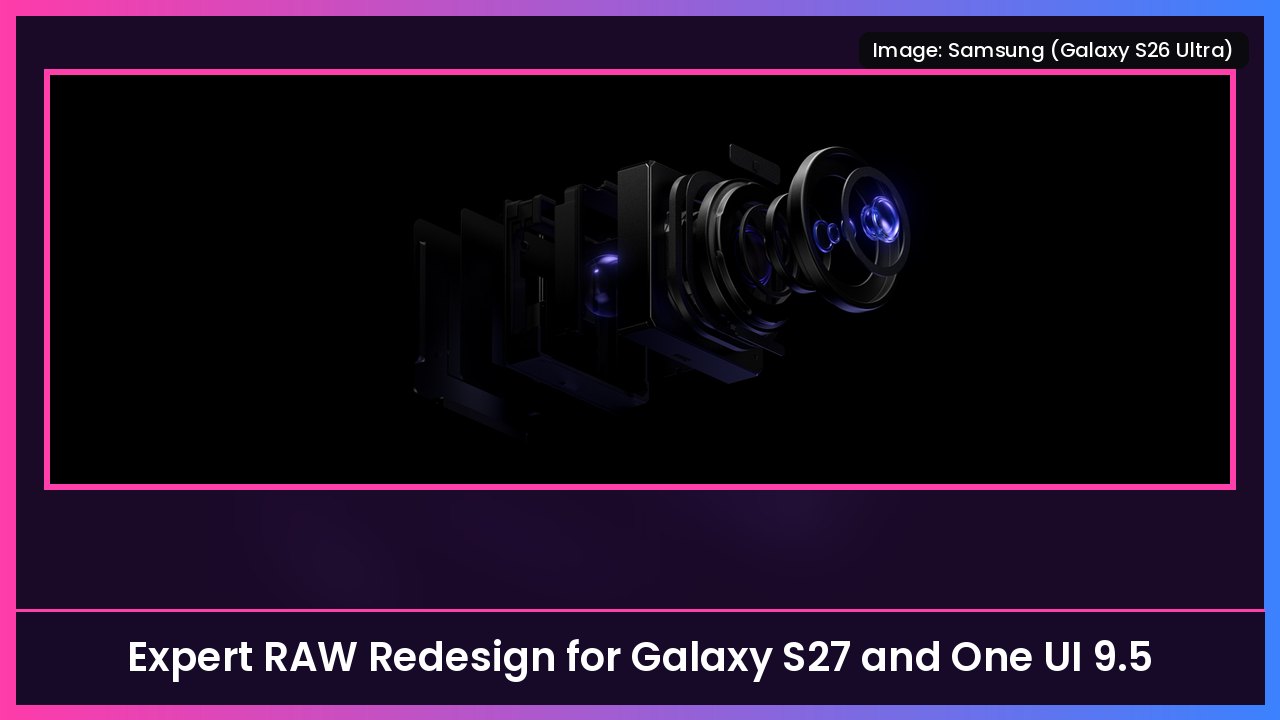
Quick summary: If you shoot in Expert RAW on your Galaxy, a big update is coming. SamMobile got its hands on an early version of the app built for the Galaxy S27 series and One UI 9.5. It has a redesigned interface, more customization, a new Burst mode that saves RAW files, a wider Virtual Aperture range and signs that video is on the way. Samsung hasn’t announced any of this, and SamMobile stresses it’s an early build, so details could change.
Key takeaways
- New look: clearer labels on manual controls, bigger adjustment panels, a multi-row quick controls grid and more translucent menus.
- Mode grid: a selector at the top left now opens a grid with Expert, Virtual Aperture, Virtual Reflector, ND filter and astrophotography. You can make the app remember your last mode.
- Two custom buttons next to the shutter, plus a padlock to lock your settings.
- Bigger histogram with separate white, red, green and blue plots.
- Burst mode: up to 30 shots per session, saved as DNG RAW files.
- Virtual Aperture: from f/1.4 to f/22, up from a max of f/16 on the Galaxy S26 Ultra.
- Tint control for white balance, plus aspect ratio options.
- Video hints: a Videos section with a stabilization toggle, but video capture doesn’t work yet.
A cleaner, more customizable interface
SamMobile says the changes jump out as soon as you open the app. Manual controls get clearer labels and larger adjustment panels, and the quick controls menu is now a multi-row grid.
The biggest workflow change is the new shooting mode selector at the top left. It opens a grid with Expert plus tools that already exist, like Virtual Aperture, Virtual Reflector, the ND filter and astrophotography. The tools aren’t new, but they’re easier to reach. You can also set the app to reopen in the last mode you used.
Next to the shutter, there are now two customizable buttons. SamMobile says you can assign them to:
- Camera settings
- Exposure lock
- Picture size
- Timer
- Ratio
- Metering
- Histogram
- Focus peaking
- Autofocus area selection
There’s also a new padlock button at the top right that locks your camera settings so you don’t bump something by accident. Tap it again to unlock. And the histogram gets an upgrade: tap the small graph to open a larger panel with separate white, red, green and blue plots.
Burst RAW, wider aperture and a Tint slider
- Burst mode: The app says it can capture up to 30 shots per session and save them in DNG format, so you get RAW files to edit later. It also warns you these will eat more storage.
- Virtual Aperture: It currently tops out at f/16 on the Galaxy S26 Ultra. The new app offers f/1.4 all the way to f/22. This is still software-simulated depth of field. SamMobile says the S27 series isn’t expected to have a physical variable aperture.
- Tint control: Expert RAW only lets you adjust temperature today when you set white balance manually. The new build adds a separate Tint control.
- Aspect ratio: You’ll be able to change the shooting aspect ratio.
Is video coming to Expert RAW?
Possibly. Expert RAW doesn’t record video today. But SamMobile found a Videos section in settings with a Video stabilization toggle, and Ocean mode has options for video resolution and frame rate. Video capture doesn’t work in this build, so which modes and resolutions we’d get is still unknown.
When could you get it?
SamMobile ties this build to the Galaxy S27 series and One UI 9.5. Samsung hasn’t confirmed timing, and SamMobile hasn’t said whether current phones like the Galaxy S26 Ultra will get every feature. Samsung has historically updated Expert RAW for older flagships too, but I’d wait for Samsung to confirm before counting on it.
This is the latest in a pile of One UI 9.5 leaks today. I’ve also covered Samsung’s Memory app, Personal Agent Core and the Galaxy AI usage meter, and Samsung Health’s new Scan meal feature.
My take
This is the kind of update photographers actually want. The custom shutter buttons, the settings lock and the full RGB histogram are pro-camera basics that make Expert RAW faster to use. Burst DNG is a real upgrade for action shots. The wider Virtual Aperture is nice, but remember it’s software blur, not real glass. And if Samsung lands video in Expert RAW, that could be the sleeper feature of the Galaxy S27.
Want to shoot RAW on a Galaxy today? The Galaxy S26 Ultra and Galaxy Z Fold 8 are in the shop box below, plus the DJI Osmo Mobile 7P gimbal for steady shots.
Source: SamMobile (early Expert RAW build for Galaxy S27 and One UI 9.5: interface, mode grid, shortcut buttons, lock, histogram, Burst mode, Virtual Aperture f/1.4–f/22, Tint, aspect ratio, video hints, November 14, 2026).
Subscribe to GregglesTV for daily tech news, reviews and walkthroughs.
See today’s GregglesTV Best Tech Deals or browse all deals posts.


Comments
Comments are moderated. Hate, slurs, spam and scam posts are blocked. Don’t include personal info you wouldn’t want public. See the privacy policy.
Loading comments…