Samsung's Memory App Could Be One UI 9.5's Answer to Pixel Screenshots
Code and onboarding screens dug up by SamMobile show Samsung building Memory, a Galaxy AI app that saves screenshots, voice notes, links and text, then auto-titles, summarizes, tags and sorts them. Here's what it does and when it might show up.
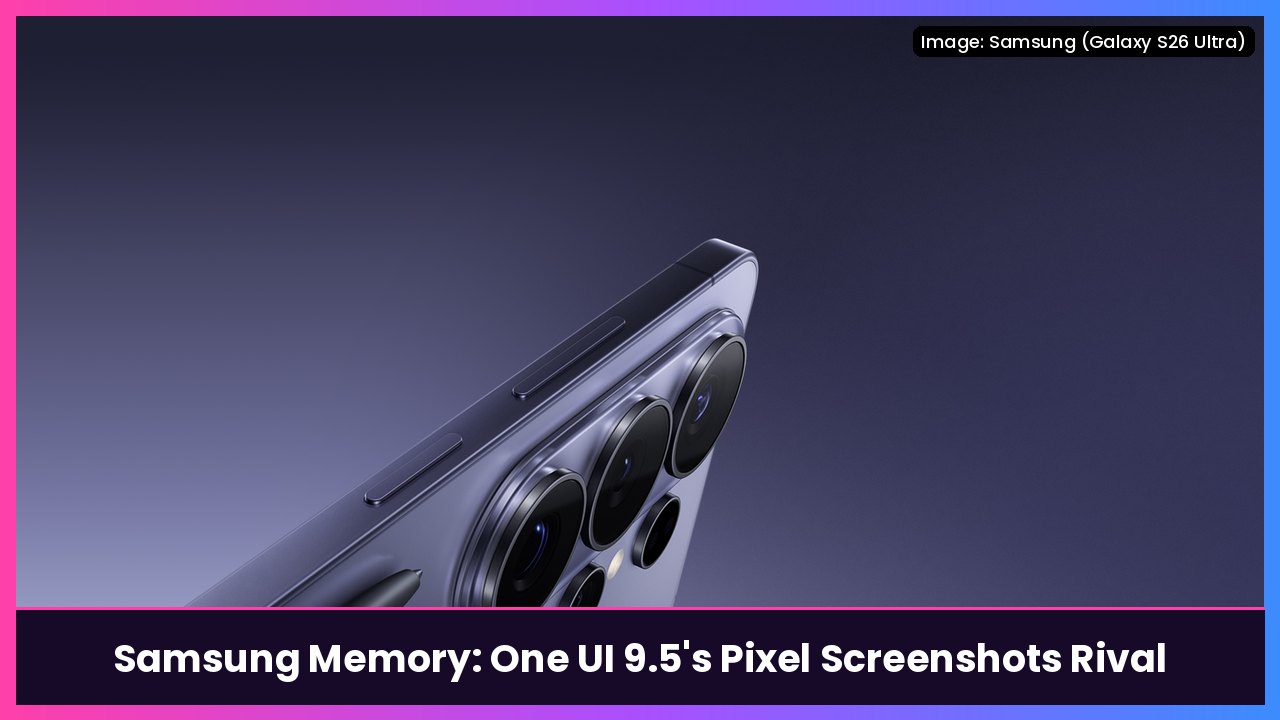
Quick summary: Samsung is taking a page right out of Google’s Pixel playbook. A new Galaxy AI app called Memory looks set to arrive with One UI 9.5, and it works a lot like Pixel Screenshots: you save screenshots, voice notes, links and text, and AI organizes it all into a searchable archive. SamMobile found the app’s onboarding screens, and Engadget picked it up today. Samsung hasn’t announced it yet, so treat this as unreleased software that could still change.
Key takeaways
- Memory is a new Galaxy AI app found by SamMobile. Its onboarding screen pitches it as a way to “Save memories from anywhere.”
- You can save screenshots, voice notes, links, text and content imported from other apps through the Share sheet.
- AI generates a title, summary and tags for each item and groups related items into collections.
- It can spot a webpage inside a screenshot and pull up the original link for you.
- Engadget says SamMobile’s screenshots point to an option to run Memory’s AI processing entirely on your device, and a way to turn it off.
- No release date yet. SamMobile and Engadget both expect it with One UI 9.5.
What Samsung Memory does
Think of it as one place for all the random stuff you save on your phone and then can never find again.
According to SamMobile, once you save something, Memory uses AI to:
- Write a title and a short summary
- Add tags so it’s easy to search
- Group related items into collections
When you paste a link, Memory reportedly grabs the page title, writes a short description and pulls out the key info. Screenshot an article? It can recognize the webpage and fetch the original link, so you don’t have to go hunting for it later.
You’ll also be able to edit the AI-generated title, favorite an item, lock it, add it to a collection or delete it, per SamMobile.
How you’d save things to Memory
SamMobile lists several ways in:
- Screenshot by swiping down on the screen with three fingers
- Record a voice note by pressing and holding Volume Up and the Side button together. Memory shows a “Say what’s on your mind” prompt, then turns your recording into an organized entry with a title, summary and tags.
- Share content from other apps through the Share sheet
- Copy and paste links and text into the app
SamMobile also spotted a Memory entry in the Galaxy AI section of Settings, with an activation toggle. Engadget notes it’s still unclear whether Memory will be opt-in or opt-out.
Samsung’s version of Pixel Screenshots
If this sounds familiar, it should. Google’s Pixel Screenshots app, which debuted with the Pixel 9 series, does a similar job of turning your screenshots into a searchable, AI-organized library. SamMobile also compares Memory to OPPO’s Mind Space and to Samsung’s own Collection app, which is currently only available in China.
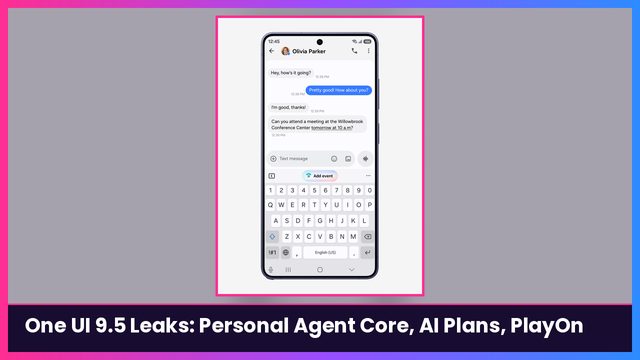
Memory goes a bit further than screenshots alone by pulling in voice notes, links and text too. It fits a bigger One UI 9.5 theme: Samsung is building AI that ties together info from across your phone. Earlier today I covered SamMobile’s findings on Personal Agent Core, the Galaxy AI usage meter and PlayOn, plus Google’s own shake-up with Magic Cue giving way to Proactive Assistance on Pixel.
When could you get it?
Samsung hasn’t said. Here’s what the reports point to:
- Engadget says you might be able to try Memory within the next few weeks, since a One UI 9.5 beta is expected soon. For reference, the One UI 8.5 beta showed up in early December 2025.
- The full One UI 9.5 release will likely arrive with the Galaxy S27 lineup, which Engadget expects in early 2027.
- Not every AI feature is guaranteed to be free. SamMobile has separately reported that some of One UI 9.5’s agentic features may need Galaxy AI Premium, but it hasn’t said whether Memory is one of them.
My take
I screenshot everything: deals, tracking numbers, specs, recipes, you name it. Then it all disappears into a camera roll with thousands of other photos. An app that automatically titles, tags and groups that stuff, and can grab the original link from a screenshot, is genuinely useful. The on-device processing option is the part I’m happiest to see. I’ll be watching for it in the One UI 9.5 beta.
Want Galaxy AI now? The Galaxy S26 Ultra and Galaxy Z Fold 8 are in the shop box below. And if you’d rather have Google’s version today, the Pixel 10 Pro is there too.
Sources: SamMobile (Memory app onboarding screens and features); Engadget (November 14, 2026); SamMobile (One UI 9.5 agentic AI and Galaxy AI Premium, November 14, 2026).
Subscribe to GregglesTV for daily tech news, reviews and walkthroughs.
See today’s GregglesTV Best Tech Deals or browse all deals posts.
Comments
Comments are moderated. Hate, slurs, spam and scam posts are blocked. Don’t include personal info you wouldn’t want public. See the privacy policy.
Loading comments…