Pixel Weather Now Lets You Report the Weather Outside to Improve Local Forecasts: Here's How It Works
Google's Pixel Weather app is rolling out a new Report current weather card that lets you tell Google when the forecast looks wrong. Here's where to find it, what you can report, the privacy fine print and the other small changes in this update.
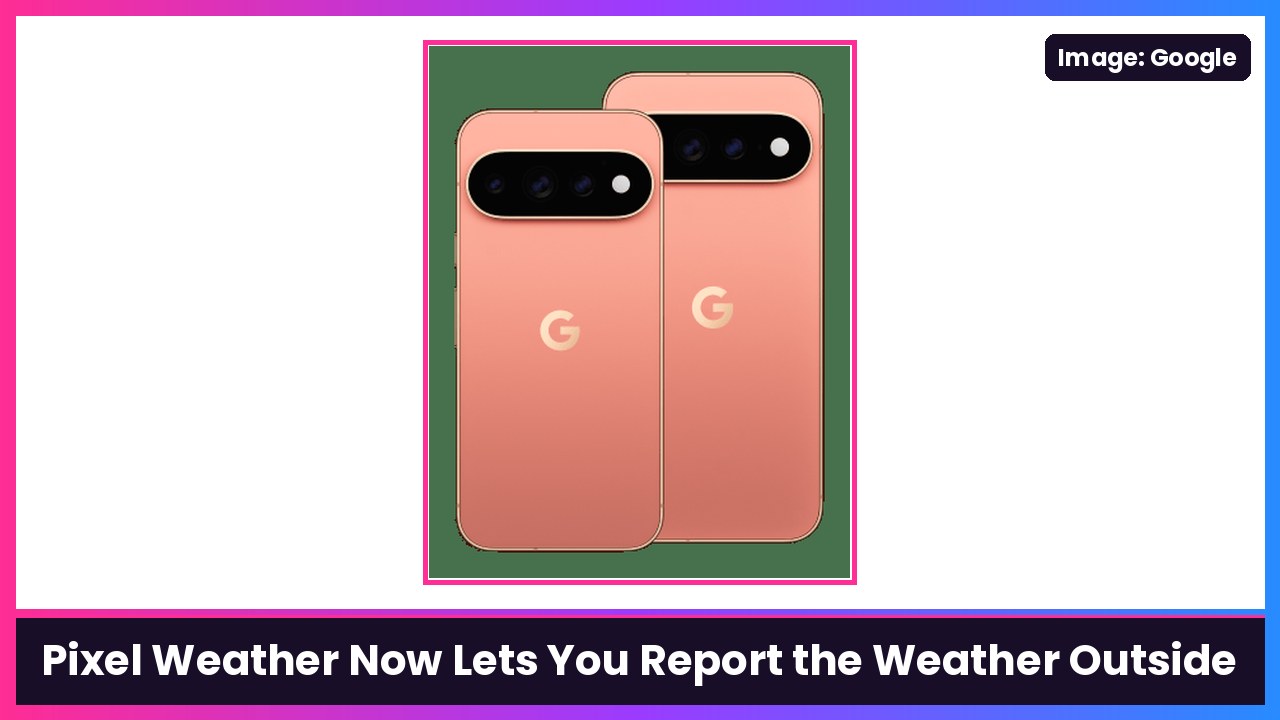
Quick summary: Ever look out the window and see rain while your weather app says “Clear”? Google is now letting you tell it. The latest Pixel Weather update adds a “Report current weather” card to “share the current weather condition to improve local forecasts,” 9to5Google reports. It’s rolling out this weekend with version 1.1.20261012.x of the app, so if you have a Pixel 11 Pro Fold, Pixel 10 Pro or another Pixel, check for an update.
Key takeaways
- New card: Report current weather, at the very bottom of your current location page. You can move it higher in the feed.
- What you report: whether the temperature seems right (or warmer/colder) and the current conditions.
- Privacy: Google says your feedback, device location and some diagnostic info are collected, but not associated with your Google account.
- Also new: weather warning cards drop the bright red background, and the source line at the bottom is now themed.
How to report the weather on your Pixel
Based on 9to5Google’s walkthrough of the new version:
- Update Pixel Weather from the Play Store (look for 1.1.20261012.x or later). Like most Google updates, it may take a few days to reach every phone.
- Open Pixel Weather and go to your current location.
- Scroll to the very bottom and find the Report current weather card. Google’s text says to “submit a report if the weather conditions don’t look right.”
- Tap Submit a report. A “Report weather in [your city]” sheet opens.
- For Current temperature, pick Seems accurate, Warmer or Colder.
- For Current conditions, pick one: Cloudy, Clear, Rain showers, Sleet or hail, Snow showers, Strong thunderstorms or Low visibility.
- Submit it.
What you should see: The card at the bottom of your current location, and after you submit, a short report sheet that closes. You won’t see your forecast change on the spot. Google says the reports help improve local forecasts.
Don’t see the card? Make sure Pixel Weather has location permission. Google’s Pixel Weather help page says location access gives you more accurate weather, and it’s what tells the app your current spot. Pixel Weather is available on Pixel 6 and later, including Pixel Tablet, per that same page.
The privacy fine print
The report sheet says: “Your feedback, device location and some diagnostic information will be collected to help improve forecasts. This information will not be associated with your Google account.” So you’re sharing your location with the report, but Google says it isn’t tied back to you.
The other small changes
9to5Google also spotted a couple of design tweaks:
- Cities with active weather warnings no longer get a bright red card background on the homepage. The pill-shaped card keeps its Dynamic Color theme, with just the warning text in red. The same goes for the card on the city page.
- The source line at the very bottom (like “Google Weather”) is now themed too.
My take
This is a small one, but I like it. Crowdsourced reports are how apps like Waze got so good at traffic, and weather is the same story: your phone can’t look out the window, but you can. If a few thousand Pixel owners in a city tap “Rain showers” when it’s actually raining, that’s real-world data a forecast model doesn’t otherwise have. The less-aggressive red warning cards are a nice touch too, because the old ones were a lot. Pair it with a Pixel Watch 5 and you’ve got the forecast on your wrist when you’re heading out.
Want more Pixel tips? See my Pixel 11 Pro Fold first 20 things to do and the November 2026 Pixel Drop breakdown.
Sources: 9to5Google: Pixel Weather rolls out ‘Report current weather’ to ‘improve local forecasts’ (Abner Li, Nov 22, 2026), Google Pixel Phone Help: Check the weather forecast on your Pixel phone or tablet. Lead image: Google’s official Pixel 11 Pro product image.
Subscribe to GregglesTV for daily tech news, reviews and walkthroughs.
See today’s GregglesTV Best Tech Deals or browse all deals posts.

Comments
Comments are moderated. Hate, slurs, spam and scam posts are blocked. Don’t include personal info you wouldn’t want public. See the privacy policy.
Loading comments…