Android's New Sideloading Rules Go Global in January 2027: What Changes for Pixel and Galaxy Owners
Google says Android developer verification starts rolling out worldwide in January 2027 with Google Play, Galaxy Store and five other stores. Here's what it means for installing apps, plus the 24-hour advanced flow for unverified apps.
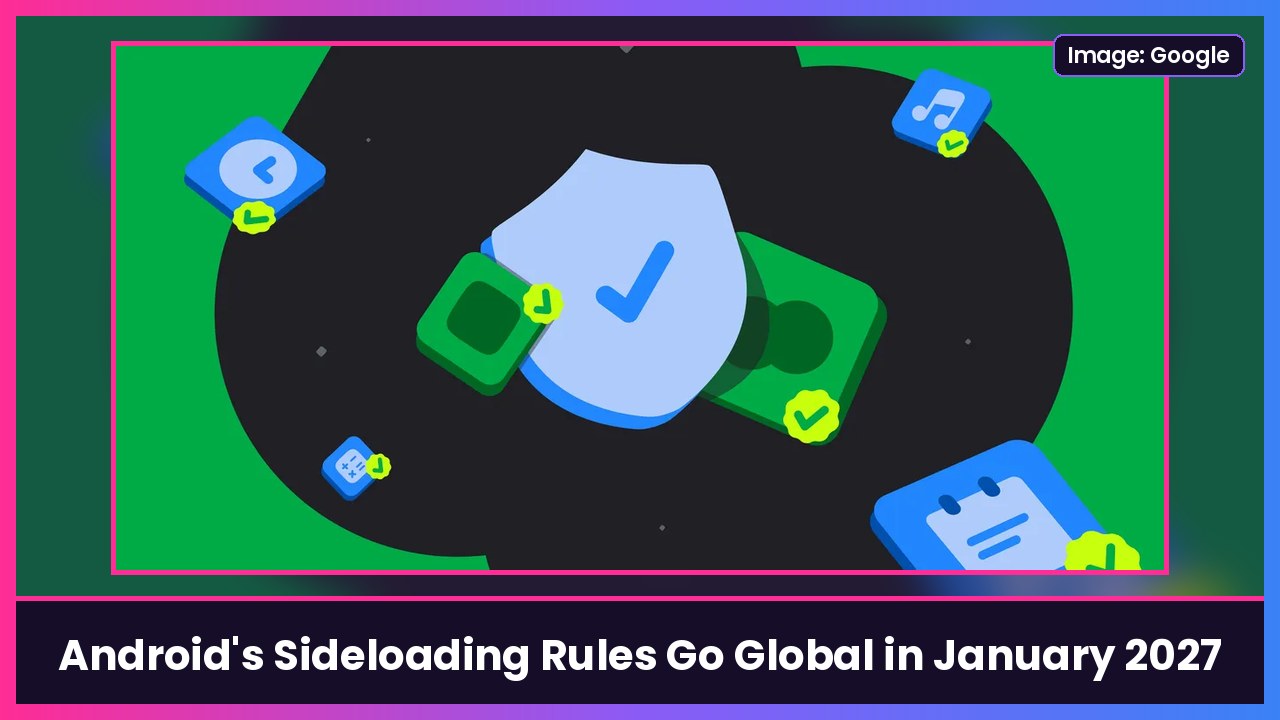
Quick summary: Google’s controversial Android developer verification rules, the ones that make sideloading unverified apps a lot harder, are going global in January 2027. Google announced today that the worldwide rollout starts with seven app distributors, including Google Play and Samsung’s Galaxy Store, then expands to all countries and all install sources over several months. If you only download apps from the Play Store, you probably won’t notice. If you sideload, things are about to get more annoying.
Key takeaways
- When: the global rollout begins in January 2027. Google’s distributor guide says protections should be in effect for other stores by March 2027.
- The first seven stores: Google Play, Galaxy Store, Honor, Oppo, Xiaomi, Transsion and Vivo.
- What it means: apps installed on certified Android devices will need to be registered by a verified developer. Unregistered apps get blocked unless you turn on Google’s “advanced flow.”
- Where it’s already live: since September 30 in participating stores in Brazil, Indonesia, Singapore and Thailand.
- Google’s numbers: “millions” of apps have been registered since verification opened to everyone in March, which Google says covers over 99% of Android app installs.
What is developer verification?
Google announced developer verification in 2025 as a way to make it harder for scammers to keep pushing harmful apps under new, anonymous names. App developers have to verify their identity and register their apps. Ars Technica notes that means providing government ID and paying a $25 fee. Google says students and hobbyists can use free limited distribution accounts to share apps with up to 50 devices, up from 20.
For regular people, the big change is what happens when you try to install an app from a developer who hasn’t registered.
How to install apps from unverified developers (the advanced flow)
Google built what it calls an advanced flow for power users who accept the risk. Per Google’s support page:
- Turn on Developer options on your phone.
- Open the Settings app and tap System > Developer options.
- Turn on Allow apps from unverified developers.
- Follow the on-screen instructions. Android Authority says this includes authenticating and confirming nobody is pressuring you to make the change, then restarting your phone.
- Wait out the 24-hour security delay.
- Choose whether to keep the advanced flow on for seven days or indefinitely.
- When you install an unverified app, you’ll still see a warning. Tap Install anyway to confirm.
That 24-hour wait is the whole point: Google is targeting scams where someone on the phone pretending to be your bank or tech support talks you into installing a fake app right now.
My take
I get why Google is doing this. Fake bank and delivery apps are a real problem, and most people will never see a difference since nearly every app they use is already registered. But a 24-hour wait and a pile of steps is a lot for power users and open-source fans who sideload on purpose. The good news is it’s a one-time setup, and you can leave it on indefinitely afterward.
If you’re picking a new Android phone, this applies to all certified devices, so it’s not a reason to choose one brand over another. My picks right now are the Galaxy S26 Ultra, the Pixel 10 Pro if you want a deal on last year’s Pro, and the Pixel 11 Pro Fold if you want a foldable.
Sources: Android Developers Blog: Expanding Android developer verification in 2027, Android Developers: Resources for app distributors, Google Support: Install apps from unverified developers, Android Authority: Android’s controversial sideloading rules go global in January, Ars Technica: Google will launch Android app verification requirement globally in January 2027.
Subscribe to GregglesTV for daily tech news, reviews and walkthroughs.
See today’s GregglesTV Best Tech Deals or browse all deals posts.


Comments
Comments are moderated. Hate, slurs, spam and scam posts are blocked. Don’t include personal info you wouldn’t want public. See the privacy policy.
Loading comments…