One UI 9.5 Code Hints at Secure Erase and a Lock Screen IMEI Option for Lost Galaxy Phones
Android Authority dug two new security features out of the One UI 9.5 beta: a Secure erase option that overwrites everything when you wipe your Galaxy, and a setting that shows your IMEI on the lock screen so a lost phone can find its way home.
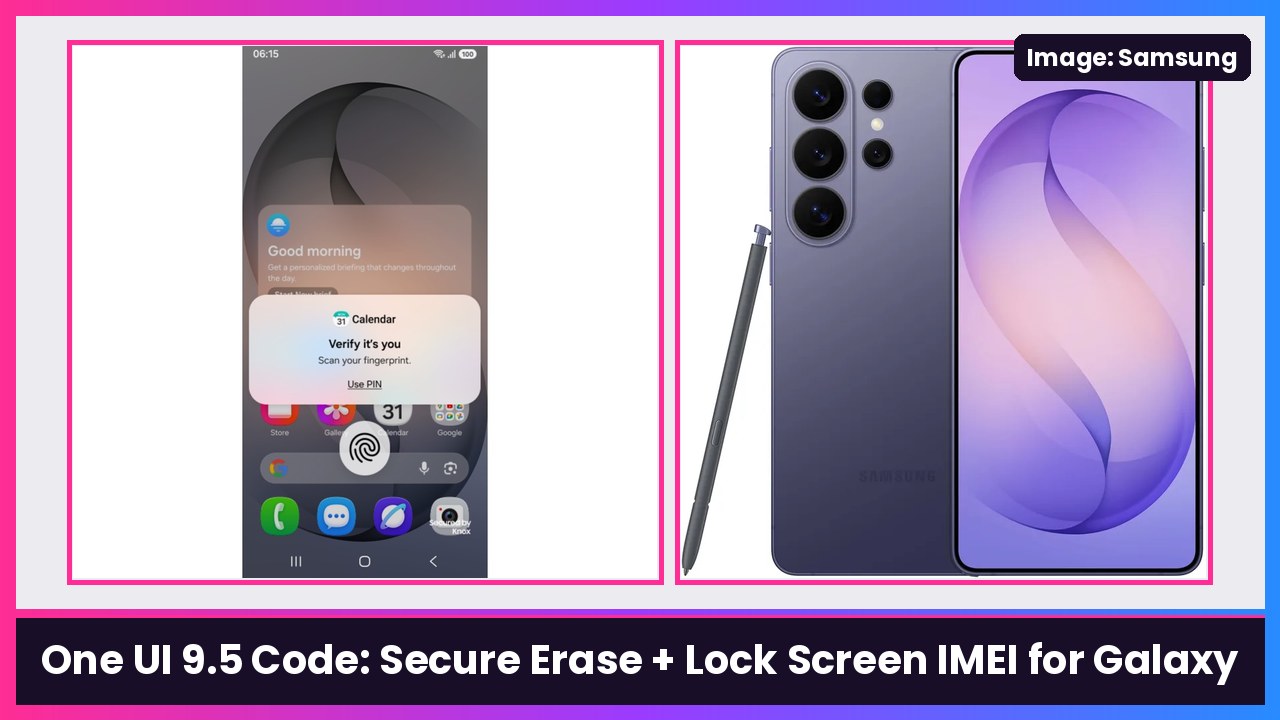
Quick summary: The One UI 9.5 beta that just landed on the Galaxy S26 Ultra and the rest of the S26 lineup has two more security features hiding in its code. Android Authority found a Secure erase option that overwrites all your data when you wipe your phone, plus a Device identifier on Lock screen setting that would show your IMEI from the lock screen so police can get a lost phone back to you. Big caveat up front: this is from an APK teardown of work-in-progress code, and Android Authority says these features may not ship.
Secure erase: wipe it so nobody gets it back
Normally when you factory reset a phone, your data is protected by encryption. Android Authority explains that Android 10 and later use file-based encryption, so wiped data is already scrambled. Secure erase goes further and overwrites the storage. Here’s the description Samsung wrote in the code:
“This feature securely erases and overwrites all data on your phone’s storage so it can’t be recovered, even with professional data recovery methods.”
And Samsung’s own warnings are pretty serious:
- “Once the Secure erase process begins, it can’t be paused, stopped, or undone.”
- “Secure erase can take a long time. You won’t be able to use your phone until the process is complete.”
- “Make sure your battery is sufficiently charged before starting.” Samsung also says the phone “may also get warm” while it works.
The code calls it a checkbox, so it looks like an optional add-on to the regular factory reset, not a replacement. For most people, a normal reset is plenty. But if you’re selling or trading in a phone and you’re the extra-careful type, this is a nice option to have. And yes, given that warning, I’d plug it into a fast charger like Samsung’s 45W PD adapter before starting.
Lock screen IMEI: helping a lost phone get home
The second feature, also spotted by Android Authority, is called Device identifier on Lock screen, under a new Lost phone recovery category. The code describes it like this:
“Show your phone’s IMEI in the Emergency call menu on the Lock screen so authorities can identify you as the owner if your phone is recovered after being lost or stolen.”
Every phone has a unique IMEI. You can’t track a phone with it, but if someone turns your lost Galaxy in to the police, they could read the IMEI right off the lock screen and match it to a lost-or-stolen report or work with your carrier. Android Authority says it’s the exact same name Google uses for this feature in its own theft protection settings, which reached Google’s devices in September through the Personal Safety app. Samsung doesn’t ship that app on Galaxy phones, so this would be Samsung’s own version.
Samsung’s string also notes your IMEI “can still be accessed using other methods even if this is turned off.” Want to know how to find yours right now? Here’s my guide on checking a phone’s IMEI.
When could you get these?
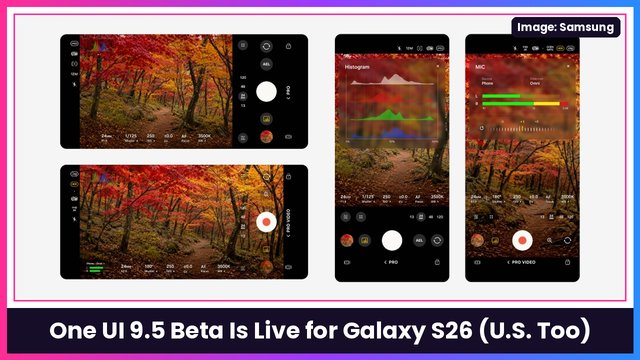
Unknown. Android Authority found them in the One UI 9.5 beta, didn’t see the IMEI setting on its One UI 9 Galaxy S25, and says it’s unclear whether either feature makes the public release. Samsung hasn’t announced them. The beta itself is open now for Galaxy S26 owners in the U.S. and a few other countries. If you want in, here’s how to join the One UI 9.5 beta and what’s new. Foldable owners on the Galaxy Z Fold 8 will have to wait for Samsung to expand the program.
My take: neither feature is flashy, but both are exactly the kind of thing you’ll be glad exists the day you sell a phone or lose one. I hope both make the final build.
Sources: Android Authority: Secure erase, Android Authority: lock screen IMEI, Samsung Newsroom: One UI 9.5 beta program.
Subscribe to GregglesTV for daily tech news, reviews and walkthroughs.
See today’s GregglesTV Best Tech Deals or browse all deals posts.
Comments
Comments are moderated. Hate, slurs, spam and scam posts are blocked. Don’t include personal info you wouldn’t want public. See the privacy policy.
Loading comments…