Samsung Support Says One UI 9.5 Will Fix the Galaxy Battery Health Drops Owners Saw After One UI 9. Here's How to Check Yours
Some Galaxy owners say their battery health percentage fell fast after One UI 9, and a Samsung support reply says the One UI 9.5 update will address it. Here's what we know, what we don't, and how to check your phone's battery right now.
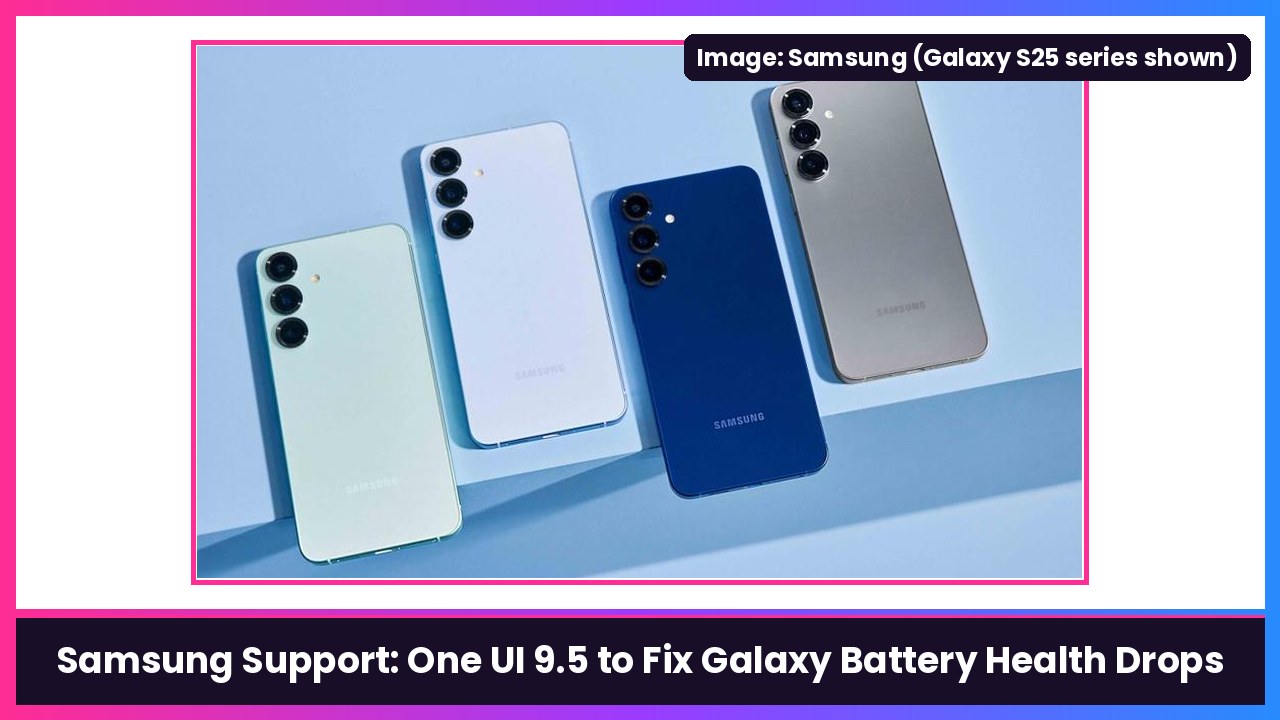
Quick summary: If your Galaxy’s battery health number has been dropping weirdly fast since One UI 9, you’re not alone, and there may be a fix coming. Android Authority spotted a post on Samsung’s Turkish community forum where a Galaxy owner shared Samsung’s reply to an error report: the battery health drop will be addressed with the upcoming One UI 9.5 update. What Samsung didn’t say is whether batteries are actually wearing out faster, or the phone is just reading them wrong.
Key takeaways
- The problem: Owners say battery health has been dropping abnormally since One UI 9. The forum poster says some fairly new phones showed 94% after about a month.
- Samsung’s answer: A support reply, received about two weeks after an error report through Samsung Members, says the issue will be addressed in One UI 9.5.
- The big unknown: It’s not clear if this is real faster wear or a software bug in the reading. A software update can’t bring back capacity a battery has physically lost.
- When: One UI 9.5 is in beta now. Android Authority expects the stable version to debut with the Galaxy S27 series in a couple of months.
- This is a support reply, not an official Samsung announcement, so treat the timing as likely, not locked in.
What happened
The post was made on November 24 by a Samsung Members community user in Turkey. They wrote that after the One UI 9.0 update, battery health was dropping to abnormal levels on many devices, even new ones, with numbers like 94% after just a month. They filed an error report in Samsung Members, and about two weeks later the Turkish team passed along an answer from Korea. Android Authority’s translation of that reply:
The issue of decreased battery health you’re experiencing will be addressed with the upcoming One UI 9.5 update.
This isn’t the only battery complaint with One UI 9, either. Android Authority has also reported on increased battery drain on the Galaxy S24 and S25 after the update.
Bug or real wear? Why it matters
Samsung started showing detailed battery health info with the Galaxy S25 series. As Android Authority puts it, that number is only useful if it’s accurate.
- If it’s a reading bug, One UI 9.5 should just fix the number, and your battery was fine all along.
- If One UI 9 was actually wearing batteries faster, 9.5 could stop it from getting worse, but it can’t restore capacity that’s already gone.
So don’t panic about a 94% reading yet, but don’t ignore it either.
How to check your Galaxy’s battery health right now
Option 1: Settings
- Open Settings and tap Battery.
- Scroll down and tap Battery information.
- If your model supports it, you’ll see a Battery health percentage and cycle count. Not every model or region shows the percentage.
Option 2: Samsung Members diagnostics (works on almost any Galaxy)
- Open the Samsung Members app.
- Tap Support (or Diagnostics on the Discover tab).
- Tap Phone diagnostics, then Get started.
- Tap Battery status to see the result.
Samsung says you’ll get Normal, Weak (efficiency may have dropped from long-term use or environment) or Bad (significantly degraded; visit a Samsung service center). Samsung also notes diagnostic results can sometimes be thrown off by software limitations, which is kind of the whole question here.
One UI 9 also added Warranty and Care right in Settings, where Samsung says you can check warranty coverage, run self-diagnostics, view repair estimates and book service.
What you can do while you wait
- Report it. The forum poster got this answer by sending an error report through Samsung Members. More reports with logs only help.
- Turn on Battery protection. Go to Settings > Battery > Battery protection. Samsung says Basic stops at 100% and resumes at 95%, Adaptive holds at 80% once it learns your routine and switches to Basic before you wake up, and Maximum stops at the level you choose. Here’s my full Battery protection how-to.
- Use a good charger. A proper adapter like Samsung’s 45W Power Adapter is a better bet than a random gas station brick.
- Want 9.5 early? It’s in beta. Here’s how to join the One UI 9.5 beta and what’s new. Just know it’s beta software, so I wouldn’t do it on your only phone.
My take
I’ll be honest with you, a support rep’s reply on a forum isn’t the same as Samsung putting out a statement, so I want to see the One UI 9.5 changelog actually mention this. But the good news is Samsung’s engineers apparently know about it. If your number has been sliding, check it in Battery information and Samsung Members, turn on Battery protection, and file a report. If your phone is old enough that the battery really is worn, Black Friday is a pretty good time to look at a Galaxy S26 Ultra or the more affordable Galaxy S26 FE.
Sources: Android Authority: Samsung promises One UI 9.5 will fix rapidly declining battery health on Galaxy phones, Samsung Community Turkey: Pil Sağlığı Düşme Sorunu Düzelecekmiş, Samsung US: Check your Samsung Galaxy device status and run diagnostics, Samsung India: How to check the battery status on your Samsung Galaxy phone, Samsung US: Get the most out of your Galaxy phone or tablet battery, Samsung Newsroom: Samsung Begins Official Rollout of One UI 9, Android Authority: Galaxy S25’s new battery health data.
Subscribe to GregglesTV for daily tech news, reviews and walkthroughs.
See today’s GregglesTV Best Tech Deals or browse all deals posts.

Comments
Comments are moderated. Hate, slurs, spam and scam posts are blocked. Don’t include personal info you wouldn’t want public. See the privacy policy.
Loading comments…