Kodak SlideTag Is a $35 E-Ink Photo Keychain That Also Tracks With Find My and Find Hub
RETO's Kodak SlideTag is a 1.54-inch 6-color E-Ink photo frame and Bluetooth tracker in a vintage Kodachrome slide mount, sold in $35 blind boxes. Here's the official specs, how pairing actually works and what the Shop box includes.
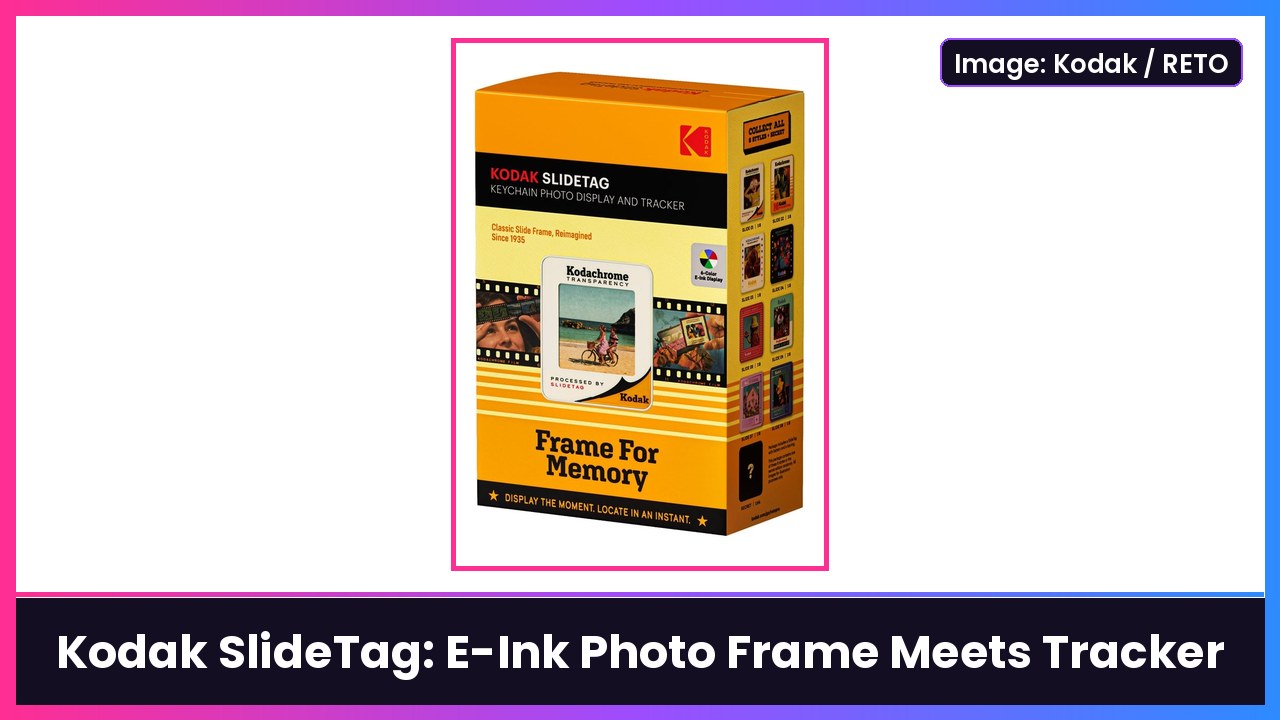
Quick summary: Kodak, through licensee RETO (the same company behind the Kodak Charmera keychain camera), just launched the SlideTag: a tiny keychain that’s both a 1.54-inch 6-color E-Ink photo frame and a Bluetooth tracker that works with Apple Find My and Google Find Hub. Engadget, 9to5Google and Android Authority all covered it today. One blind box is $35 (or $34.99 on RETO’s official store). A full set of eight is $280.
What you’re actually getting
RETO’s official product page lists the specs, so I’m not guessing:
- Size: 39.3 × 46 × 7.58 mm, 16.6 grams
- Display: 1.54-inch 6-color E-Ink, 240 × 240
- Bluetooth 5.4, tracking range up to 30 meters in an open area, built-in 75 dB buzzer
- IP54 splash and dust resistant, not waterproof. RETO says resistance can drop with wear, and liquid damage isn’t covered.
- Replaceable CR2032 battery (one comes pre-installed)
- Works with Apple Find My and Google Find Hub
- The KODAK Memory Link app handles photos, slideshows and widgets. 9to5Google says you can store a 12-photo slideshow. RETO also lists to-do lists, calendars, timers, QR codes and a name badge.
Each single box includes the SlideTag, a collectable slide frame, a “Memory Pocket” (collector’s poster, mini film strip) and a keyring. You’ll also need to pull the plastic tab to wake it, then press the button once until the light comes on.
The blind-box part
There are 9 designs, including one secret edition. A single box is a random style, with each basic style at 1 in 8 odds. The secret edition is 1 in 64. A whole set is eight boxes with no repeats, and if the secret shows up, it replaces one of the basic editions. RETO caps orders at two single boxes or one whole set, and it does not guarantee you’ll get a specific style.
If you’re buying this as a gift, treat it like a collectible, not a custom-engraved AirTag. You won’t know the design until it’s opened.
How to pair it (from Kodak’s support page)
RETO’s official FAQ is surprisingly specific, and the menus are a little different than adding an AirTag.
iPhone (iOS 26 or later):
- Turn on Bluetooth, Location Services with Precise Location, plus Photo Library and Camera access.
- Open the Find My app.
- Because this is a third-party accessory, don’t tap Add AirTag. First-time Find My users should choose Other Supported Item. If you already have items, tap Add Other Item.
- Then open the KODAK Memory Link app to load photos.
Android (Android 9 or later):
- Turn on Bluetooth, Location / Precise Location, and Scan for nearby devices, plus photo and camera access.
- Wake the SlideTag and pair it through auto-detection in the Find Hub app. There’s no “Add Other Item” step on Android.
If you’re setting up more than one, RETO says to pair them one at a time and match the serial number in Memory Link to the back of the tag. Find My shows it as “KODAK SlideTag Photo Tracker” and doesn’t show the serial.
Should you get one instead of an AirTag?
If you just want to find your keys, a regular AirTag 4-pack or a Moto Tag 2 (which also works with Find Hub) is still the more practical tracker. The SlideTag is for people who like the retro look and want a tiny photo hanging off a bag. At $35 it’s a fun holiday gift. I’d skip the $280 full set unless you’re actually collecting all eight styles.
You can grab a single box or the 8-pack on Amazon. Official specs and the pairing steps above come from Kodak / RETO’s support pages.
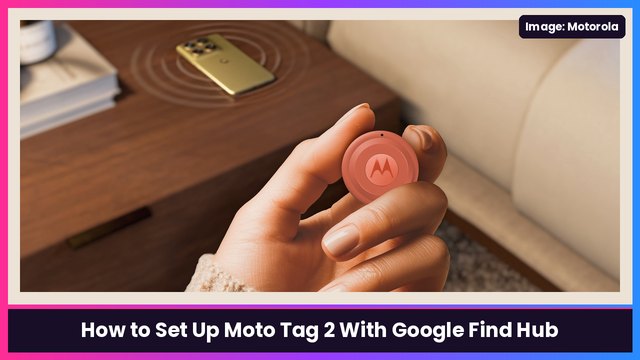
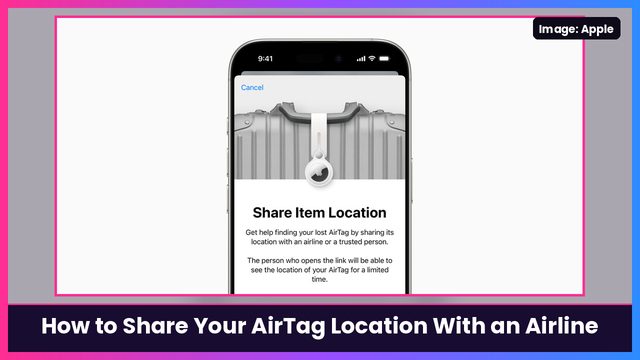
More tracker how-tos: how to share an AirTag with an airline and how to set up a Moto Tag 2 with Find Hub.
Sources: RETO / Kodak official SlideTag product page, Kodak SlideTag support / FAQ, Engadget, 9to5Google, Android Authority.
Subscribe to GregglesTV for daily tech news, reviews and walkthroughs.
See today’s GregglesTV Best Tech Deals or browse all deals posts.
Comments
Comments are moderated. Hate, slurs, spam and scam posts are blocked. Don’t include personal info you wouldn’t want public. See the privacy policy.
Loading comments…