How to Game Share GTA 6 on PS5 and Xbox Series X|S and Split the Cost (Step by Step)
GTA VI is out, and it isn't cheap. Here's how to share one digital copy across two consoles with PS5 Console Sharing and Offline Play or Xbox's Home Xbox setting, plus the limits and the account safety stuff you shouldn't skip.
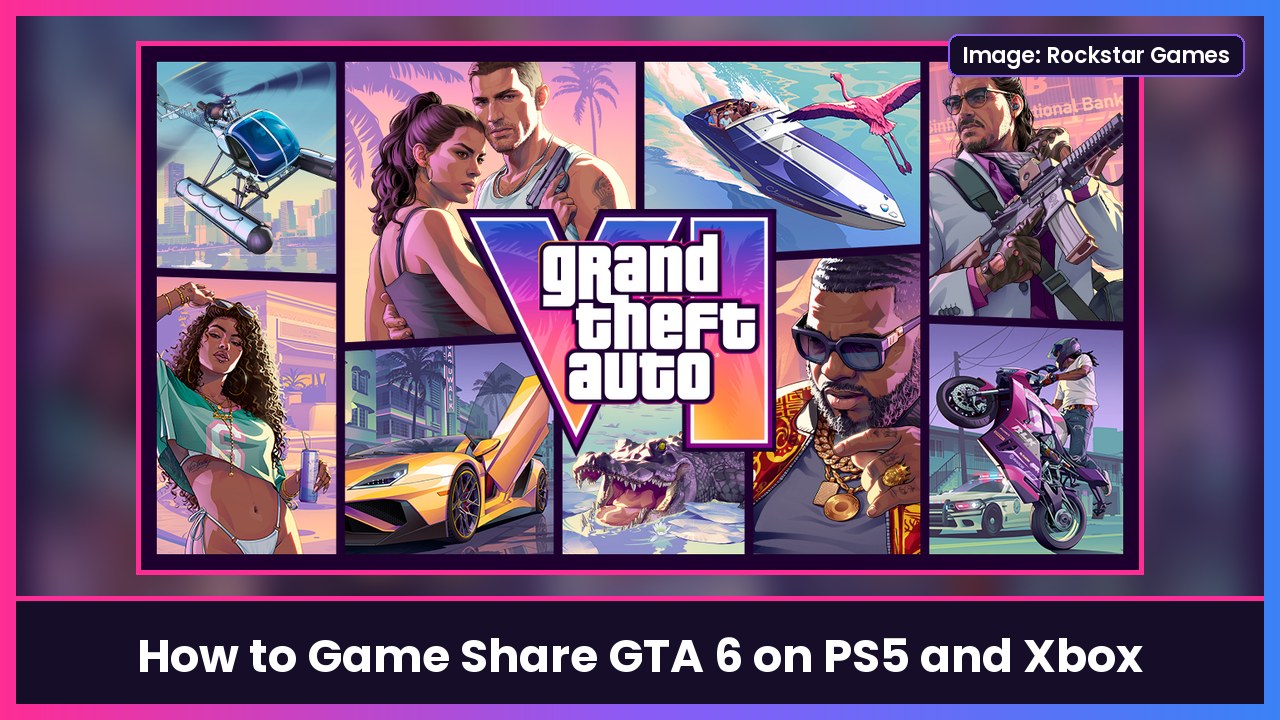
Quick summary: GTA VI is finally out on PS5 and Xbox Series X|S, and at $80 for the standard edition or $100 for the Ultimate Edition (per Engadget), it’s a lot of money. Both consoles have a built-in way to play one digital copy on two consoles: Console Sharing and Offline Play on PS5 and Home Xbox on Xbox. Here’s exactly how to set it up, verified against PlayStation Support and Microsoft’s own Home Xbox steps.
Before you start, the honest part: game sharing means signing into your account on someone else’s console. Only do this with family or someone you truly trust, turn on two-step verification on your account, and know how to undo it (covered below).
How game sharing works (in one sentence)
The console you “share to” gets permission to use your digital purchases for anyone who plays on it, while you keep playing on your own console by staying signed in there. It works with digital copies, not discs.
Game share GTA 6 on PS5
You do this on your friend’s PS5, signed in with your account (the one that bought GTA VI).
- On your friend’s PS5, add and sign in with your PlayStation account.
- Go to Settings > Users and Accounts > Other > Console Sharing and Offline Play.
- Select Enable.
- While still on your account, download GTA VI from your game library.
- Switch back to your friend’s own account. They can now play your copy from their profile.
Important PS5 limits, per Sony:
- You can turn on Console Sharing and Offline Play on only one PS5 at a time. If it’s already on for another PS5 (including your own), turn it off there first: Settings > Users and Accounts > Other > Console Sharing and Offline Play > Disable.
- Once your friend’s PS5 is your sharing console, you can still play your games on your own PS5 as long as you’re signed in to your account there. Sony notes your games on a non-sharing console aren’t available to other accounts on it.
- Sony says anyone using the sharing console can play your purchased games and media (even offline) and get some of your PlayStation Plus benefits.
Game share GTA 6 on Xbox Series X|S
Again, this happens on your friend’s Xbox, signed in with your Microsoft account.
- On your friend’s Xbox, add and sign in with your account.
- Press the Xbox button to open the guide.
- Go to Profile & system > Settings > General > Personalization > My home Xbox.
- Select Make this my home Xbox.
- While signed in as you, download GTA VI.
- Your friend switches back to their own account and plays.
Important Xbox limits:
- You can change your Home Xbox only five times in a one-year period. When you’re out, the My home Xbox screen shows the next date you can switch, and Xbox support can’t add more.
- On your own Xbox (now not your Home Xbox), your games work while you’re signed in and connected to Xbox services.
- To undo it, go back to My home Xbox on that console and choose Remove this as my home Xbox.
How to undo sharing (or kick a console off your account)
- PS5: on the sharing console, set Console Sharing and Offline Play to Disable. If you can’t get to that console, sign in to Account Management on the PlayStation website and choose Device Management > PlayStation Consoles > Deactivate All Devices. Sony only allows that once every six months, and says changing your password signs you out of consoles you can’t access.
- Xbox: on the Home Xbox, choose Remove this as my home Xbox, then set your own console as Home Xbox again (that counts as one of your five changes).
Quick troubleshooting
- PS5 shows a padlock on GTA VI or says the license can’t be confirmed: Sony’s fix is to restart the PS5, sign in with the account that owns the game, and make sure Console Sharing and Offline Play is enabled on that console.
- Xbox “can’t make this your home Xbox”: you’ve likely hit the five-changes-a-year limit. Check the date shown on the My home Xbox screen.
- Still updating? Make sure the PS5 is on current system software first. Here’s how to update your PS5 for GTA VI.
My take
Game sharing is the easiest way to save $40 to $50 on GTA VI if you and a sibling or roommate each have a console. Just keep it to people you trust, because they’re getting real access to your account. And GTA VI is huge, so if your PS5 is running out of space, a Samsung 990 PRO 2TB SSD is the upgrade I’d get. Need a second controller for the couch? Grab a DualSense for PS5 or the PowerA FUSION Pro 2 for Xbox. Still need the console? The PS5 Digital Edition works perfectly with game sharing since it’s all digital anyway.
Want to play away from the TV? Check out how to play your PS5 on your phone with PS Remote Play.
Sources: PlayStation Support: How to turn on PS5 Console Sharing and Offline Play, PlayStation Support: How to deactivate a PlayStation console, PlayStation Support: CE-109245-1, Xbox Support: My home Xbox, Microsoft Q&A: Home Xbox change limit, TechRadar: How to change your home Xbox, Engadget: How to game share GTA 6 and split the cost with a friend.
Subscribe to GregglesTV for daily tech news, reviews and walkthroughs.
See today’s GregglesTV Best Tech Deals or browse all deals posts.
Comments
Comments are moderated. Hate, slurs, spam and scam posts are blocked. Don’t include personal info you wouldn’t want public. See the privacy policy.
Loading comments…