How to Build and Publish Your Own Website With Grok Bot
A step-by-step guide to building a website with Grok Bot. You'll plan the pages, preview the site, publish it on a free host, and connect your own domain.
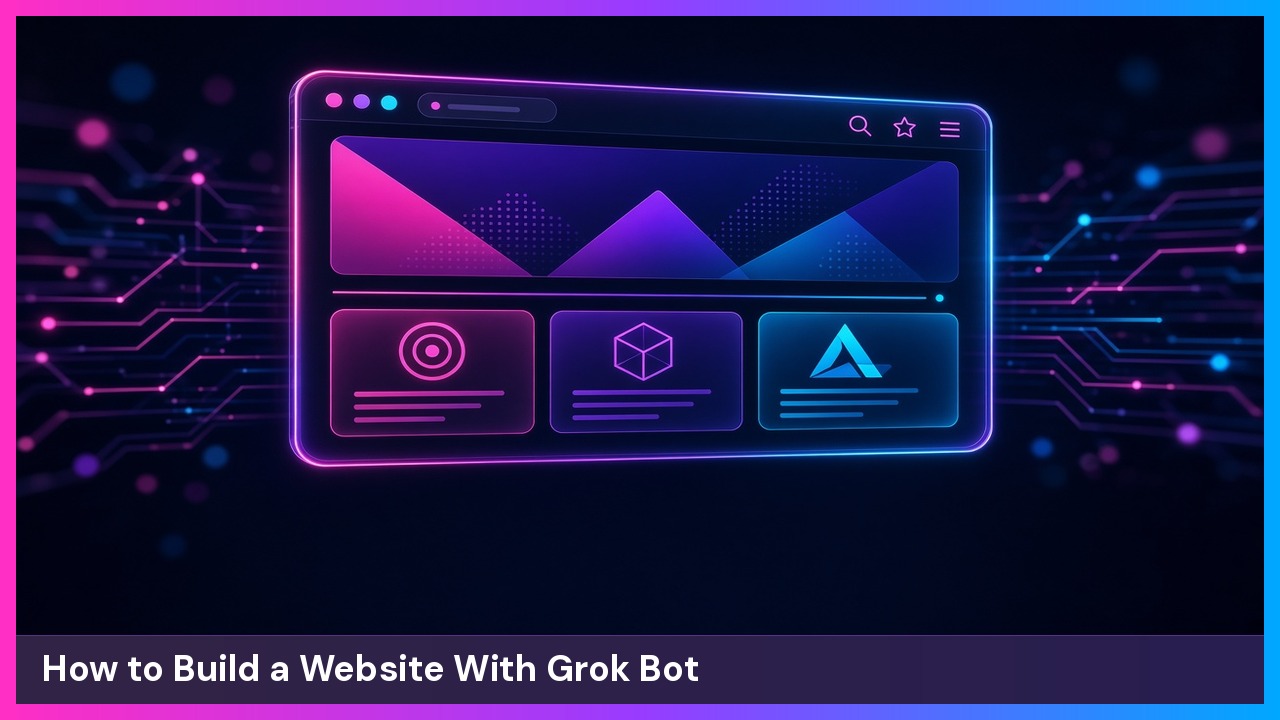
You’ll build a complete small-business website with Grok Bot, from the first prompt to a live address people can type in a browser. The running example is a neighborhood shop called Maple Street Bakery: a homepage, a menu, store hours, a contact form, and a few photos. Swap in your own business as you go.
What you need
- A Grok Bot chat
- A free hosting account you can sign into yourself. Cloudflare Pages is one option.
- A domain name when you’re ready for a custom address, plus access to the account where you bought it
- The basics for your site: business name, hours, menu or services, photos, and a contact email
Don’t paste passwords, API tokens, or other secrets into the chat or into any file that will be published. When a service needs a login, ask Grok Bot to walk you through signing in yourself.
1. Write down what the site needs
Make a short list of pages and must-have details before you ask Grok Bot to build anything. For Maple Street Bakery, that list is a homepage, a menu page, hours, a contact form, and a photo gallery.
If you want help organizing the list, paste a prompt like this:
Help me plan a website for Maple Street Bakery, a neighborhood bakery. I need a homepage, a menu, hours, a contact form, and a place for photos. Give me a short page list I can approve before you build anything.What you should see: a simple page list you can check off, not a finished site yet.
2. Ask Grok Bot to build the site
Tell Grok Bot what to make, who it’s for, and how it should feel. Paste a prompt like this and change the details to match your business:
Build a website for Maple Street Bakery. I need a homepage, a menu page, today's hours in a spot that's easy to find, a contact form, and a photo gallery. Keep it clean, warm, and easy to use on a phone. Use a simple top menu. Make it a modern static site I can publish on a free host such as Cloudflare Pages.Name the pages, the tone, and any extras you care about, such as allergy notes or a weekly specials section. The more you spell out now, the less back-and-forth later.
What you should see: Grok Bot builds the site on its own computer and offers a preview. You shouldn’t need to install developer tools on your laptop to get that first look.
3. Preview the site and ask for changes
Open the preview on a phone-sized screen and on a desktop. Click every menu item, the menu page, and the contact form, then tell Grok Bot what to fix.
I looked at the Maple Street Bakery preview. Move the hours to the top of the homepage, make the menu easier to scan on a phone, and change the contact form so it asks for a name, email, and message. The top menu should stay fully visible on a phone without sideways swiping.Repeat this until the preview matches what you want. Don’t skip the phone check. Menus are usually where a new site breaks first.
What you should see: an updated preview that reflects your notes, including a top menu that fits on a phone.
4. Put in your real content
Replace placeholder text and pictures with your real menu, hours, photos, and contact details.
Update the Maple Street Bakery site with this content. Hours: Tuesday–Friday 7am–6pm, Saturday 8am–3pm, closed Sunday and Monday. Menu: sourdough loaf $8, almond croissant $5, and a Saturday-only seasonal tart $6. Use these photos I provided for the homepage and gallery. The contact form should go to baker@yourbakery.com.What you should see: your real words, prices, hours, and photos on the preview, not generic placeholder text.
5. Publish the site on a free host
Ask Grok Bot to publish the site so it has a public URL. A free host such as Cloudflare Pages can serve the site and update it when you publish again. You’ll likely need to sign in to the host in the browser the first time.
Publish the Maple Street Bakery site on a free host such as Cloudflare Pages. Walk me through creating the project if I don't have one yet, and tell me exactly when I need to sign in. Keep any deploy tokens in a private place, not in files that get published with the site.What you should see: a temporary public URL from the host that loads your bakery site over HTTPS.
6. Connect your custom domain
Once the temporary URL looks right, ask Grok Bot to help you point your own domain at the site, such as www.yourbakery.com. The exact clicks depend on where you bought the domain, so let Grok Bot walk you through your registrar instead of guessing the menus.
My domain is www.yourbakery.com. Help me point www and the root domain at this hosted site, and keep HTTPS working. Tell me what I need to change at my domain registrar and when I need to sign in. I don't want to guess the DNS settings myself.Give DNS changes a little time to spread. If you still see an old page, confirm you’re opening https://www.yourbakery.com and try a private browser window.
What you should see: your custom domain loads the bakery site, the browser shows a secure HTTPS connection, and typing the address without www still gets people to the site.
7. Help search engines find the site
A new site won’t appear in Google until Google finds it. Ask Grok Bot to help you submit the site, including a sitemap if the host created one. You’ll sign into Google yourself.
Help me add www.yourbakery.com to Google Search Console, verify that I own it, and submit the sitemap. Tell me when I need to sign in to Google. After that, tell me whether I should also submit the site to Bing Webmaster Tools.This step is optional on day one, but it’s how people start finding you later in search. It can take time before the pages actually show up in results.
What you should see: confirmation that the site is verified and that the sitemap was submitted.
8. Set a routine if you want regular updates
If you’ll change the menu or hours often, ask Grok Bot to help on a schedule. You stay in control of what goes live.
Create a routine that helps me update the Maple Street Bakery weekly specials every Monday at 9 AM in my local time zone. Show me the draft first and wait for my go-ahead before publishing.What you should see: a scheduled reminder or routine you agreed to, not a change that publishes without you.
Tips and troubleshooting
- Start with a small set of pages. You can always ask for a new page later.
- Read every draft. If the wording doesn’t sound like your business, ask Grok Bot to rewrite it in your voice.
- Check the site on your phone after every design change.
- After the site is live, send a test message through the contact form and confirm it arrives.
- If the custom domain still shows an old site or an error, wait a bit, try a private window, and ask Grok Bot to recheck the DNS and HTTPS status with you.
- If the preview looks right but the public URL looks old, ask Grok Bot whether the latest version was actually published.
- Keep passwords and tokens out of public site files. Prefer signing in yourself over pasting a secret into a prompt.
Recap checklist
- You wrote down the pages the site needs.
- You asked Grok Bot to build the site and previewed it on a phone and a desktop.
- You replaced placeholder content with your real menu, hours, photos, and contact details.
- You published the site on a free host and opened the temporary URL.
- You pointed your custom domain at the site and confirmed HTTPS works.
- You submitted the site to search engines, or you planned to do that next.
- You set a routine only if you want regular updates, with a go-ahead before anything publishes.
Subscribe to GregglesTV for daily tech news, reviews and walkthroughs.
See today’s GregglesTV Best Tech Deals or browse all deals posts.

Comments
Comments are moderated. Hate, slurs, spam and scam posts are blocked. Don’t include personal info you wouldn’t want public. See the privacy policy.
Loading comments…