How to Fine-Tune AirPods Adaptive Audio in iOS 27 (New Control Center Slider, Step by Step)
iOS 27 lets you slide AirPods Adaptive Audio toward more noise cancellation or more transparency right from Control Center. Here's how to use it on iPhone, in Settings and on your Mac, and which AirPods support it.
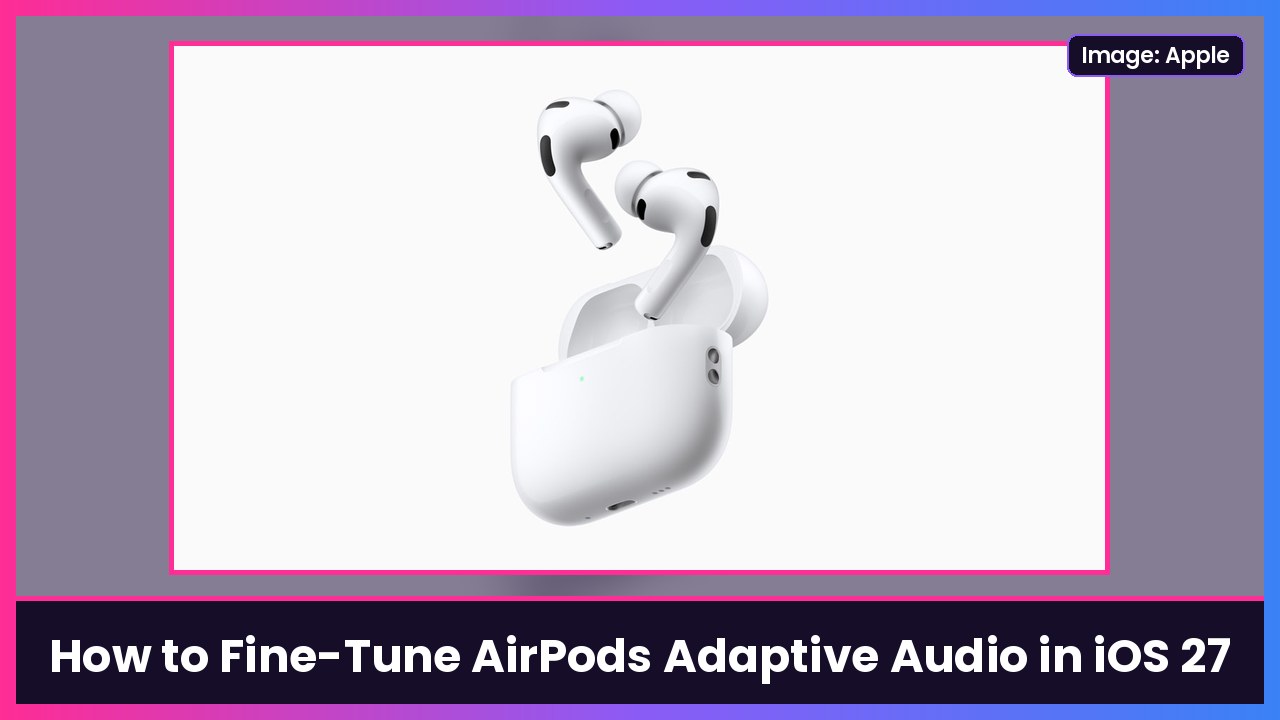
Quick summary: Adaptive Audio on AirPods blends Active Noise Cancellation and Transparency and adjusts automatically to the noise around you. In iOS 27 you can now fine-tune it with a slider right in Control Center: slide left to let in more of the world, slide right to block more of it. As 9to5Mac points out, it’s not limited to a few presets, so you can land exactly where you like it. Every step below comes from Apple’s AirPods User Guide and Adaptive Audio support page.
Which AirPods support it
Per Apple, Adaptive Audio works on:
- AirPods 4 with Active Noise Cancellation
- AirPods 5
- AirPods Pro 2
- AirPods Pro 3
- AirPods Max 2
9to5Mac says the new Control Center slider is available on all AirPods models that support Adaptive Audio. You’ll want your iPhone on iOS 27 and your AirPods on the latest firmware. If yours seem stuck, here’s how to force update AirPods Pro firmware.
Method 1: Adjust Adaptive Audio from Control Center (fastest)
- Put in one or both AirPods and make sure they’re connected to your iPhone.
- Open Control Center (swipe down from the top-right corner).
- Touch and hold the volume control.
- Tap Listening Mode in the bottom-left corner.
- Tap Adaptive.
- Drag the slider that appears:
- Left = more ambient sound, so it behaves more like Transparency.
- Right = more noise blocked, so it behaves more like Noise Cancellation.
That’s it. You can nudge it in small steps, not just jump between a few presets.
Method 2: Adjust it in Settings
- With your AirPods in and connected, open the Settings app.
- Tap the name of your AirPods near the top of the screen.
- Under Listening Mode, tap Adaptive.
- Drag the slider toward Transparency or Noise Cancellation.
Method 3: Adjust it on your Mac
From Apple’s guide:
- With your AirPods connected to your Mac, open System Settings.
- Click the name of your AirPods in the sidebar (you may need to scroll down).
- Click Adaptive below Listening Mode.
- Drag the slider toward Transparency or Noise Cancellation.
Or use Control Center on the Mac: click Sound, click your AirPods, click Adaptive, then move the slider under it.
Apple says your Adaptive Audio settings carry over to your other devices when your AirPods switch between them.
Switch into Adaptive without your phone
You don’t have to open your iPhone every time. On AirPods Pro, AirPods 4 (ANC) and AirPods 5, press and hold the stem until you hear a chime to switch listening modes, including Adaptive. On AirPods Max, press the listening mode button on the right headphone. Apple’s guide also covers changing what the press-and-hold control does in your AirPods settings.
Two more Adaptive Audio features worth turning on
From Apple’s Adaptive Audio page:
- Conversation Awareness: lowers your media and boosts voices when you start talking to someone. Turn it on in the same Control Center menu: touch and hold the volume control, then tap Conversation Awareness.
- Personalized Volume: fine-tunes your media volume based on your environment. Apple’s steps: go to Settings > Bluetooth, tap the More Info button next to your connected AirPods, then turn on Personalized Volume. If you don’t see it, tap Audio & Routing first.
My take
This is one of those tiny iOS 27 changes I actually use every day. Default Adaptive is great on a walk, but on a plane or in a loud coffee shop I want it pushed way toward noise cancellation, and now that’s two taps away. If you’ve been on the fence, the AirPods Pro 3 are $179 on Amazon right now (they’re $249 normally), and the AirPods Max 2 are down to $429, per MacRumors’ Black Friday roundup. Prices can change fast this week. They pair great with the iPhone Duo, too.
More AirPods guides: how to take the AirPods Pro hearing test.
Sources: Apple AirPods User Guide: Switch between listening modes, Apple AirPods User Guide: Adjust listening mode settings, Apple Support: Use Adaptive Audio with your AirPods, 9to5Mac: iOS 27 gave AirPods Pro a convenient new setting, MacRumors: AirPods Black Friday deals.
Subscribe to GregglesTV for daily tech news, reviews and walkthroughs.
See today’s GregglesTV Best Tech Deals or browse all deals posts.


Comments
Comments are moderated. Hate, slurs, spam and scam posts are blocked. Don’t include personal info you wouldn’t want public. See the privacy policy.
Loading comments…