Gemini Live's Guided Vision Is Now on iPhone: Point Your Camera and Gemini Talks You Through What It Sees
Google's accessibility-first Guided Vision feature in Gemini Live has made the jump from Android to iPhone. Here's what it does, how to try it, and the fine print Google hasn't shared yet.
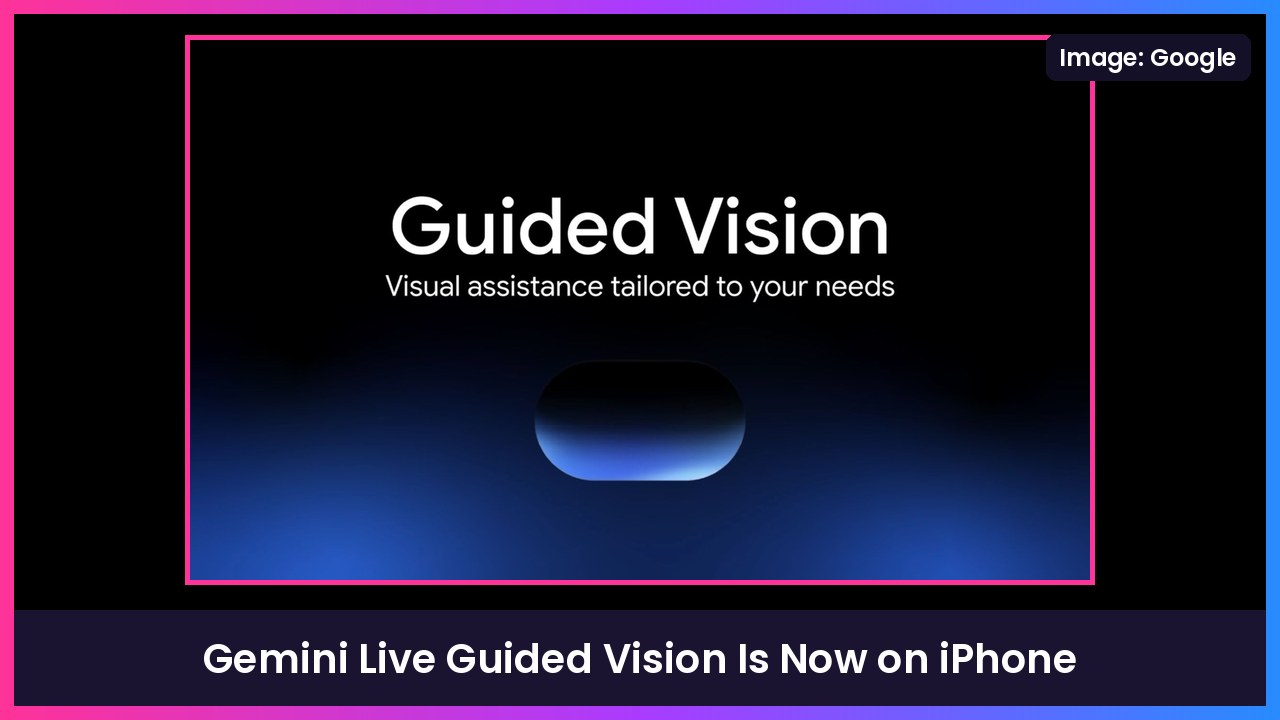
Quick summary: All right, iPhone owners, this one’s for you. Google’s Guided Vision feature in Gemini Live is now available on iOS. The official @GeminiApp account posted on November 25: “Guided Vision in Gemini Live is now available on iOS. Open Live, point your camera, and get real-time guidance right on screen.” It launched on Android back on October 1, and it’s basically a talking pair of eyes: you point your camera at something, Gemini describes it out loud, and if your shot is off, it tells you how to move the phone. Whether you’ve got an iPhone Duo or an iPhone 18 Pro Max, it’s worth a look.
Key takeaways
- What it is: A mode in Gemini Live, built with the blind and low-vision community, that gives spoken descriptions of what your camera sees and verbal cues to reframe the shot.
- What’s new: It’s now on iPhone, after launching on Android 9 and up on October 1.
- What it’s good for: Reading tiny labels, appliance dials and dim menus, finding a dropped earbud, matching clothing colors and describing a room.
- What Google hasn’t said yet: iOS version requirements, which countries and languages get it on iPhone, and whether any plan is required.
- Big warning: Google says it can make mistakes and is not for navigation, obstacle detection or replacing a white cane or other mobility aid.
What Guided Vision actually does
So here’s how Google describes it in its October launch post. You share your camera in a Gemini Live session with Guided Vision turned on, and Gemini acts like a conversational partner. You can ask detailed follow-up questions, and if your camera is pointed too high, too close or slightly off to the side, Gemini tells you to pan slowly to the right, tilt downward or step back so it can actually see what you’re asking about.
Google’s own examples are really practical:
- Reading fine print: nutrition labels on food packages, appliance dials and washing machine cycles, printed menus in a dimly lit restaurant. Google’s help page says it can translate text too.
- Finding things: a dropped earbud on the floor, or the black pepper in a crowded spice cabinet.
- Describing things: colors, patterns and shapes, like whether a striped shirt goes with a pair of trousers.
- Exploring a space: a quick overview of an unfamiliar room, its layout or what’s spread across a table.
Google says it built this with Aira, the visual interpreting service for people who are blind or have low vision. According to Google, the partnership covered tens of thousands of hours of visually interpreted data, more than 1,000 members of Aira’s Trusted Tester network stress-tested it, and Aira specialists helped set and evaluate the safety guardrails. Google also says it was tested with blind and low-vision communities in India, Brazil, Singapore, Indonesia, Japan and more, and it supports conversations in multiple languages.
And I’ll be honest with you, this isn’t only an accessibility thing. Google itself points out it helps older adults, people with low literacy, or literally anyone trying to read fine print in bad lighting. I can think of a few restaurant menus where I would’ve used this.
How to try it on your iPhone
Google’s post keeps it simple: open Gemini Live, point your camera, and get guidance on screen. Here’s the catch, guys. Google’s official help page still only lists Android steps, and it says the feature is rolling out slowly, so you may not have it yet.
On Android, Google’s steps are:
- Open the Gemini app.
- Tap your profile picture or initial, then Settings.
- Turn on Use Guided Vision in Live.
- Start a Live chat and share your camera. Tap End Live session when you’re done.
On iPhone, Digital Trends cites a report from Japanese site Jetstream that the switch lives in the Voice section of the Gemini app’s settings, and that starting a Live session then prompts you to begin with Guided Vision. Google hasn’t confirmed iPhone setup steps, so treat that as unofficial. My advice: update the Gemini app from the App Store first, then poke around Settings for that Guided Vision toggle. If it’s not there, it just hasn’t reached your account yet.
One thing iPhone users won’t get: Android’s extra shortcuts. On Android you can launch Guided Vision with an accessibility shortcut (the floating button, a two-finger swipe up, or holding both volume keys) or straight from the TalkBack menu with a three-finger tap. Google hasn’t mentioned an iPhone equivalent.
The fine print Google hasn’t shared
Here’s what’s still missing. Google’s iOS announcement was one short post. As Digital Trends points out, it doesn’t say which iOS version you need, which countries or languages get it on iPhone, or whether it needs a subscription. For Android, Google was clear: Android 9 or later, in regions and languages where Gemini Live is supported. Hopefully an iPhone version of the help page shows up soon.
Also worth knowing if you’ve been eyeing Google’s new Gemini glasses: when they were announced, Google said Guided Vision and Aira on the glasses were only available when paired with a compatible Android phone. I broke that down in will Google’s Gemini AI glasses work with your phone. Google hasn’t said that changes with this iPhone app update, so don’t assume it does.
And the safety part, straight from Google: Guided Vision can make mistakes. It’s not a medical device, mobility aid or white cane replacement, and it’s not meant for navigation, safe-travel guidance or obstacle detection. Use it for labels, menus and lost stuff, and keep using your cane, guide dog or other usual tools for getting around.
My take
I really, really like this one. Gemini has been showing up on iPhone in a big way lately, from Gemini on CarPlay to the new regional voices, and this is probably the most genuinely helpful piece yet. A feature built with over a thousand blind and low-vision testers, now on iPhone too? That’s awesome. My only gripe is Google being so quiet on the iPhone details. Tell people what they need, Google!
If you’re on Android, it’s been there since October on phones like the Pixel 10 Pro. And if you’re on iPhone, just update the Gemini app and give it a shot. Let me know what you use it for.
Sources: Google Gemini (@GeminiApp) on X, Nov 25, 2026, Google Blog: Guided Vision in Gemini Live: built for accessibility (Oct 1), Gemini Apps Help: Get audio descriptions with Guided Vision in Gemini Live, Digital Trends: Gemini Live’s Guided Vision now works on iPhone, but Google left out a few details (Anvinraj Valiyathara, Nov 25).
Subscribe to GregglesTV for daily tech news, reviews and walkthroughs.
See today’s GregglesTV Best Tech Deals or browse all deals posts.
Comments
Comments are moderated. Hate, slurs, spam and scam posts are blocked. Don’t include personal info you wouldn’t want public. See the privacy policy.
Loading comments…