Samsung Galaxy Buds On Review: Are Open-Ear Earbuds Worth It?
My full Galaxy Buds On review after real-world use: comfort, sound and bass vs. the Galaxy Buds 4 Pro, calls on a bike, iPhone and PC support, no multipoint, and battery life.
Quick summary: I’ve been using the Samsung Galaxy Buds On for a while now, and here’s my full review. I’ll be honest: I was only somewhat excited to try them, and now they’re one of my favorite products Samsung released this year. They’re not the best-sounding buds Samsung makes, but they’re my favorite right now.
Key takeaways
- Comfort: they sit on your ear instead of going in it, which is awesome if in-ear buds bother you.
- No ANC or transparency mode: you don’t need them, because your ears stay open. But they get loud enough to drown out the world.
- Sound: roughly 70 to 80% of what the Galaxy Buds 4 Pro give you. Good overall, just a little muffled next to in-ear buds.
- Calls: the mics are really good, even on a bike.
- Works on anything with Bluetooth, but full app control and updates need an Android or Samsung Galaxy device.
- No multipoint, though switching between devices is quick.
- Battery: easily a full day at 50% volume or less.
The case and charging
If you haven’t seen it yet, the case looks just like any other Samsung earbuds case. The buds are magnetic, so they suck right into the case when you drop them in, which is so satisfying. Close it, and you can charge it with a cable or set it on a wireless charger. It’s just fantastic.
Comfort and open-ear fit
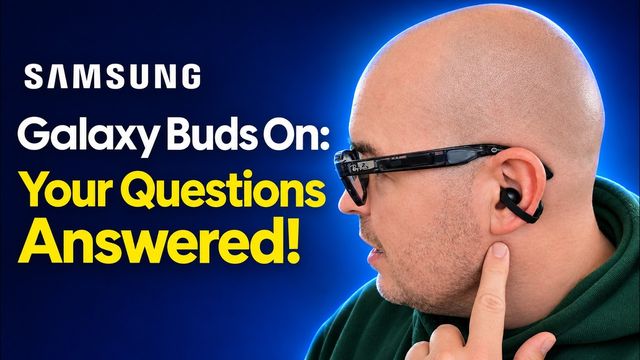
These are very interesting, I’ll be honest. Comfort is great. It’s not that you can’t feel anything on your ear, because you can. But they don’t go fully in your ear, and there’s a touch pad on the back that makes them really easy to use.
That design is awesome if you’re prone to ear infections or irritation. Because nothing goes inside your ear, that crusty-ear thing you might get with other earbuds shouldn’t happen with these, and I love that.
I can feel a little weight on my ear. They’re not uncomfortable at all, but they’re also not the lightest thing in the world.
Open-ear sound: no ANC or transparency mode
Because your ears are open, you can still hear what’s going on around you without turning on any special mode. That’s why the Buds On don’t have transparency mode or active noise cancellation.
That said, these get pretty loud. Crank the volume and you won’t hear much around you, which is good or bad depending on how you look at it. Keep it low enough and you’ll hear everything. I’m dying to try them on an airplane, and I will be soon, so look out for a separate video on that. I also tested how much other people can hear in my Galaxy Buds On sound bleed and calls video.
Design, touch controls and colors
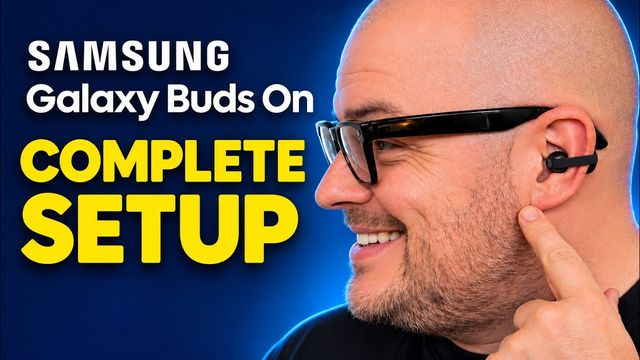
Design-wise, I think they’re great. The touch pads on the back are really easy to use, so I love the controls (I walk through every tap and gesture in my complete setup guide). They look cool and they don’t look bad at all. They work for guys or girls.
My one complaint: I wish they came in more colors. I’m fine with black, but I think a lot of people would want something else, like a white, a red, or a purple. Maybe that’s something Samsung will add.
Sound quality and bass
I’m not going to tell you they sound better than the Galaxy Buds 4 Pro or any earbuds that go right in your ear. They don’t, but they come really close.
Think of these as a convenience and safety thing. Your ears stay open, so you can hear what’s around you. And if regular earbuds don’t fit you or cause irritation, these shouldn’t.
In terms of sound, you’re getting something like 70 or 80% of the quality of the Galaxy Buds 4 Pro, and I’m fine with that because I’ve gotten used to open-ear audio. I’m not going to call them 10-out-of-10, but for what they are, they sound really, really good. They get really loud and drown out a lot of outside noise.
I’ve seen people say they don’t have good bass. I don’t know what you’re talking about. The sound quality is good overall. When you first put them on, you’ll think they sound great. But take them off and put on good headphones or in-ear buds, and you’ll go, “Okay Gregg, I see what you mean.” They’re a little muffled and not as clear as regular headphones or earbuds.
Call and microphone quality
I tested calls in a separate video, and they sound really good. I called my buddy Gadget Beard (a YouTuber, go follow him) while riding my bike, and he said I sounded good. He could barely tell, maybe a little something, but with the wind and everything he could hear me fine.
That was a nice surprise. The mics are good, so you can be on a bike, out on a walk, or moving around the house and still have a good conversation. You can hear them well and they can hear you well.
App and device compatibility
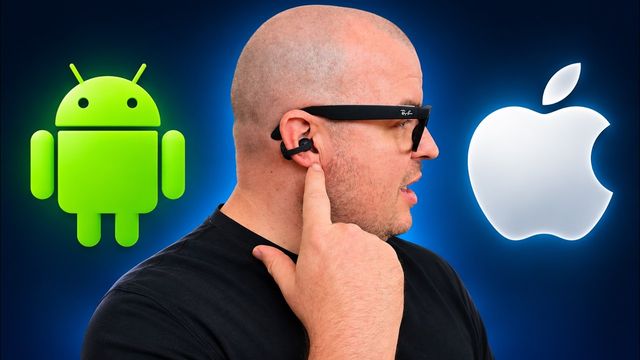
You can use these with basically anything: a PC, a Mac, an iPhone, an iPad, an Android phone, or a Samsung device. But you only get the full customization and control on an Android or Samsung Galaxy device. They’ll work with everything, but if you want to update them or change how they work, you’ll need an Android or Samsung device.
Need help pairing? Here’s how to connect Galaxy Buds On to iPhone and Android, and if you’re on Windows, here’s how to connect Galaxy Buds to a Windows 11 PC.
Device switching (no multipoint)
The Buds On don’t have multipoint, so they can’t stay connected to two devices at the same time. They do switch between devices really quickly, though. If you use them with your tablet and your phone, switching back and forth is fast. They just can’t be connected to both at once.
Battery life
I think battery life is pretty good. Samsung says up to 9 hours of continuous use at standard audio quality, I’d say up to about 9.5 hours, and I believe you get around 38 hours total with the case. Like any earbuds, the louder you listen, the less you’ll get. On regular earbuds, turning on ANC or transparency mode also costs battery, and these don’t have either.
You can get through nearly a full workday with them. If you blast them, you won’t. But at 50% volume or less, you’ll get through a full day and be fine, and a long flight across the country should be fine too. If you need more, drop them in the case for a quick top-up and you’ll get an extra hour or two.
Who they’re for and my final verdict
The Galaxy Buds On are for:
- People who have problems with regular earbuds.
- People who don’t want something in their ear so they can always hear what’s going on around them.
- People who just love new tech from companies like Samsung.
I absolutely love them, and they were a big surprise for me. I’m a big Samsung fan, but a lot of this year’s products felt like small updates. The Tab S12 Ultra is a great product, but it’s not that different from the Tab S11 Ultra. The Galaxy Z Fold 8 Ultra isn’t that different from the Fold 7, though I love it and use it every day. The Galaxy Z Fold 8, with its different form factor, was the big surprise there. And out of all the buds Samsung released this year, the Buds On might not be the best, but they’re my favorite right now.
I recommend them, and with the holidays here, they make a great gift. They sound really good, the mics are really good, they work with anything that has Bluetooth, and the big touch pad on the back makes controls easy. On Android, the app lets you update them and customize the controls. They’re just really good quality buds.
What earbuds are you using right now? Let me know in the comments.
Watch the full video on YouTube, and subscribe to GregglesTV for daily tech news, reviews and walkthroughs.
See today’s GregglesTV Best Tech Deals or browse all deals posts.
Comments
Comments are moderated. Hate, slurs, spam and scam posts are blocked. Don’t include personal info you wouldn’t want public. See the privacy policy.
Loading comments…