Pixel November Update Bugs Are Piling Up: Work Wi-Fi, Always-On Display and Screensaver Problems
After the camera bug, Pixel owners are now reporting broken workplace Wi-Fi, always-on display and lock screen glitches, and a screensaver that won't dim at night after Google's November update. Here's the full list and what you can do.
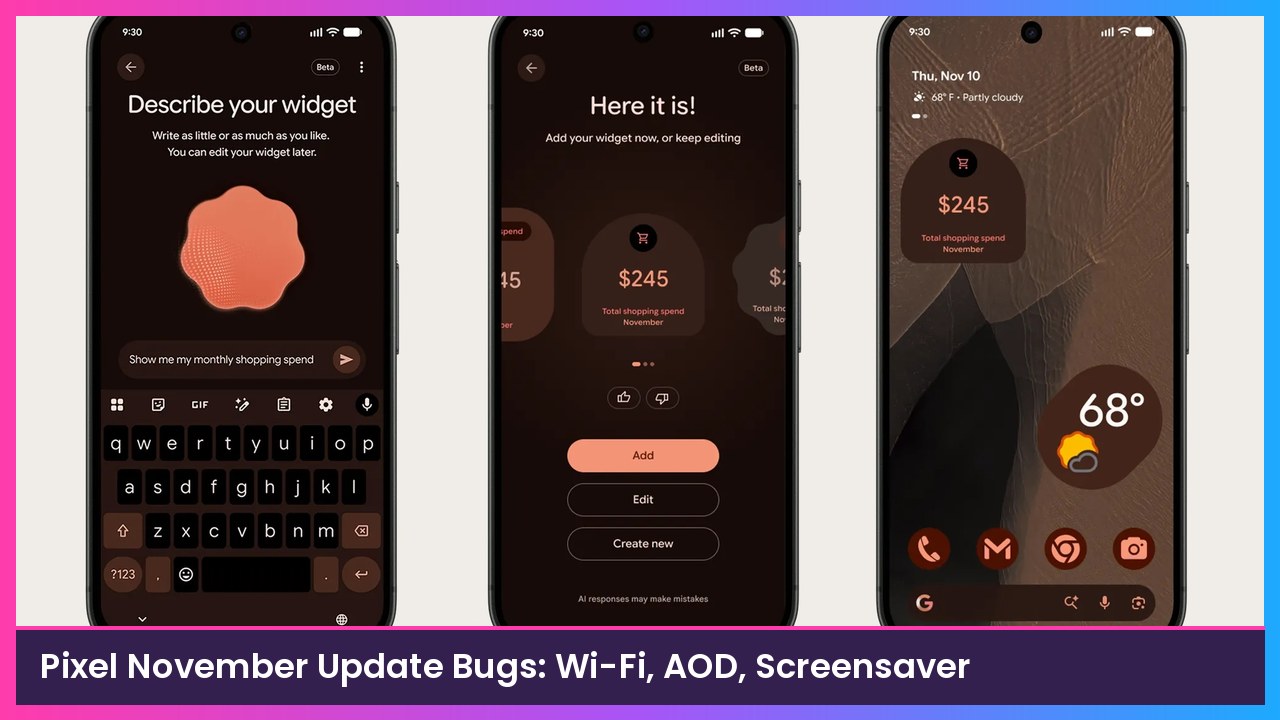
Quick summary: Google’s November Pixel Drop brought a lot of new features, but it’s also bringing a growing list of bugs. Yesterday it was cameras going black. Today, Android Authority is reporting that some Pixels can’t connect to workplace or school Wi-Fi, plus always-on display and lock screen glitches and a screensaver that won’t dim at night. Here’s what’s being reported and what you can do.
Key takeaways
- Work and school Wi-Fi: Some Pixels can’t connect to WPA2-Enterprise networks after the update and show “Saved/Connection failure.” Google is looking into it. No fix or workaround yet.
- AOD and lock screen: Owners report the notification shade getting stuck over the always-on display, the inner screen on foldables not waking when unfolded, and the screen still responding to touches for a few seconds after locking.
- Screensaver dimming: The clock screensaver’s low-light mode isn’t dimming for some people overnight.
- Camera and wireless charging: The earlier reports are still around. A full power-off for about five minutes is fixing the camera for many people.
- Not everyone is affected. Android Authority says the screensaver bug doesn’t appear to be widespread.
1. Workplace and school Wi-Fi won’t connect
This is the big one if you use your Pixel for work. According to Android Authority, Pixel owners on Google’s support forum and Reddit say they lost connections to WPA2-Enterprise PEAP/MSCHAPv2 networks right after the November update. That’s the type of Wi-Fi a lot of offices and schools use where you log in with a username and password.
- The phone keeps trying and then shows “Saved/Connection failure.”
- Reports span multiple Pixel generations, and phones that haven’t updated aren’t affected.
- Google’s official Pixel Community account replied on Reddit that it had reached out to some affected users for more information. It didn’t share a cause or a timeline.
What you can do: There’s no confirmed workaround yet. If you rely on work Wi-Fi and haven’t updated, that’s a good reason to wait. If you already updated, use mobile data or a guest network for now, and let your IT team know it’s a known Pixel issue.
2. Always-on display, lock screen and touch problems
A separate Android Authority report rounds up a Reddit thread with a pile of smaller bugs:
- On a Pixel 9 Pro Fold, the notification shade sometimes drops down when locking and stays on screen, showing up instead of the normal always-on display.
- The same owner says the inner screen no longer lights up automatically when unfolding. They have to press the power button.
- More people report accidental touches in their pocket. The screen keeps responding for a few seconds after locking, even with Tap to Wake turned off.
- Some also mention problems with Desktop Mode and the notification drawer.
3. The screensaver won’t dim at night
If you use your Pixel as a nightstand clock, this one’s annoying. Android Authority says some owners’ screensavers are staying at full brightness while charging overnight because low-light mode stopped working. Manually lowering brightness only helps for a while before it creeps back up. The screensaver settings are in Settings > Display & touch > Screen saver.
4. Camera and wireless charging (still ongoing)
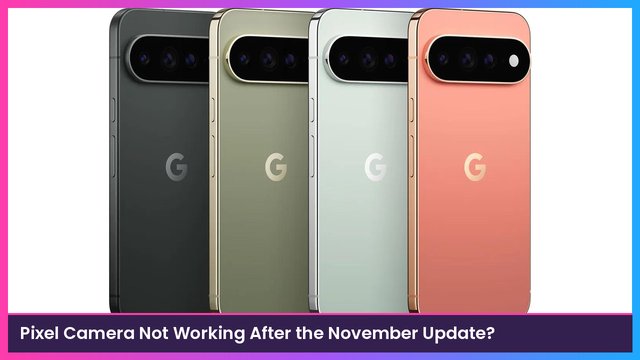
MakeUseOf says some Pixel 10 and Pixel 11 owners see a black screen or crash in every camera app, and some see the charging indicator on a wireless charger while the battery actually drops. It notes the wireless charging issue seems to predate the latest Pixel Drop for some people. My camera fix guide walks through the five-minute power-off trick that’s working for a lot of owners.
Should you install the November update?
If your Pixel hasn’t updated yet and you depend on work or school Wi-Fi, I’d hold off until Google confirms a fix. If you’re mostly on home Wi-Fi and want the new Gemini features, the other bugs aren’t hitting everyone, and many people are updating without trouble. Either way, keep an eye on Settings > System > Software updates for a follow-up patch.
My take
Big feature drops plus big bug lists are becoming a November tradition for Pixel. Google is clearly listening, but “we reached out to a few users” isn’t a fix, and the enterprise Wi-Fi bug is a real problem for anyone who brings their phone to work. If you’re shopping, the Pixel 10 Pro and Pixel 11 Pro Fold are still great phones once the patches land. And if you’re over it, the Galaxy S26 Ultra is my pick on the Samsung side.
Sources
- Android Authority: Google’s November Pixel update breaks enterprise Wi-Fi (Nov 13, 2026)
- Android Authority: Pixel’s November update is breaking AOD, lock screen, and notifications for some users (Nov 13, 2026)
- Android Authority: Google’s November Pixel update is leaving screensavers stuck at full brightness (Nov 13, 2026)
- MakeUseOf: The November Pixel update is breaking cameras and wireless charging for some users
- Google: November Pixel Drop
Subscribe to GregglesTV for daily tech news, reviews and walkthroughs.
See today’s GregglesTV Best Tech Deals or browse all deals posts.
Comments
Comments are moderated. Hate, slurs, spam and scam posts are blocked. Don’t include personal info you wouldn’t want public. See the privacy policy.
Loading comments…