Pixel Camera Not Working After the November Update? Here's the Fix That's Working
Some Pixel 10 and Pixel 11 owners say their cameras went black after Google's November update. Here's what's happening, what doesn't fix it, and the five-minute power-off trick that does for many people.
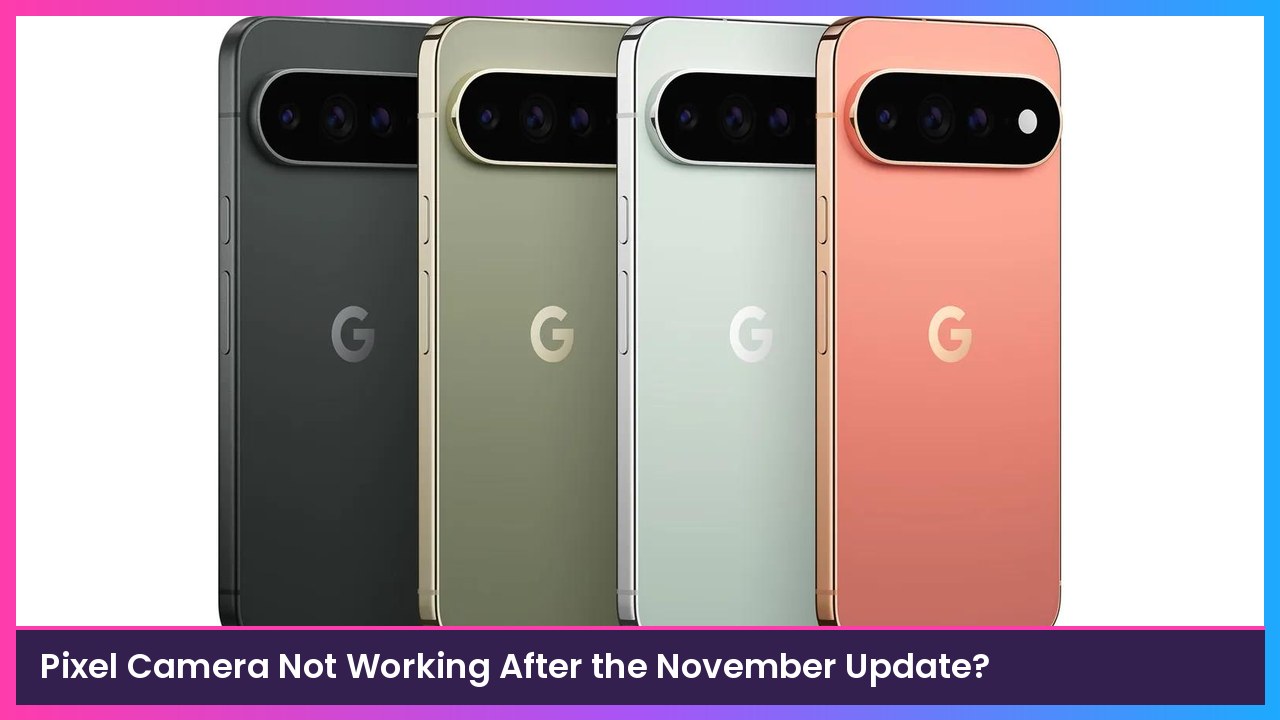
Quick summary: If your Pixel 10 or Pixel 11 camera stopped working right after you installed Google’s November update, you’re not alone. Owners are reporting black camera screens and error messages on both the front and rear cameras. A normal restart doesn’t seem to help, but turning the phone completely off for about five minutes has fixed it for a lot of people, Android Authority reports.
Key takeaways
- Who’s affected: Reports so far are from Pixel 10 and Pixel 11 series owners. Android Authority says it hasn’t seen reports from older Pixels.
- What it looks like: A black camera preview, or the error “Something went wrong. Close and open the Camera app again.”
- It’s not just the Pixel Camera app. Users say third-party camera apps show the same black screen.
- What didn’t work for people: Restarting, clearing the camera app’s cache and data, uninstalling app updates, Safe Mode, and even a factory reset.
- What did work for many: Power the phone off completely, leave it off for about five minutes, then turn it back on.
- Google hasn’t said what’s causing it yet. Android Authority says it reached out to Google.
What’s going on
Google started rolling out the big November update (Android 17 QPR2 plus the November Pixel Drop) on November 10, per 9to5Google. I covered the new features in my November Pixel Drop rundown.
Since then, owners have been posting on Reddit and the Google Pixel Help forum that their cameras quit right after updating. One Pixel 11 owner quoted by Android Authority said they were on build CP4A.261105.040.D1 and that both the front and rear cameras stopped working, two days after switching from an iPhone 17. Another said a factory reset didn’t fix it.
Here’s the ironic part: according to the changelog 9to5Google published, the November update includes a camera fix for the Pixel 11, 11 Pro, 11 Pro XL, and 11 Pro Fold that addresses “captured photos to not save properly under certain conditions.” So the update was supposed to make the camera more reliable.
Which build are you on?
9to5Google lists these November builds:
| Phones | November build |
|---|---|
| Pixel 11, 11 Pro, 11 Pro XL, 11 Pro Fold (US/global) | CP4A.261105.040.D1 |
| Pixel 11 series (Canada) | CP4A.261105.040.B2 |
| Pixel 10 series and other supported Pixels | CP4A.261105.040.A1 |
You can check yours in Settings > About phone > Build number.
How to try the fix
This is the workaround Android Authority says Diamond and Gold Product Experts recommended on Google’s support forum. Those are community volunteers, not Google employees, so think of it as a workaround, not an official fix.
- Press and hold the Power and Volume Up buttons to bring up the power menu (or swipe down twice and tap the power icon in Quick Settings).
- Tap Power off. Don’t tap Restart, since restarting didn’t fix it for people.
- Leave the phone off for about five minutes.
- Turn it back on and open the Camera app.
If it still doesn’t work, I’d hold off on a factory reset for now, since users say that didn’t help either. Send a bug report through Settings > About phone > Send feedback about this device so Google sees it, and keep an eye out for a follow-up update.
Should you hold off on the update?
If you haven’t installed it yet and you really need your camera this week, like for work or a trip, it’s reasonable to wait a few days and see if Google responds. Just remember the November update also includes a big batch of security fixes, so I wouldn’t put it off for long.
My take
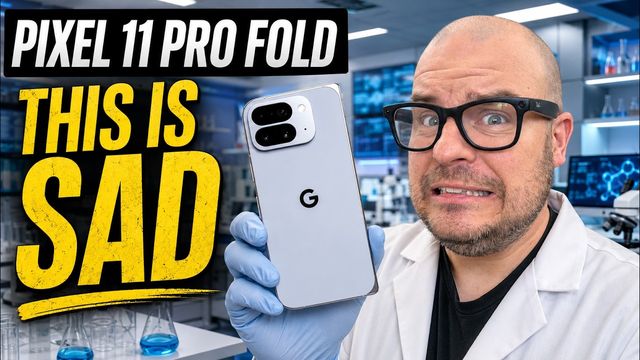
A camera bug on a phone people buy for the camera is rough, especially when the whole point of the Pixel 11 is Google’s photo processing. The good news is the five-minute power-off seems to be an easy fix for a lot of people, and it’s worth trying before anything drastic. If you’re shopping for a new Pixel anyway, the Pixel 11 Pro Fold is the one I’ve been testing. Just give any new Pixel a full power-off after this update if the camera acts up.
Sources
Subscribe to GregglesTV for daily tech news, reviews and walkthroughs.
See today’s GregglesTV Best Tech Deals or browse all deals posts.


Comments
Comments are moderated. Hate, slurs, spam and scam posts are blocked. Don’t include personal info you wouldn’t want public. See the privacy policy.
Loading comments…