Google Play Will Force Android Apps to Work Properly on Foldables by April 2027
Google just set a hard deadline: starting April 2027, apps on Google Play have to fill your foldable's screen without letterboxing and keep your place when you fold or unfold. Here's what changes for Galaxy Z Fold 8 and Pixel 11 Pro Fold owners.
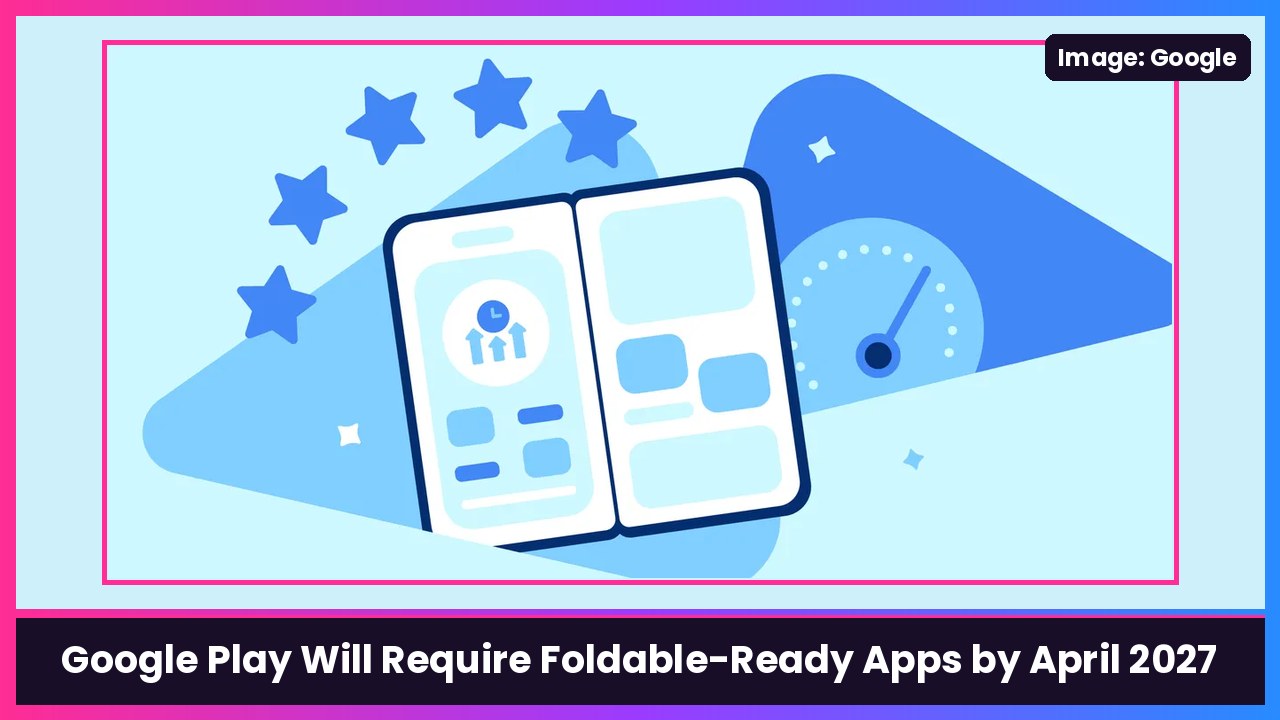
Quick summary: Finally. Google is done letting Android apps look broken on foldables. In a new Android Developers Blog post, Google says that starting April 2027, apps on Google Play have to meet a baseline foldable quality bar it calls Tier 3, “Adaptive ready.” Apps that don’t won’t be able to publish or update on Google Play and may get reduced visibility in the store. If you’ve got a Galaxy Z Fold 8 or a Pixel 11 Pro Fold and you’re tired of apps with giant black bars on the sides, this is the news you’ve been waiting for.
What “Adaptive ready” actually means
Here’s Google’s own wording for the Tier 3 baseline:
“Apps must fill the available display area without letterboxing or compatibility modes. Apps must preserve state (scroll position, text input, media playback) during rotation, folding/unfolding, and resizing, while supporting multi-window environments.”
In plain English, per Google’s Tier 3 guidelines:
- No more letterboxing. The app has to fill the whole screen (or its whole window in split screen), not sit in a skinny phone-shaped box in the middle of your big display.
- Folding doesn’t lose your place. Scroll position stays put, text you typed stays typed, and a video keeps playing where it left off when you fold, unfold, rotate or resize.
- Multi-window has to work. Split screen and resizing shouldn’t break the app.
The timeline
From Google’s post:
- November 2026 (now): Developers can start uploading foldable screenshots in Play Console, and Google says they’ll show up on Play Store listings over the next few weeks. Apps that hit the higher Tier 2 and Tier 1 levels can apply for badging and enhanced merchandising.
- April 2027: New apps and updates have to include dedicated foldable screenshots, and the Tier 3 baseline takes effect for standard apps.
- August 2027 for games: The Verge and Android Authority report games get until August 2027 to meet their version of the baseline.
Google also says Play will require apps to target API level 37 (Android 17), which removes developer opt-outs for orientation and resizability restrictions on large screens.
The screenshot rule is a bigger deal than it sounds
Starting in April, Google wants three foldable screenshots on top of the standard phone ones. Google’s post spells out the formats, and it even names the phones:
- A 1:1 inner screen shot, for devices like the Galaxy Z Fold8 Ultra and Pixel 11 Pro Fold.
- A 4:3 inner screen shot plus a 10:16 folded outer screen shot, for devices like the Galaxy Z Fold8.
Why should you care? Because when you’re browsing the Play Store on your Fold, you’ll actually get to see what an app looks like on a foldable before you install it. No more downloading something just to find out it’s a stretched-out phone app.
Tiers 2 and 1: the good stuff
According to Android Authority’s breakdown, Tier 2 apps add multi-pane layouts and basic keyboard, mouse and stylus support, while Tier 1 covers tabletop and book postures, camera continuity and interactive picture-in-picture. For games, Tier 1 means holding 60fps and scaling resolution between the inner and outer screens. Google says Play’s quality framework will expand to those higher tiers over time, and to tablets, Googlebooks and Android XR in future phases.
Why now? Look at Apple
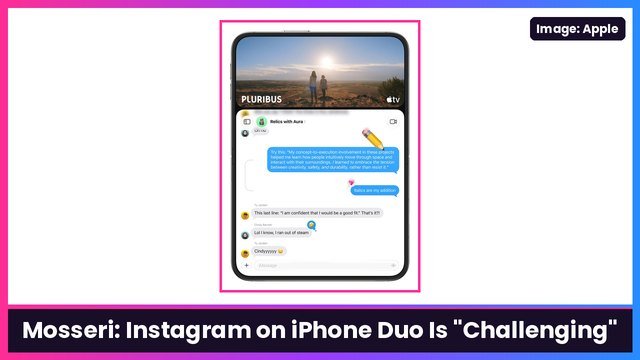
The Verge points out the timing: this lands just weeks after Apple launched the iPhone Duo, and The Verge says the Duo already has more than 200,000 optimized apps. Samsung and Google have been selling foldables for years, and app support has always been the weak spot. Now there’s real competition, and Google is finally using the one lever that works: the Play Store.
What you can do today
Until April 2027 kicks in, you can still force a lot of stubborn apps to fill the screen yourself:
- Pixel 11 Pro Fold: use the Aspect ratio (experimental) setting. I wrote up the steps here: how to make any app fill the screen on Pixel 11 Pro Fold.
- Galaxy Z Fold 8: use the per-app aspect ratio setting and Landscape view for portrait apps. Here’s my guide: Galaxy Z Fold 8: How to Fix Full Screen and Portrait Apps.
My take
This is the right move, and honestly it’s overdue. I’ve been using foldables since the first Galaxy Fold, and the number one complaint I hear from you guys is “why does this app look like a phone app on my tablet screen?” A hard deadline with real consequences (no updates on Play) is how you get developers to fix it. April 2027 feels far away, but a lot of big apps will move sooner, especially with the badges and Play Store promotion on the table. If you’ve been on the fence about a Galaxy Z Fold 8 Ultra or a Pixel Fold because of app support, the app side is about to get a lot better.
Sources: Android Developers Blog: Elevating apps: New adaptive quality standards on Google Play, Android Developers: Tier 3 — Adaptive ready, The Verge, Android Authority, 9to5Google.
Subscribe to GregglesTV for daily tech news, reviews and walkthroughs.
See today’s GregglesTV Best Tech Deals or browse all deals posts.
Comments
Comments are moderated. Hate, slurs, spam and scam posts are blocked. Don’t include personal info you wouldn’t want public. See the privacy policy.
Loading comments…