Google Officially Brings Back App Lock for Pixel (in Beta), the Same Day Samsung Gets It
Pixel's built-in App Lock, which hides apps behind your fingerprint or PIN, is officially back in the Android 17 QPR3 beta after Google pulled it for polish. Here's how it works and when regular Pixel owners should get it.
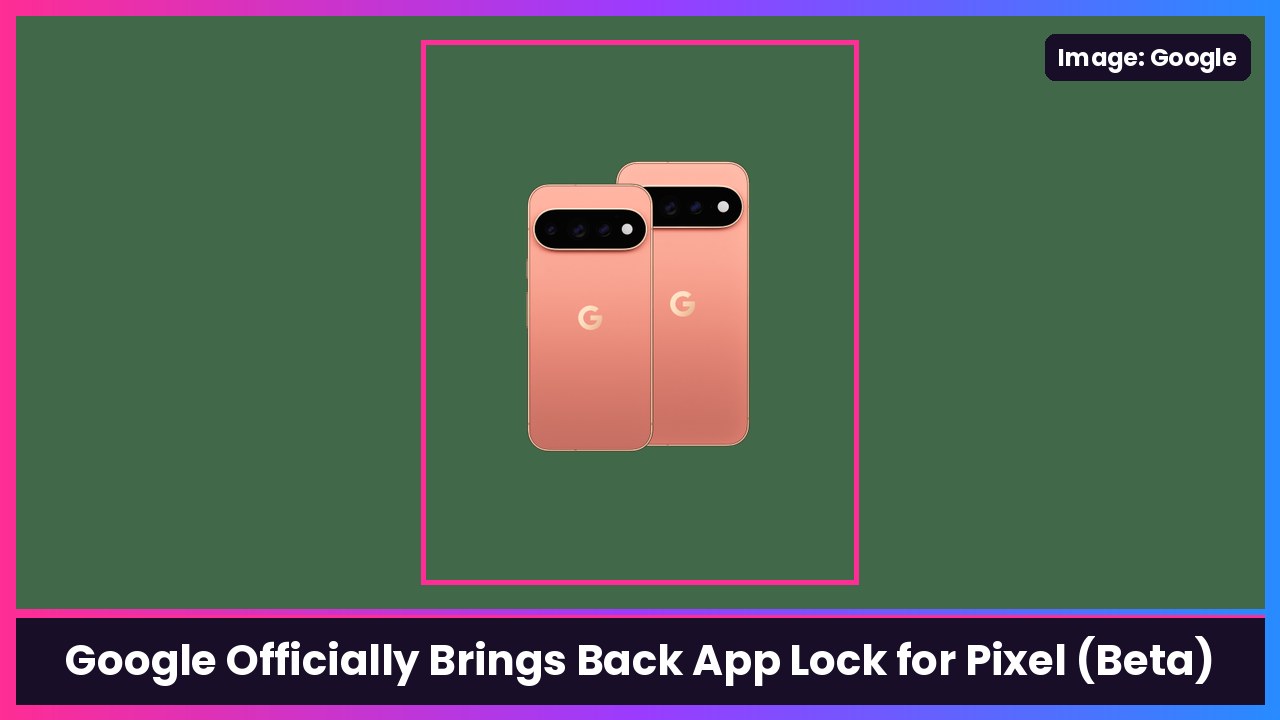
Quick summary: Google’s built-in App Lock for Pixel phones is officially back. Google is re-releasing the feature today in the Android 17 QPR3 beta, on the same day Samsung’s One UI 9.5 beta brings App Lock to the Galaxy S26. It lets you put individual apps behind your fingerprint or PIN, so handing someone your unlocked phone doesn’t mean handing them your banking app, your photos or your DMs. The catch: on Pixel it’s beta-only for now, and 9to5Google expects stable Pixel owners won’t get it until around March 2027.
Wait, didn’t Pixel already have this?
Sort of. App Lock first showed up in an August Android 17 QPR2 beta, then disappeared in later builds. It came back quietly in QPR3 Beta 3 at the end of October, and now Google is making it official. In a Reddit post quoted by 9to5Google, Google’s Community Engagement Manager explained why it vanished:
“…the product team decided to temporarily pull back the feature from the QPR2 Beta to allow for additional polish, thorough testing, and robust integration across all system surfaces.”
How App Lock works on Pixel
Per 9to5Google’s write-up of the original beta and today’s report:
- Long-press an app icon to open its actions menu.
- Tap App lock at the bottom of the menu to add it to your locked list.
- From then on, opening that app brings up the system fingerprint or PIN prompt first.
When an app is locked, its notification content is hidden and its widgets and shortcuts are removed. In the August beta, you could manage everything in one place under Settings > Security & privacy > App lock.
One thing to watch: in that first beta, Google’s own explainer said AI agents and services you’d already allowed into a locked app could still access its data, while today’s 9to5Google report describes App Lock as hiding data from AI services too. Google said it pulled the feature back for “robust integration across all system surfaces,” so this is one detail I’d double-check on your phone after the beta update.
Why Samsung got it first
This is the funny part. 9to5Google says App Lock is built into Android 17 QPR2, which One UI 9.5 appears to be based on, so Samsung’s beta gets it right now. Pixels won’t get it until QPR3, which is expected to hit the stable channel in early 2027. That also means the Galaxy S27 will probably ship with App Lock out of the box, while older Galaxy phones may not see One UI 9.5 until around May if Samsung follows last year’s schedule.
Should you install the beta for this?
Probably not just for App Lock. Beta builds can have bugs, and Google already pulled this exact feature once. If you’re on a Pixel 11, Pixel 11 Pro or Pixel 11 Pro Fold (QPR3 Beta 3 supports Pixels as far back as the Pixel 6a) and you already run betas, it’s worth turning on for your banking, photos and messaging apps. Everyone else, the wait until early 2027 isn’t long.
My take
People have used workarounds like Samsung’s Secure Folder or third-party lock apps for years, so it’s great to see a simple app lock built right into Android itself. Hiding notifications and widgets too is what makes it actually useful, not just a lock screen in front of an app. If you’re shopping for a Pixel this week, the Pixel 11 Pro Fold gets App Lock with QPR3, and so does last year’s Pixel 10 Pro. On the Samsung side, the Galaxy S26 Ultra has it today in the One UI 9.5 beta.
Sources: 9to5Google (Nov 18) (official re-release, Google community manager quote from Reddit, QPR3 timing, Samsung One UI 9.5), 9to5Google (Aug 14) (long-press menu, fingerprint/PIN, hidden notifications and widgets, Settings path), 9to5Google QPR3 Beta 3 roundup (App lock returns, supported Pixels).
Subscribe to GregglesTV for daily tech news, reviews and walkthroughs.
See today’s GregglesTV Best Tech Deals or browse all deals posts.
Comments
Comments are moderated. Hate, slurs, spam and scam posts are blocked. Don’t include personal info you wouldn’t want public. See the privacy policy.
Loading comments…