Google Is Shutting Down the Nest App in January and Google Assistant on Speakers in August 2027
The Nest app stops working on January 25, 2027, and Gemini for Home replaces Google Assistant on Nest speakers and displays on August 2, 2027. Here's what changes, what moves over automatically and what you need to save first.
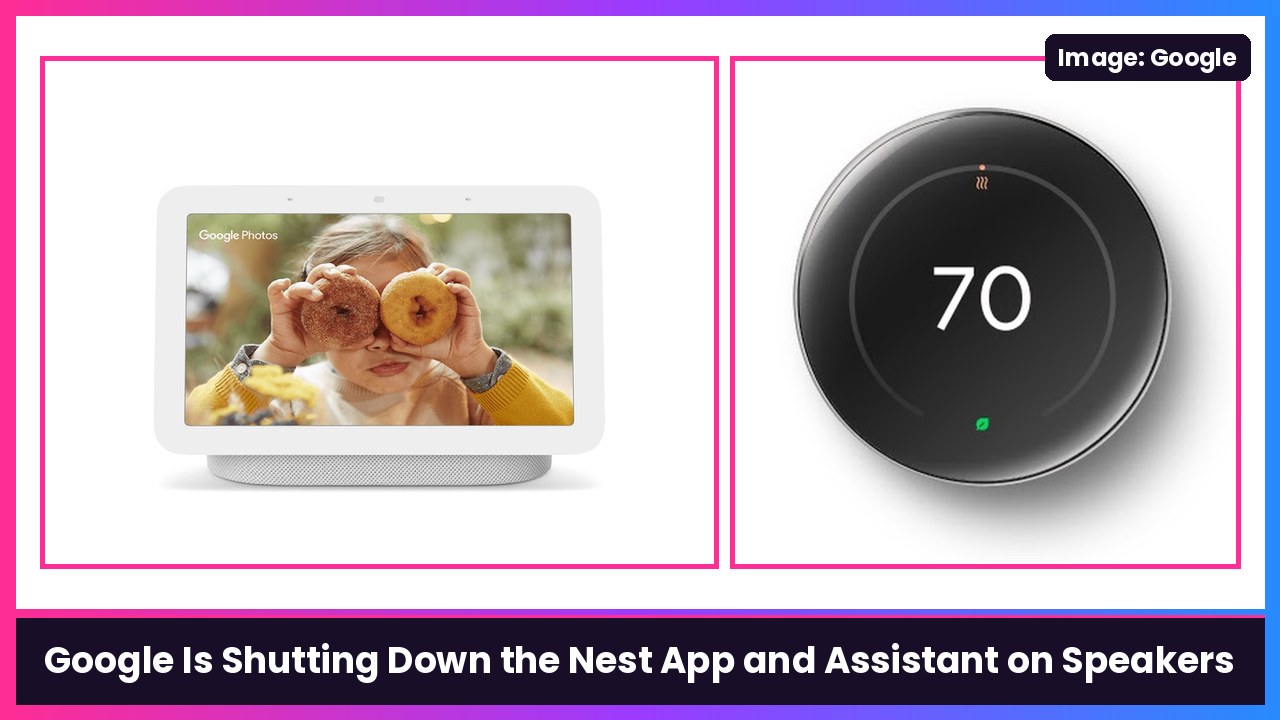
Quick summary: Google just put real dates on two big smart home changes. The Nest app on Android, iOS and the web stops working on January 25, 2027, and everything moves to the Google Home app. Then on August 2, 2027, Gemini for Home replaces Google Assistant on smart speakers and smart displays. Most of this happens automatically, but there’s one thing you should do now if you have a Nest camera: download your saved video clips.
Key dates
- January 25, 2027: The Nest app (Android, iOS and home.nest.com) stops working. Remaining Nest devices, including cameras and doorbells, are moved to the Google Home app.
- March 25, 2027: Google says it begins processing deletions for Nest accounts that were never linked to a Google Account, along with their data and subscriptions.
- August 2, 2027: Google Assistant on speakers and smart displays is replaced by the Gemini for Home voice assistant.
The Nest app is going away
According to 9to5Google, Google says it wants to “focus all of [its] engineering, security, and feature investments on one unified, modern experience.” In practice that means the Google Home app, which requires a Google Account, is now the only way to control your Nest gear and get its notifications remotely.
Here’s what Google says carries over:
- Your devices and settings. Nest Thermostats, Nest Cams and Doorbells, Nest Protect (2nd gen) and the Nest x Yale Lock all work in the Home app, and your schedules and settings transfer automatically.
- No hardware is being cut off. Google says no Nest thermostats, cameras, doorbells, smoke alarms or locks lose support because of this change.
- Nest Aware (1st Gen) subscriptions switch to Google Home Premium “with no additional cost and no credit card re-entry required at this time.”
The one catch: custom video clips you saved on home.nest.com will not transfer to Google Home. Google added a one-click Download All button so you can save them first. If you have years of doorbell clips in there, grab them now.
Google’s help page also says thermostats, Nest Protects and Nest x Yale Locks can be moved over right away once you sign in with a Google Account and install the Home app, while older Nest cameras and the first-gen Nest Doorbell can be transferred early from each camera’s settings if you meet the requirements (owner of the home, Home app version 3.26 or higher, Nest account already migrated to a Google Account). After a camera moves, you need to set up Presence sensing again.
Google Assistant is leaving your speakers too
This one isn’t a shock. Google said back in August 2025 that Gemini for Home would eventually replace Google Assistant on speakers and displays, and Assistant already went away on Android phones in September. Now there’s a date: August 2, 2027.
Google’s pitch is that Gemini for Home understands natural speech instead of “rigid, static and highly specific voice commands,” handles pauses and mid-sentence changes, and remembers context so you can ask follow-ups. You still say “Hey Google” to wake it up.
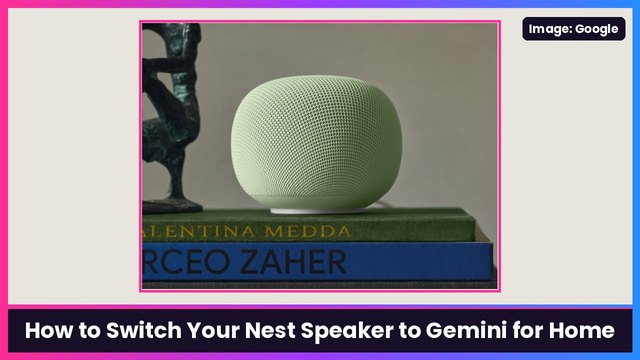
Per Google’s Gemini for Home help page, the full experience runs on the Google Home Speaker (2026), Nest Hub (1st and 2nd gen), Nest Hub Max, Nest Audio, Nest Mini (2nd gen) and Home Mini (1st gen). Older gear like the original Google Home, Google Home Max, Nest Wifi points and third-party speakers gets most features but not Gemini Live. And once you switch your home to Gemini for Home, you can’t switch back to Google Assistant.
You don’t have to wait until August. I put together a step-by-step guide: how to switch your Nest speaker or display to Gemini for Home.
My take
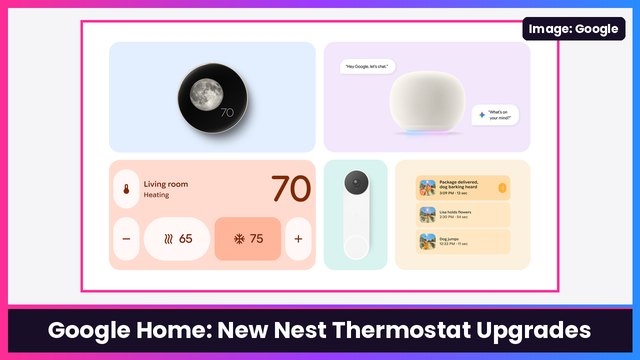
Honestly, this is overdue. Having a Nest app and a Google Home app for the same house has been confusing for years, and the Home app is where all the new stuff lands anyway, like the Nest thermostat savings tracker and third-party room sensors. My advice: download your Nest clips this weekend, make sure your Nest account is linked to a Google Account, and you’re basically done. If you’re still rocking an old Nest Hub, a 2nd gen Nest Hub gets the full Gemini for Home experience, and the 4th gen Nest Learning Thermostat is the one getting the newest Home app features. And Gemini on your phone works great with all of this on a Pixel 10 Pro.
Sources: 9to5Google (Nov 20), The Verge (Nov 20), Google Home Help: Transfer Nest devices to Google Home, Google Home Help: Learn about Gemini for Home voice assistant, Google: Gemini for Home.
Subscribe to GregglesTV for daily tech news, reviews and walkthroughs.
See today’s GregglesTV Best Tech Deals or browse all deals posts.
Comments
Comments are moderated. Hate, slurs, spam and scam posts are blocked. Don’t include personal info you wouldn’t want public. See the privacy policy.
Loading comments…