Google's AI Mode Can Now Connect to Your Google Wallet, With Drive and the Gemini App Coming Next: What It Does and How to Control It
Google is letting you opt in to connect Google Wallet to Personal Intelligence in AI Mode starting today, with Google Drive and Gemini app connections in the coming weeks. Here's what each one does, where the setting lives and the privacy fine print.
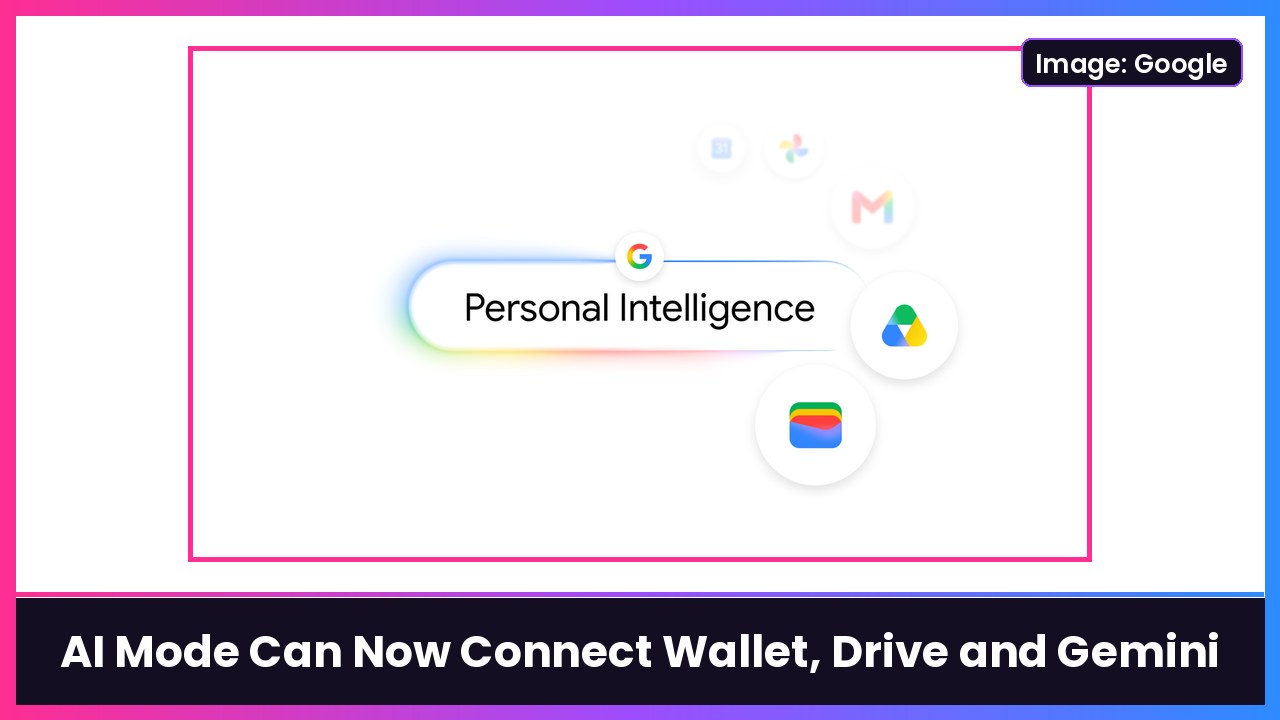
Quick summary: Google Search’s AI Mode is getting a lot more personal. In a Keyword post today, Google’s VP of Product for Search, Robby Stein, said you can now opt in to connect Google Wallet to Personal Intelligence in AI Mode, starting to roll out today. Google Drive and the Gemini app follow “in the coming weeks.” They join Gmail, Calendar and Photos, which AI Mode could already use. 9to5Google and TechCrunch have more.
What each connection does
Google Wallet (rolling out now). Google says you can “map out your financial milestones and identify actionable ways to trim everyday spending,” and get help maximizing credit card perks like cash-back categories, travel perks and reward points, based on the cards linked in Wallet. The important part: Google says AI Mode can only read your account info. It can’t move, manage or invest your money. This is the same Wallet connection Gemini got on November 13, which I broke down here.
Google Drive (coming weeks). AI Mode can use your Docs, Sheets and PDFs for context. Google’s example is a personalized prep plan ahead of tax season.
Gemini app (coming weeks). This one ties your two Google AI tools together. Explore an idea in the Gemini app, and AI Mode can build on it, and vice versa. 9to5Google says that includes your Gemini chats, what you’ve shared with Gemini (photos, files, audio or video attachments and screens you asked about) and associated insights and locations. The Gemini app could already use your Search history if you opted in. This adds the other direction.
How to turn it on (or keep it off)
Per Google, it’s all opt-in:
- Open Search Personalization.
- Select Connected Apps.
- Choose the apps you want to connect.
You can turn each connection on or off at any time. Google also says a “Personalization” icon is coming below tailored responses, so you can see exactly what context AI Mode used. If something’s wrong, you can just tell AI Mode in the thread, like Google’s example, “I’m no longer a vegetarian.”
One more change: more personal answers by default
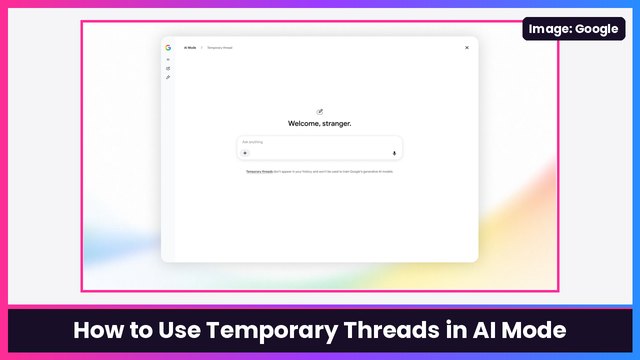
Separately, Google says AI Overviews and AI Mode will start giving “more personally relevant responses” based on your recent search context. So if you’ve been researching a trip, you can start a new search thread without repeating yourself. Google says you can adjust or turn off personalization in your Search Settings. And if you’re shopping for gifts and don’t want any of this following you around, AI Mode’s temporary threads help. Here’s how to use temporary threads in AI Mode.
My take
The credit card rewards angle is honestly useful. Most of us have no idea which card to use where. But connecting your spending, your documents and your chats to Search is a lot of trust to hand over in one go, so I’d turn these on one at a time and see if the answers are actually better before connecting everything. The read-only rule on Wallet is the right call, and I’m glad that “Personalization” icon is coming so you can see what it’s using.
All of this works in AI Mode on your phone’s browser or the Google app, whether you’re on a Pixel 11 Pro Fold, a Pixel 10 Pro or a Galaxy S26 Ultra.
Sources: Google Keyword: A more tailored Google Search that’s uniquely yours (Robby Stein), 9to5Google (Abner Li), TechCrunch, Google Keyword: Connect Google Wallet to Gemini (Nov 13).
Subscribe to GregglesTV for daily tech news, reviews and walkthroughs.
See today’s GregglesTV Best Tech Deals or browse all deals posts.
Comments
Comments are moderated. Hate, slurs, spam and scam posts are blocked. Don’t include personal info you wouldn’t want public. See the privacy policy.
Loading comments…