Gemini for Home Update: Faster Smart Home Commands, Smarter Follow-Ups, Better Bedtime Stories and Copyable Nest Thermostat Schedules
Google's latest Google Home and Gemini for Home update speeds up everyday smart home commands, fixes the annoying follow-up and "nothing is playing" bugs, adds steerable stories and lets you copy Nest thermostat schedules across days. Here's everything that's new.
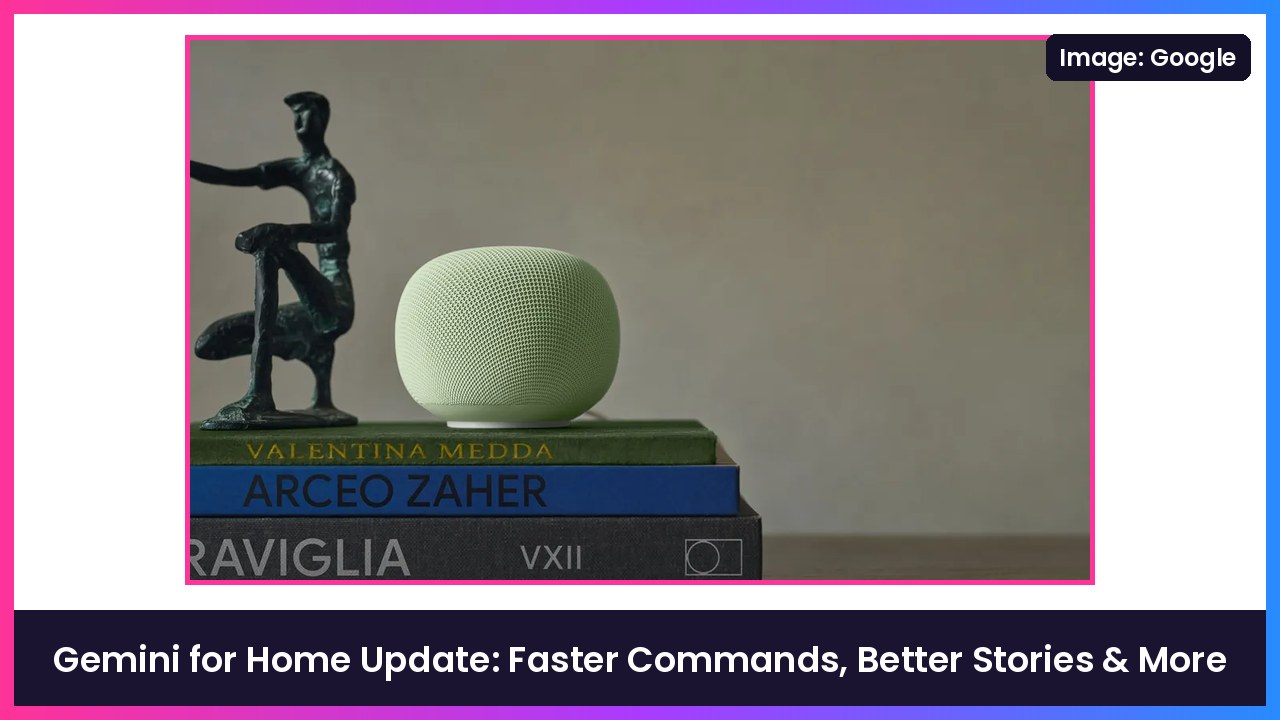
Quick summary: Google just pushed out another round of fixes and features for Google Home and Gemini for Home, and guys, this one actually goes after the stuff that bugs people every day. Common smart home commands are now fully rolled out with big speed improvements, Gemini should stop forgetting which lights you were just talking about, and it should stop telling you “nothing is playing” when you say “stop.” On top of that there are steerable bedtime stories, web sources on smart displays, and you can finally copy a Nest thermostat schedule across multiple days. Droid Life counted 19+ changes in Google’s list.
Key takeaways
- Faster smart home commands: Google says it has “fully rolled out a set of substantial performance improvements” to Gemini for Home’s device controls, so most common commands should feel snappier.
- Better follow-ups: Fixed a bug where Gemini could lose context on things like “turn them back on” after “turn off the living room lights.”
- Fewer “nothing is playing” replies when you tell it to stop music or other media.
- “Hey Google, tell me a story” now has more expressive storyteller voices and dynamic pacing, and you can steer the story while it’s being told.
- Upgraded Gemini Live (“Hey Google, let’s chat”) is rolling out over the coming weeks.
- Copy thermostat schedules across days on the Nest Learning Thermostat (4th gen) and Nest Thermostat.
Gemini for Home: the fixes that matter
I’ll be honest with you, the speed and follow-up fixes are the headline here, not the stories. Per Google’s notes, the speed improvements cover “many of Gemini for Home’s smart home device control capabilities,” and Android Authority says they’ve now fully rolled out to Gemini for Home Early Access users. That builds on Google saying last week that Gemini for Home handles everyday requests up to 20% faster.
Then there’s the context fix. Google’s own example: you say “turn off the living room lights,” then “turn them back on,” and Gemini would sometimes lose track of what “them” meant. That’s fixed. Same with the bug where you’d say “stop” and Gemini would insist nothing was playing while music was literally still playing. Those are really, really small things on paper, but they’re exactly the kind of stuff that makes you want to throw a speaker across the room.
If you own a supported smart display, you’ll also see a new “Sources” option when Gemini answers a question with info from the web, so you can tap through and see which websites it used.
Gemini Live and storytelling
- Gemini Live: Google says the improved Gemini Live it announced recently is rolling out “over the coming weeks.” Say “Hey Google, let’s chat” for a more responsive conversation, and it now supports daily actions like setting timers and turning off lights. Android Authority says this upgraded experience is coming to Google Home Premium subscribers and lets you add reminders and control devices without ending the chat.
- Stories: Starting today, “Hey Google, tell me a story” gets more expressive voices and pacing, and you can steer it. Google’s example is “Hey Google, make the main character have magical powers.” Kids are going to have a field day with that one.
Google Home app changes
Cameras
- Remote siren controls: Start or stop a 30-second security siren while watching live video on the Nest Cam Outdoor (wired, 2nd gen), onn Outdoor Camera Plug-In and onn Floodlight Camera Hardwired.
- Familiar Faces on onn outdoor cameras: Those two onn cameras now support Familiar Face alerts with a Google Home Premium subscription.
- Android 17 fix: Camera event notifications on Android 17 phones should show their video previews and thumbnails again.
- Fewer “Couldn’t play video” errors in event-based video history on Android.
- Pixel fix: Landscape camera controls no longer overlap the front camera cutout on Pixel phones.
- One-step Premium camera setup (US): Google Home Premium subscribers adding a new camera can turn on premium camera features in one step, and existing camera settings stay the same.
- Clip feedback is now available to homes with multiple admins in supported regions. Google notes you can choose to share the clips themselves, which helps improve Gemini for Home’s video understanding, so only do that if you’re comfortable with it.
Thermostats, lights and speakers
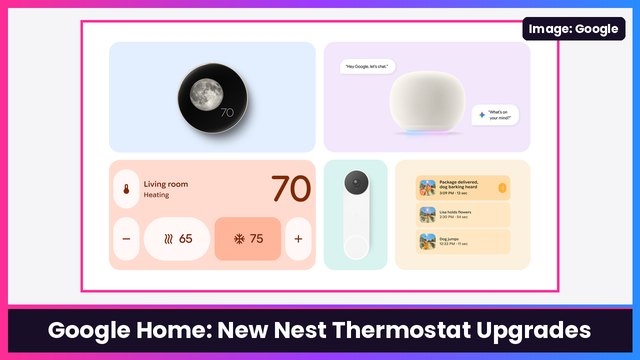
- Copy thermostat schedules: Copy one day’s temperature schedule and apply it to multiple days of the week in the Google Home app for the Nest Learning Thermostat (4th gen) and Nest Thermostat. Love it, this used to be tedious.
- Lighting (iOS): An updated color wheel makes full-saturation colors easier to pick.
- Google Home Speaker setup fixes, more reliable stereo pair and speaker group controls (Android), smoother music transfer between speakers and displays (Android), and cleanup for Google TV audio output setup.
Do you need to do anything?
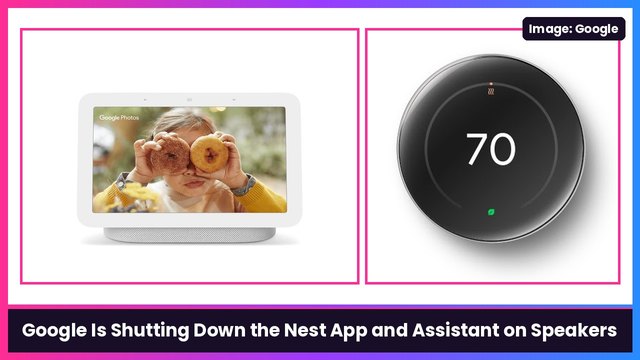
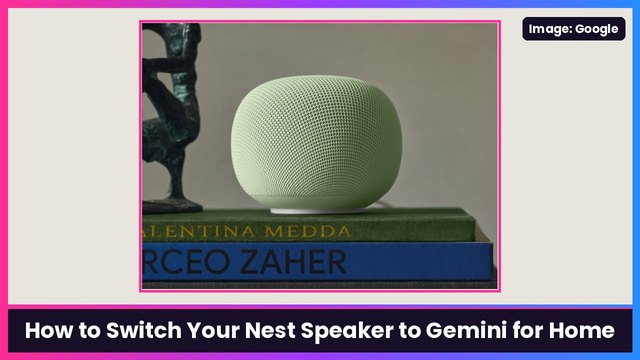
Mostly no. The speed and bug fixes are on Google’s side, and the app changes arrive through Google Home app updates, so just keep the app updated from the Play Store or App Store. Gemini Live is still rolling out over the next few weeks, so don’t panic if “let’s chat” doesn’t feel different yet. If you haven’t moved your older Nest speakers or displays over yet, here’s how to switch to Gemini for Home, and remember Google Assistant is going away on Nest speakers in August 2027.
My take
This is the kind of update Gemini for Home really needed. Fancy stories are fun, but Gemini remembering which lights you meant and actually stopping the music when you ask is what makes it feel like a real upgrade over Google Assistant instead of a step back. If you’re building out a Google smart home, the Nest Hub (2nd Gen) is a good way to get the new Sources feature on a screen, and the Nest Learning Thermostat (4th Gen) gets the new schedule copying. And if you want the Pixel camera fixes, a Pixel 10 Pro pairs really nicely with the Google Home app.
Sources: Google’s Google Home and Gemini for Home release notes as published by Droid Life, Android Authority, Google Keyword: What’s new in Google Home (Nov 17, 2026).
Thanks for reading. Have a great day.
Subscribe to GregglesTV for daily tech news, reviews and walkthroughs.
See today’s GregglesTV Best Tech Deals or browse all deals posts.
Comments
Comments are moderated. Hate, slurs, spam and scam posts are blocked. Don’t include personal info you wouldn’t want public. See the privacy policy.
Loading comments…