Apple Pencil (USB-C) on iPhone Duo With No Screen Protector
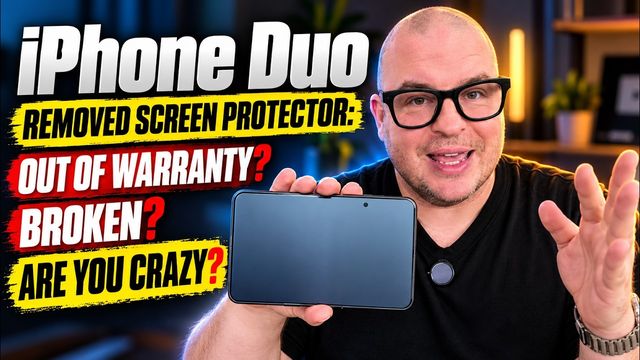
I test the Apple Pencil (USB-C) on both iPhone Duo displays with the screen protector removed: pairing, writing, navigation and the marks it left.
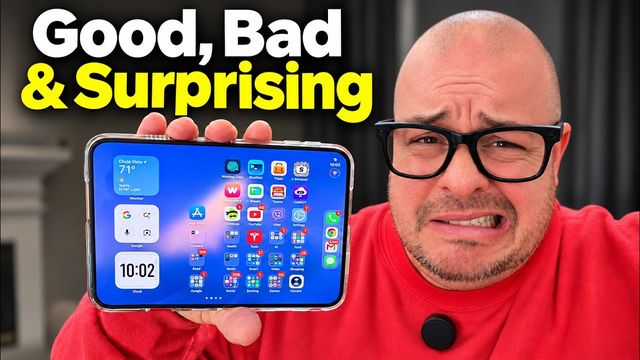
Quick summary: I tried the Apple Pencil (USB-C) on my iPhone Duo with the matte screen protector removed. It pairs easily, writes with no delay, and works on both displays, which no Samsung foldable has ever done. But it’s huge next to the phone, and writing on a dirty bare screen left marks until I wiped them off.
Key takeaways
- Pairing is just a USB-C cable from the Pencil to the phone.
- It works on the front and inside displays. As far as I know, Samsung has never supported a pen on a front screen.
- Writing in Apple Notes felt good with no noticeable lag.
- It’s very big next to the phone, and you can’t do everything with it, like going home.
- On a bare screen, it left visible marks by smearing existing fingerprints. They wiped right off and didn’t appear to be scratches.
Pairing the Apple Pencil (USB-C)
You connect the Pencil to the iPhone Duo with a USB-C cable, and that’s it. Heads-up: I first bought a refurbished Pencil, and it connected but wouldn’t write. I returned it to Best Buy and bought a new one, which worked. Once it’s paired, you’ll find Apple Pencil options under Settings.
It’s a little odd that it doesn’t just pair automatically when it’s near the phone, like AirPods. After the first sync, though, it stayed connected the whole time.
Navigating with the Pencil
You can control the phone with it to a point, but not everything. I couldn’t find a way to go home with it, which is a small annoyance. That’s probably not why you’d buy it, though.
Writing on both displays
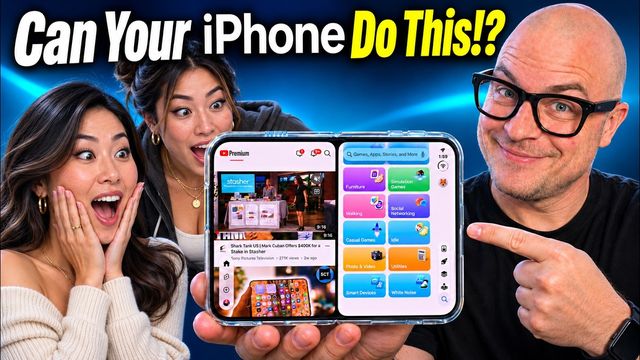
The coolest part: it works on the front display too, so you can navigate or write on the outside screen. People have wanted that on Samsung foldables for years. Maybe now that Apple does it, Samsung will follow.
In Apple Notes, writing felt good with no delay. My handwriting is terrible, but that’s on me. You’ll probably want to write on the bigger inside display for more space.
It’s really big for this phone
Look how much bigger the Pencil is than the phone. Unless you have a case that holds it, I don’t think most people will carry it around. Apple may come out with a smaller pen sized for this phone. There have been rumors, and it wouldn’t shock me. Build quality is good, though. It has nice weight, and the tips are replaceable.
Does it scratch the bare screen?
This was interesting. After writing on the inside screen without the protector, I could see what I’d written on the display. I wiped it with my shirt, and it came off. Writing again, it seems like the Pencil picks up and smears fingerprints that are already on the screen. It doesn’t look like it’s actually scratching the display.
So if you remove the screen protector and use a Pencil, keep the display clean or wipe it after writing, and I think you’ll be fine. Or keep the protector on if that worries you. I’m not too concerned.
Final thoughts
Writing on both displays is amazing, and even Android can’t do that. But for most people the Pencil feels like an afterthought because of its size. Are you planning to use one with your Duo?
Watch the full video on YouTube, and subscribe to GregglesTV for daily tech news, reviews and walkthroughs.
See today’s GregglesTV Best Tech Deals or browse all deals posts.
Comments
Comments are moderated. Hate, slurs, spam and scam posts are blocked. Don’t include personal info you wouldn’t want public. See the privacy policy.
Loading comments…