macOS 27.3 Puts New Limits on How Much of Your Mac AI Apps Can Control
In macOS 27.3 beta 2, Apple splits the all-powerful Device Control and Data Access setting in two, lets you grant Full Disk Access to specific folders, adds an ask-every-time option and a menu bar indicator. Here's what changes for you.
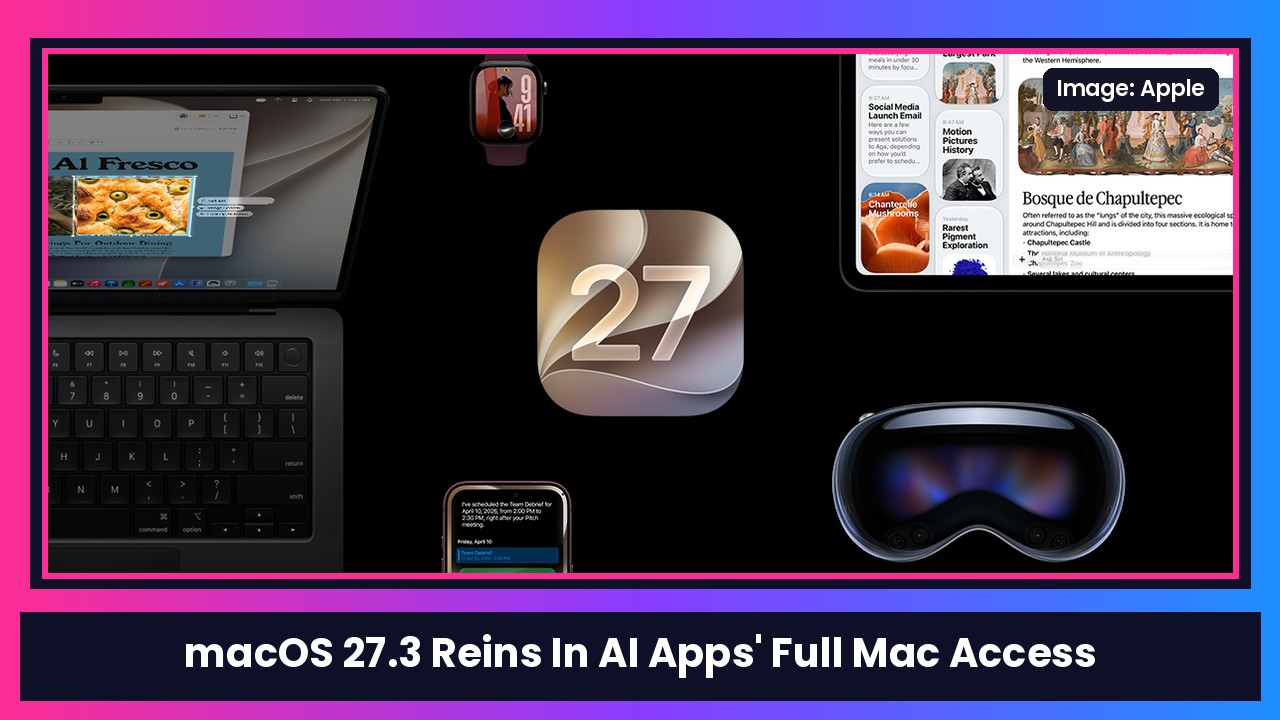
Quick summary: AI agents that can click around your Mac, read your files and run apps for you are getting really popular, and Apple is clearly nervous about how much access people hand them. In today’s macOS 27.3 beta 2, Apple is changing two of the most powerful permissions on the Mac: Device Control and Data Access and Full Disk Access. The short version: you’ll be able to give apps much narrower access, and you’ll see more clearly what you’re agreeing to. 9to5Mac and MacRumors both covered the details.
Key takeaways
- One setting becomes two: Device Control and Data Access is being split into System & App Protection Override and Accessibility.
- Pick specific apps or folders: Apple will encourage you to give access only to the specific apps (for System & App Protection Override) or folders (for Full Disk Access) a tool actually needs.
- Ask every time: you’ll be able to set apps to ask each time they need access instead of getting permanent access.
- Menu bar indicator: you’ll see an indicator when an app is controlling another app using System & App Protection Override.
- Nothing breaks today: permissions you’ve already granted stay in effect, and Apple says known apps keep the same experience for now.
Why Apple is doing this
Apple didn’t mince words in its developer note. It says that before you give an app “such extraordinary access,” you should understand that “it puts all of the data on their Mac at risk.”
9to5Mac points out that this follows an Apple post last month, where Apple said it would tighten Full Disk Access because of “increasingly capable and autonomous” AI agents, and that some developers were using it in ways that could expose everything on a user’s system. In macOS 27.2, 9to5Mac notes, Device Control and Data Access is one big toggle, and Apple describes apps with it as able to view and send email, edit contacts and photos, monitor your keyboard, record your screen, control any app on your Mac, and more. That’s a lot to hand over with one click.
What changes for you
Device Control and Data Access gets split up
According to Apple and 9to5Mac:
- Accessibility is meant specifically for assistive technologies.
- System & App Protection Override is the new home for apps that need to get around certain macOS protections to control other apps or automate tasks. That’s where a lot of AI agent and automation tools will land.
The useful part: you’ll be able to choose which apps a tool can control. 9to5Mac’s example is letting an automation tool into Mail, but not Messages.
Full Disk Access gets more specific
Full Disk Access isn’t going away. You can still give an app full access if you really want to. But Apple says it’ll show you more about the wide range of data an app gets if you grant full permissions, and it’ll encourage you to grant access to just the folders an app needs instead of your whole Mac.
Ask-every-time and a new indicator
You’ll get the option to make an app ask every time it needs access. And when an app is controlling another app through System & App Protection Override, a transparency indicator shows up in the menu bar, per MacRumors, so you’ll know when something is working in the background.
Will this break my apps?
Not right away. Apple says all permissions you’ve previously granted remain in effect, and you’ll only see the new screens when approving new permission requests. Backup apps that use Full Disk Access and assistive apps that use the new Accessibility setting can request entitlements to keep working the way they did before macOS 27.3, and Apple says known apps aren’t affected for now. More entitlement details are coming soon.
Developers will have the most work here. Apple says they need to update how they onboard users and make sure their apps “gracefully handle” only getting access to some folders or apps.
My take
I love AI agents on the Mac, but giving one app the keys to everything always felt a little crazy. Being able to say “you can use Mail and this one folder, and ask me first” is exactly the kind of middle ground that makes these tools easier to trust. This is still in beta, so the final screens could change before macOS 27.3 ships.
If you’re running these AI tools on an older Mac and thinking about an upgrade, the MacBook Air M5 is the easy pick for most people, and the M6 MacBook Pro 14” or the OLED MacBook Pro are there if you want more power.
Sources: Apple Developer, 9to5Mac, MacRumors.
Subscribe to GregglesTV for daily tech news, reviews and walkthroughs.
See today’s GregglesTV Best Tech Deals or browse all deals posts.

Comments
Comments are moderated. Hate, slurs, spam and scam posts are blocked. Don’t include personal info you wouldn’t want public. See the privacy policy.
Loading comments…