Galaxy Z Fold 8: Best 3-App Multitasking Setups
How to run and save three vertical apps on the Galaxy Z Fold 8, plus 11 setups for rides, food, shopping, sports, road trips and more.
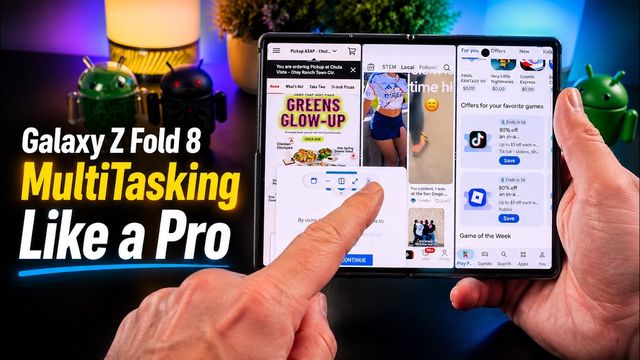
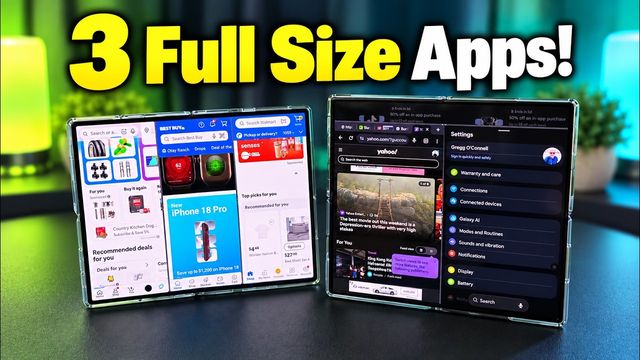
Quick summary: The Galaxy Z Fold 8 can run three vertical windows at once. Here’s how to set it up and save it, plus the three-app setups I keep in a folder on my home screen.
How to run three apps
There are several ways. Here’s one of the easiest:
- Open an app and tap the handle at the top middle to go to dual apps, then pick a second app.
- Swipe up slightly to show the taskbar and drag a third app into place.
- Tap the three dots on either side, tap the star, and add the trio to your home screen, taskbar or edge panel. I keep all of mine in one folder.
My setups
- Rideshare comparison: Google Maps (or Waze), Uber and Lyft. Check your route and compare prices, like when you land at an airport.
- Food delivery: three delivery apps side by side to compare prices for the same restaurant.
- Social video overload: Instagram, TikTok and X. Maybe overkill, but fun.
- Tech shopping: Amazon, Best Buy and Walmart to compare a specific TV or gadget.
- Sports: a sports list on X, a game streaming in the middle, and ESPN for scores. Great for fantasy football Sundays.
- Messaging: WhatsApp, Viber and Google Messages, or swap in Discord, so you don’t have to switch apps.
- Investing: two brokerage apps plus TradingView for the markets.
- Smart home and security: security cameras, Google Home and Govee lights, or three camera apps.
- Road trip: Google Maps or Waze, Spotify, and iExit, a free app I just discovered that shows what’s at each upcoming highway exit: fuel, food, attractions, pharmacies, parks and more.
- Content creator: YouTube Studio, TikTok Studio and Instagram to check analytics.
- Mail and messages: Yahoo Mail, Gmail and Google Messages as a communications hub.
What three-app setups would you use? Let me know in the comments.
Watch the full video on YouTube, and subscribe to GregglesTV for daily tech news, reviews and walkthroughs.
See today’s GregglesTV Best Tech Deals or browse all deals posts.
Comments
Comments are moderated. Hate, slurs, spam and scam posts are blocked. Don’t include personal info you wouldn’t want public. See the privacy policy.
Loading comments…