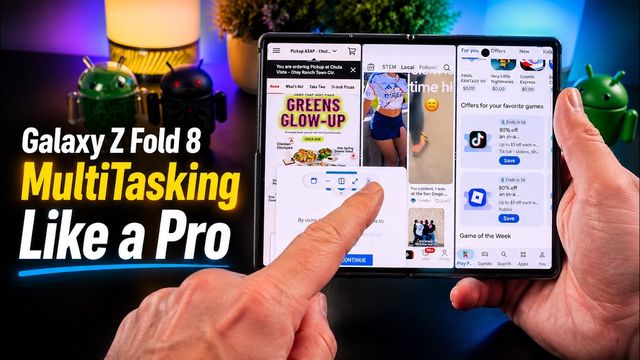
Galaxy Z Fold 8: 5 Tricks You Need
Galaxy Z Fold 8 tricks: kill the wobble, quick tap shutter, 24MP photos, home screen search, turning off RAM Plus, and reverse tent mode for videos.
Quick summary: Here are my quick tips for the Galaxy Z Fold 8: stop the wobble, take faster and better photos, add search to your home screen, turn off RAM Plus, and use reverse tent mode.
1. Stop the wobble
Like most recent foldables, the Fold 8 wobbles on a table. An OhSnap SnapGrip Stand basically eliminates it in normal use. It also stands the phone up open or closed, lets you charge wirelessly through it, and makes the phone easier to hold.
2. Quick tap shutter
Install Good Lock from the Galaxy Store, then the Camera Assistant module, and turn on Quick tap shutter. Photos fire the moment you touch the shutter button instead of when you lift your finger, which is great for action shots.
3. 24MP photos
In Camera Assistant, turn on 24MP resolution for both options so the rear camera is always at 24MP instead of 12MP, for better-quality photos.
4. Search on the home screen
Press and hold the home screen, go to Settings > Show search on home screen, and turn on Google search and Finder. Finder searches your phone, Google searches the web, and you get the mic, AI and a camera button for Lens-style lookups and shopping. It works on both screens.
5. Turn off RAM Plus
Search Settings for RAM Plus and turn it off (the phone reboots). It keeps apps open longer, which helps phones with under 6GB of RAM. With 12 or 16GB, you don’t need it, and it can cause performance issues, like stuttering audio in Android Auto.
Bonus: reverse tent mode
Tent mode works on the Fold 8, and so does reverse tent mode: a built-in stand for watching videos.
Watch the full video on YouTube, and subscribe to GregglesTV for daily tech news, reviews and walkthroughs.
See today’s GregglesTV Best Tech Deals or browse all deals posts.

Comments
Comments are moderated. Hate, slurs, spam and scam posts are blocked. Don’t include personal info you wouldn’t want public. See the privacy policy.
Loading comments…