dbrand Grip Case, Skin & Prism Glass for Galaxy Z Flip 8
Installing dbrand's Grip case, a skin and Prism glass on the Galaxy Z Flip 8: what's in the box, install tips, hinge protection and a key setting.
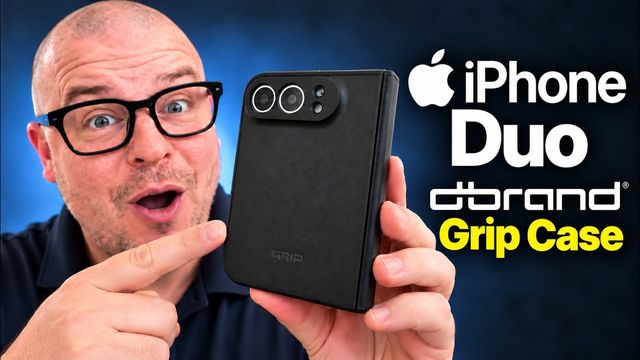
Quick summary: I fully protected my Galaxy Z Flip 8 with dbrand’s Grip case, a skin and Prism glass. I use dbrand cases on my own phones, including my Z Fold 8, because they’re super protective, really grippy, and you can add magnets.
What’s in the box
- The Grip case with a magnet built in, plus a front piece that uses adhesive, so keep that in mind.
- Extra adhesive in case the case doesn’t stick as well after you take it off, plus alcohol wipes.
- Skins (sometimes free with the case, otherwise extra). I picked one that shifts color in the light.
- Prism glass, with two protectors in the box, an install tray, a microfiber cloth, a bubble tool and wipes.
Installing the glass
Turn the phone off first. Clean the cover screen really well with the wipes and microfiber cloth, because dust or grime under the glass is the main thing that goes wrong. Put the tray over the phone, line up the camera punch hole, pull the tab, lift the tray off, and push out any bubbles. (I thought I was recording this part, but I wasn’t.)
Installing the case and skin
Wipe the phone down again so the case sticks well. Put on the back plate, which protects the hinge, then peel the adhesive on the front piece, put it on, snap everything into place, and press so it sticks. All the buttons line up, including the power/fingerprint key and volume keys, the phone opens without a problem, and the grip is excellent. Then add the skin pieces, including the one for the hinge.
Turn on touch sensitivity
Go to Settings > Display and turn on Increase touch sensitivity so the screen responds better through the protector.
dbrand makes these for most popular Samsung and Apple phones and more. It’s a great all-around protection system.
Watch the full video on YouTube, and subscribe to GregglesTV for daily tech news, reviews and walkthroughs.
See today’s GregglesTV Best Tech Deals or browse all deals posts.
Comments
Comments are moderated. Hate, slurs, spam and scam posts are blocked. Don’t include personal info you wouldn’t want public. See the privacy policy.
Loading comments…